
Set up a smart callback widget on Unbounce
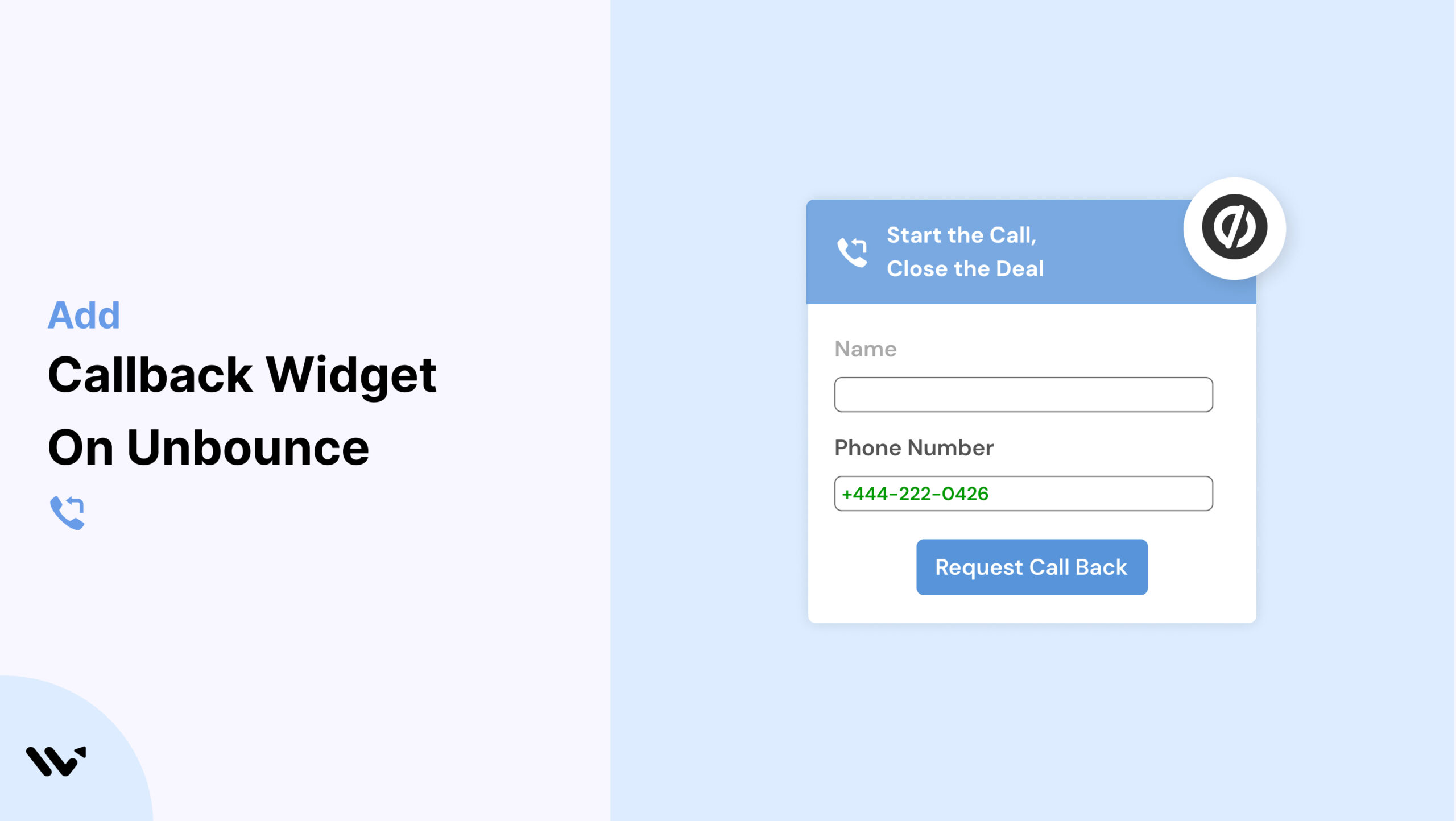
Unbounce is a top choice for creating high-converting landing pages. But without real-time engagement, even the best page design might not convert skeptical visitors. That’s where a Callback widget comes in.
Wisernotify lets you embed a Callback widget on your Unbounce landing pages, enabling users to request a call and get instant support—helping you boost trust and conversions.
Why Add a Callback Widget on Unbounce?
Here’s why Callback widgets are a smart upgrade for Unbounce:
Higher Conversions: Wisernotify users see up to 25% more conversions with real-time callbacks.
Engage in Real Time: Allow prospects to talk to someone before they bounce.
Lead Capture: Collect visitor phone numbers for follow-ups.
Trust Builder: A callback feature adds a personal touch to your brand.
No-Code Setup: Easily embed via Unbounce’s Custom HTML widget.
Perfect for:
- Agencies and consultants
- SaaS trial or demo pages
- Lead generation campaigns
How to Add Callback Widget on Unbounce

3 Best Callback Widget Examples


Callback Widget Tips for Unbounce
Make your Callback widget more effective on Unbounce with these tips:
Place Near CTAs: Add the widget beside your main CTA or lead form.
Design Integration: Match widget style with your Unbounce theme.
Mobile Optimization: Ensure it works seamlessly across devices.
Behavior-Based Triggers: Use exit intent, time delay, or scroll-depth.
Engaging Copy: Use CTA phrases like “Still Have Questions?” or “Schedule a Quick Call.”
Automate Follow-Up: Integrate leads into your CRM for rapid response.
Callback Widget Mistakes to Avoid on Unbounce
Avoid these common pitfalls:
Widget Overlap: Don’t crowd the page with too many overlays.
Inconsistent Styling: Keep widget design in line with landing page branding.
Slow Callback Response: Ensure timely follow-ups with workflow automations.
Poor Mobile Display: Always preview and test on mobile devices.
Skipping Analytics: Use Wisernotify’s tracking to optimize widget performance.
Wrap-Up
Adding a Callback widget to your Unbounce landing pages using Wisernotify is a simple way to build trust, capture leads, and increase conversions. It turns passive visits into real-time conversations.
Start using Wisernotify today and supercharge your Unbounce campaigns with live callback functionality.
Related guides
Setting up a callback widget on another platform? Here are the related guides:
Frequently Asked Questions
How do I embed a Callback widget on my Unbounce landing page?
Use the Wisernotify embed code and paste it into an Unbounce Custom HTML widget on the specific landing page where you want the widget to appear.
Is the Callback widget responsive on Unbounce pages?
Yes, Wisernotify’s widget is fully responsive and optimized to display correctly on all screen sizes, including mobile and tablet.
Can I style the Callback widget to match my Unbounce design?
Absolutely. You can customize fonts, colors, CTA text, and positioning to align with your Unbounce page branding.
Will the Callback widget slow down my landing page performance?
No, the widget is lightweight and loads asynchronously, ensuring it doesn’t affect your page speed or load time.
Does the Callback widget integrate with CRMs for automated follow-up?
Yes, Wisernotify can connect with various CRMs and email marketing tools, allowing you to automate lead capture and follow-up workflows.

Krunal Vaghasiya is a marketing tech expert who boosts e-commerce conversion rates with automated social proof and FOMO strategies. He loves to keep posting insightful posts on online marketing software, marketing automations, and improving conversion rates.




 Capterra