
Callback widget on Kajabi to get more leads
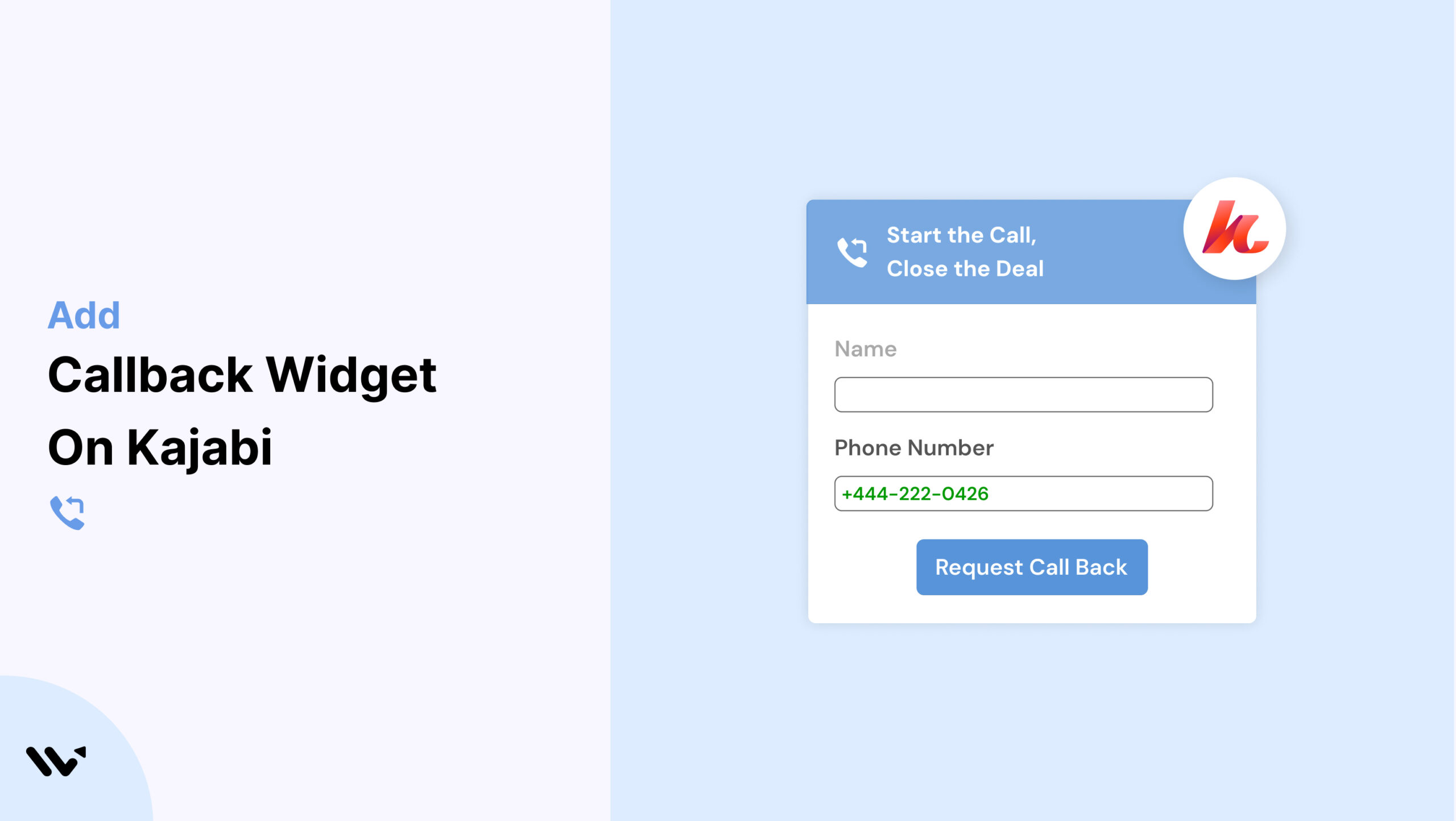
Running an online business on Kajabi often means you’re selling high-value digital products like courses, memberships, or coaching. But what happens when visitors hesitate and leave without buying? The issue usually comes down to limited communication channels.
A Callback widget solves this by letting visitors schedule a quick call, boosting trust and conversions. Wisernotify makes it incredibly simple to embed a Callback widget into your Kajabi site, helping you engage visitors right when they need help.
Why Add a Callback Widget on Kajabi?
Here’s why using a Callback widget on Kajabi is a smart move:
Increase Conversions: Real-time callbacks can boost conversions by up to 25% (Wisernotify data).
Close More Sales: Kajabi users often sell higher-priced products that benefit from a personal touch.
Lead Generation: Capture leads by collecting visitor phone numbers for callbacks.
Trust Builder: A direct call option shows you’re accessible and responsive.
Better User Experience: Especially helpful for new users who may have questions before purchasing.
Popular use cases:
- Coaches offering discovery calls
- Course creators helping users choose the right program
- Membership sellers clarifying value propositions
How to Add a Callback Widget on Kajabi

3 Best Callback Widget Examples


Callback Widget Tips for Kajabi
Make your Callback widget work harder on Kajabi with these tips:
Prioritize High-Intent Pages: Place widgets on pricing, checkout, or course landing pages.
Match Kajabi Design: Customize the widget to reflect your brand colors and fonts.
Mobile-First Setup: Many Kajabi users browse on mobile—ensure the widget works seamlessly there.
Actionable CTAs: Try CTAs like “Get Personal Help” or “Request a Free Call” to entice clicks.
Trigger Smartly: Use time-on-page or scroll percentage to trigger widget visibility.
Automate Follow-Ups: Integrate with your CRM or Kajabi automation workflows to handle leads efficiently.
Callback Widget Mistakes to Avoid on Kajabi
Avoid these Kajabi-specific issues to ensure your widget performs well:
Overlapping Kajabi Elements: Test to make sure the widget doesn’t interfere with built-in navigation or banners.
Generic CTAs: Tailor your message based on the page and audience.
Ignoring Mobile Layouts: Kajabi’s mobile view differs; double-check widget visibility and placement.
No Follow-Up System: A lead is useless if you don’t call back quickly. Set up alerts or CRM integration.
Too Many Popups: Avoid combining multiple popups that compete for attention.
Wrap-Up
Kajabi users can benefit immensely from adding a Callback widget. Whether you’re selling courses, coaching, or memberships, real-time interaction builds confidence and drives action. Wisernotify offers an easy, effective way to embed this powerful feature.
Try Wisernotify today and see how Callback widgets can increase your Kajabi site’s engagement and sales.
Related guides
Setting up a callback widget on another platform? Here are the related guides:
Frequently Asked Questions
Can I embed a Callback widget on all Kajabi pages?
Yes, Wisernotify provides an embed code you can place in Kajabi’s page builder or site settings, allowing the widget to appear on specific pages or site-wide.
Does the Callback widget integrate with Kajabi automations?
While direct integration isn’t available, you can connect Wisernotify to Kajabi via tools like Zapier or use lead data to trigger Kajabi automations manually.
Will the Callback widget affect my Kajabi site speed?
No, Wisernotify’s widget is lightweight and optimized to load efficiently without slowing down your Kajabi pages.
Can I customize the widget to match my Kajabi branding?
Yes, you can fully customize colors, text, position, and triggers to align with your site’s design and user experience.
Is the Callback widget mobile-friendly on Kajabi?
Absolutely. Wisernotify ensures the widget is responsive and works seamlessly across all device types, including smartphones and tablets.

Krunal Vaghasiya is a marketing tech expert who boosts e-commerce conversion rates with automated social proof and FOMO strategies. He loves to keep posting insightful posts on online marketing software, marketing automations, and improving conversion rates.




 Capterra