
Callback widget on HubSpot CMS that gets you more inquiries
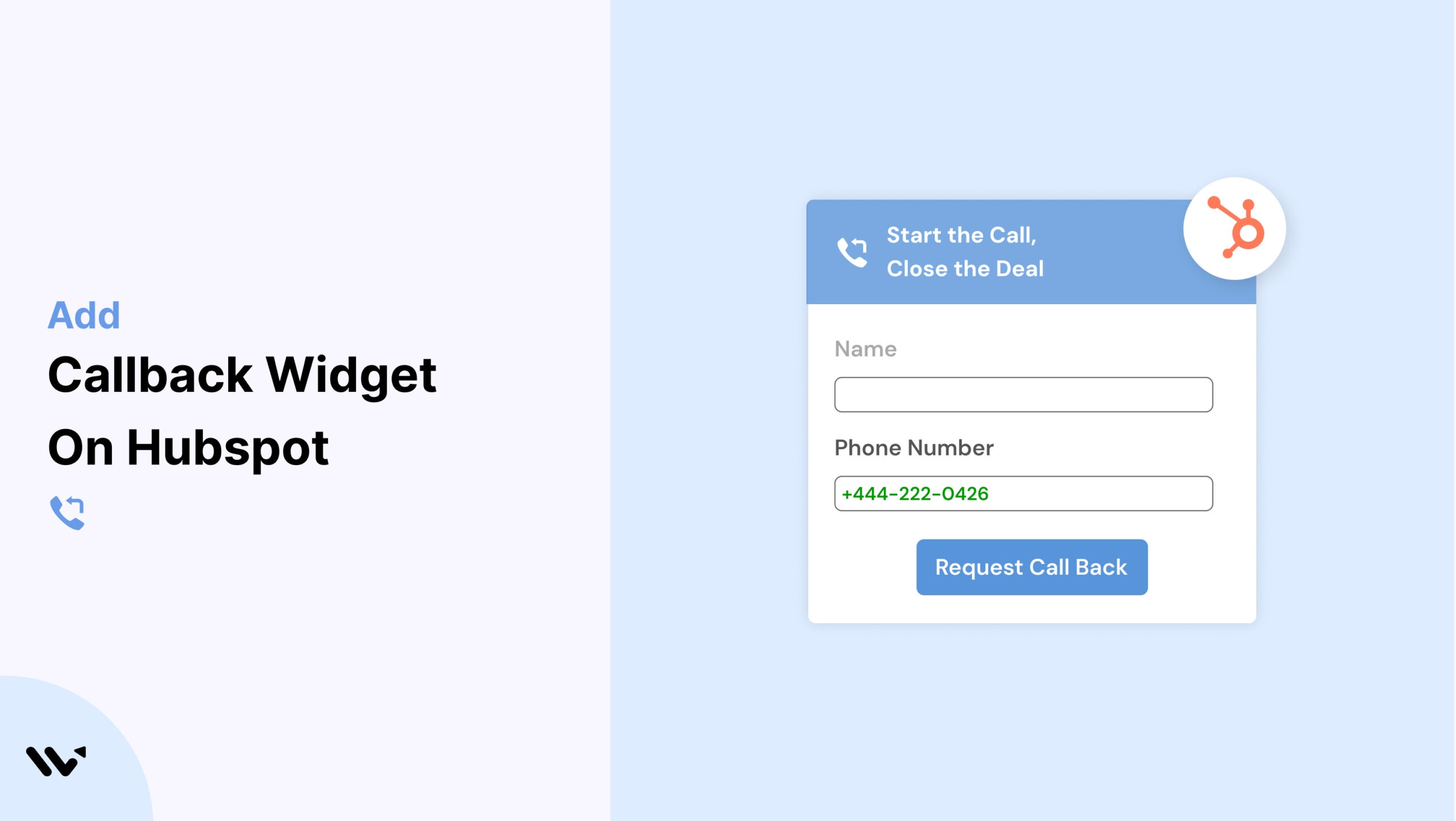
HubSpot CMS is known for its inbound marketing power, but even the best-optimized landing pages can fall flat without direct communication. If users can’t get their questions answered quickly, they may leave without converting.
That’s where a Callback widget comes in. Wisernotify allows you to easily embed a Callback widget on your HubSpot CMS pages, enabling visitors to request a phone call and receive personal support.
Why Add a Callback Widget on HubSpot CMS?
Here’s why Callback widgets can transform your HubSpot CMS site:
Real-Time Support: Talk to visitors at the moment they need help.
Boost in Conversions: Callback widgets can increase lead conversion by up to 25%.
Lead Collection: Capture contact numbers from interested prospects.
Increased Trust: Human interaction builds brand credibility.
Seamless Integration: Add the widget via HubSpot’s custom HTML module.
Perfect for:
- B2B lead generation
- Service-based businesses
- Product demo and consultation pages
How to Add Callback Widget on HubSpot CMS

3 Best Callback Widget Examples


Callback Widget Tips for HubSpot CMS
Use these tips to get the most from your Callback widget:
Add to Key Pages: Include on contact, service, and pricing pages.
Style Consistently: Match widget design to your brand theme in HubSpot.
Mobile Optimization: Ensure smooth operation across all devices.
Use Smart Triggers: Display the widget after scroll depth or on exit intent.
CTA Examples: Try “Need More Info?” or “Talk to Sales Now.”
Connect to CRM: Feed callback data into HubSpot CRM or email tools.
Callback Widget Mistakes to Avoid on HubSpot CMS
Watch out for these errors:
Poor Placement: Don’t obstruct key CTA areas.
Too Many Widgets: Avoid cluttering the page.
Inconsistent Design: Keep branding unified.
Slow Follow-Up: Respond quickly to requests.
No Analytics Setup: Use Wisernotify tracking to improve results.
Wrap-Up
Adding a Callback widget to your HubSpot CMS site via Wisernotify is a smart way to engage visitors and boost conversions. It adds a human touch that today’s buyers expect.
Start using Wisernotify now and turn more HubSpot leads into customers with real-time communication
Related guides
Setting up a callback widget on another platform? Here are the related guides:
Frequently Asked Questions
How do I embed a Callback widget on my HubSpot CMS site?
You can add the Wisernotify Callback widget by copying the embed code and inserting it into a custom HTML module in your HubSpot CMS page editor.
Is the Callback widget compatible with all HubSpot templates?
Yes, the Wisernotify widget integrates seamlessly with all HubSpot CMS themes and page layouts.
Can I customize the Callback widget to match my branding in HubSpot?
Absolutely. You can modify the widget’s colors, button text, placement, and behavior to align with your site’s branding and design.
Does the widget work well on mobile and tablets?
Yes, the Wisernotify Callback widget is fully responsive and optimized for mobile and tablet users.
Can I integrate the widget with HubSpot CRM for follow-ups?
Yes, Wisernotify allows you to connect callback requests directly to HubSpot CRM, automating lead capture and enabling timely follow-up.

Krunal Vaghasiya is a marketing tech expert who boosts e-commerce conversion rates with automated social proof and FOMO strategies. He loves to keep posting insightful posts on online marketing software, marketing automations, and improving conversion rates.




 Capterra