

Most website visitors do not convert because the web page does not guide them clearly.
Website widgets solve that problem. Widgets for your website add interactive features that engage visitors, build trust, and drive action.
When you choose the best website widgets and place them strategically, you increase website engagement, reduce friction, and boost sales.
Why Do Website Widgets Impact Conversions?
Website widgets are interactive elements that improve functionality and increase user engagement on a web page.
They influence user behavior at key decision points.
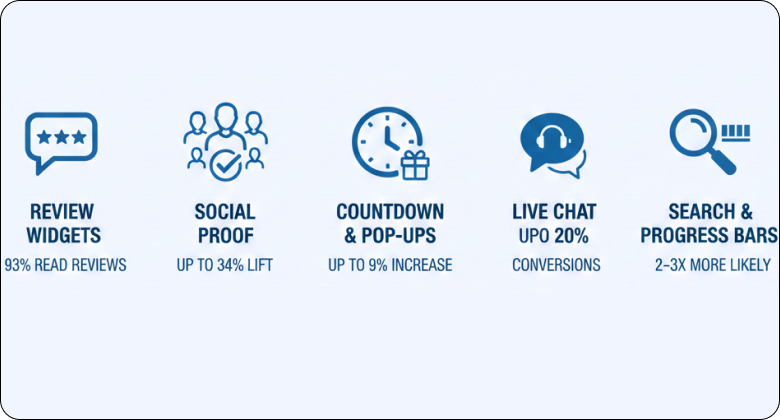
- Review widgets: 93% of customers read reviews before making a purchase.
- Social proof: Adding reviews can lift conversions by up to 34%.
- Countdown timers and pop-ups: Limited-time offers can increase conversions by up to 9%.
- Live chat: Websites that use live chat see up to a 20% increase in conversions.
- Search and progress bars: Visitors who use on-site search are 2–3 times more likely to convert.
Each widget should serve one clear goal. Strategic placement helps boost sales without hurting SEO or performance.
18 Best Widgets for Your Website to Boost Conversions
These 18 best widgets for your website help you increase engagement, build trust, and boost conversions.
1. Product Review Section (Builds strong purchase trust)
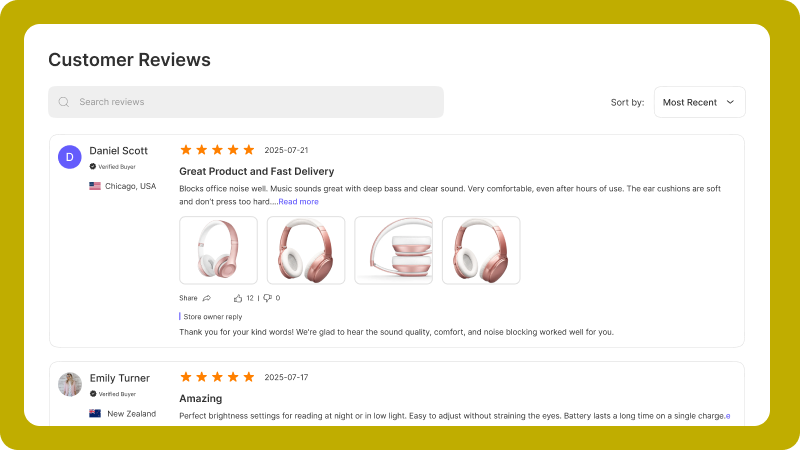
A product review section displays real customer feedback on the product page.
This widget builds social proof at the buying stage. 93% of customers read reviews before purchasing, and products with reviews can increase conversions by up to 34%.
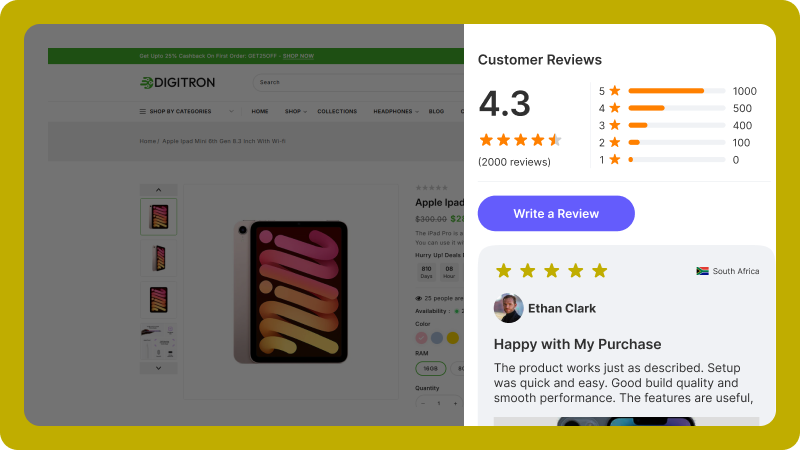
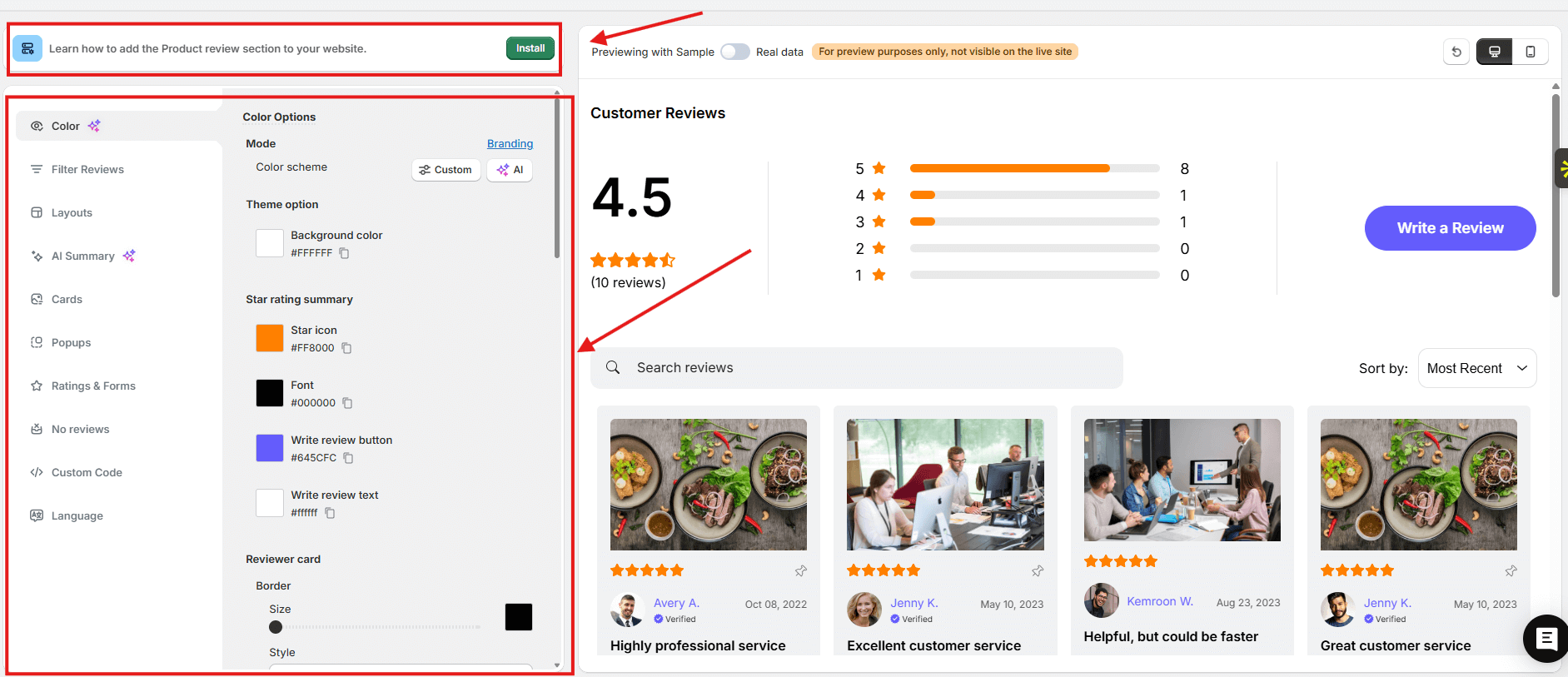
The widget shows star ratings, written reviews, and buyer photos. It highlights verified buyers to increase credibility. It allows sorting and filtering for better usability.
Automated review requests collect feedback through email or SMS. The widget displays that feedback to build trust and boost sales.
2. Star Rating (Quick credibility signal)
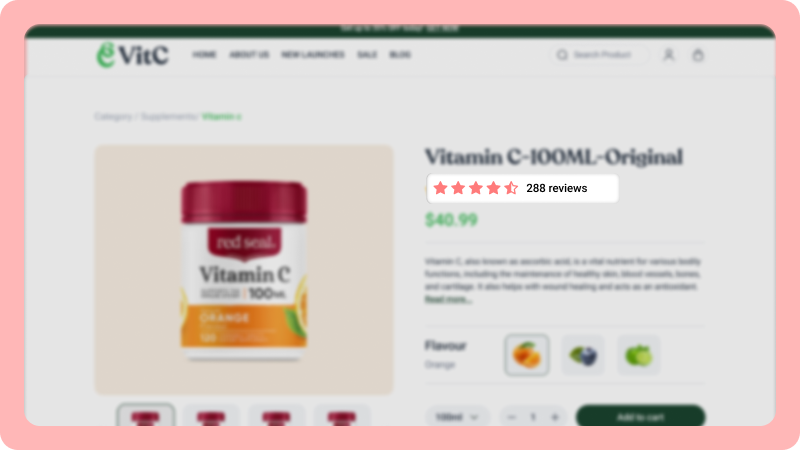
A star rating widget displays average customer ratings directly on product listings and product pages.
This widget gives visitors an instant credibility signal. Products with visible star ratings attract more clicks and increase trust before users read full reviews.
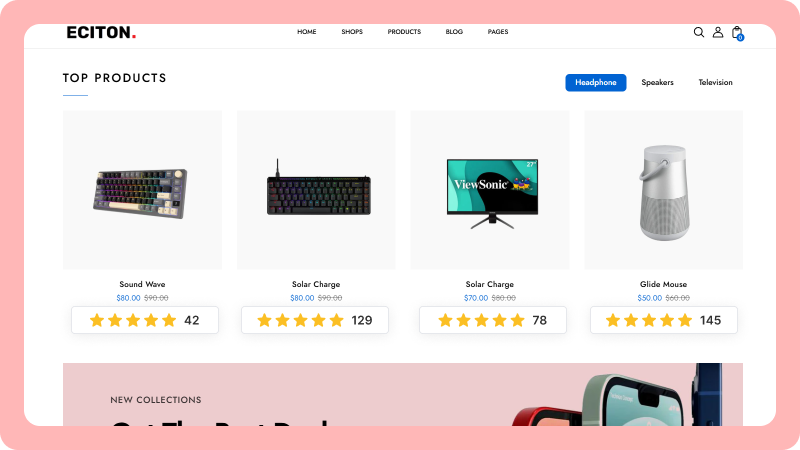
The widget shows the average score and total review count. It helps visitors compare products quickly. It reduces hesitation and supports faster buying decisions.
Star ratings improve user engagement and boost conversions by showing social proof in a simple visual format.
How to Add a Review Section to Your Website
You can add a review section to your website in several ways. You can code a simple review widget, show review screenshots, or use review management software.
Your choice depends on your stage. If you’re just getting started, you can code a basic widget, use a free tool, or share screenshots.
When your store grows, you should use a reliable review platform.
WiserReview provides ready templates and widgets built from real customer use cases. You can start with the free plan and upgrade later.
After signing up, you see the dashboard. WiserReview helps you collect, manage, and display reviews with conversion-focused widgets.
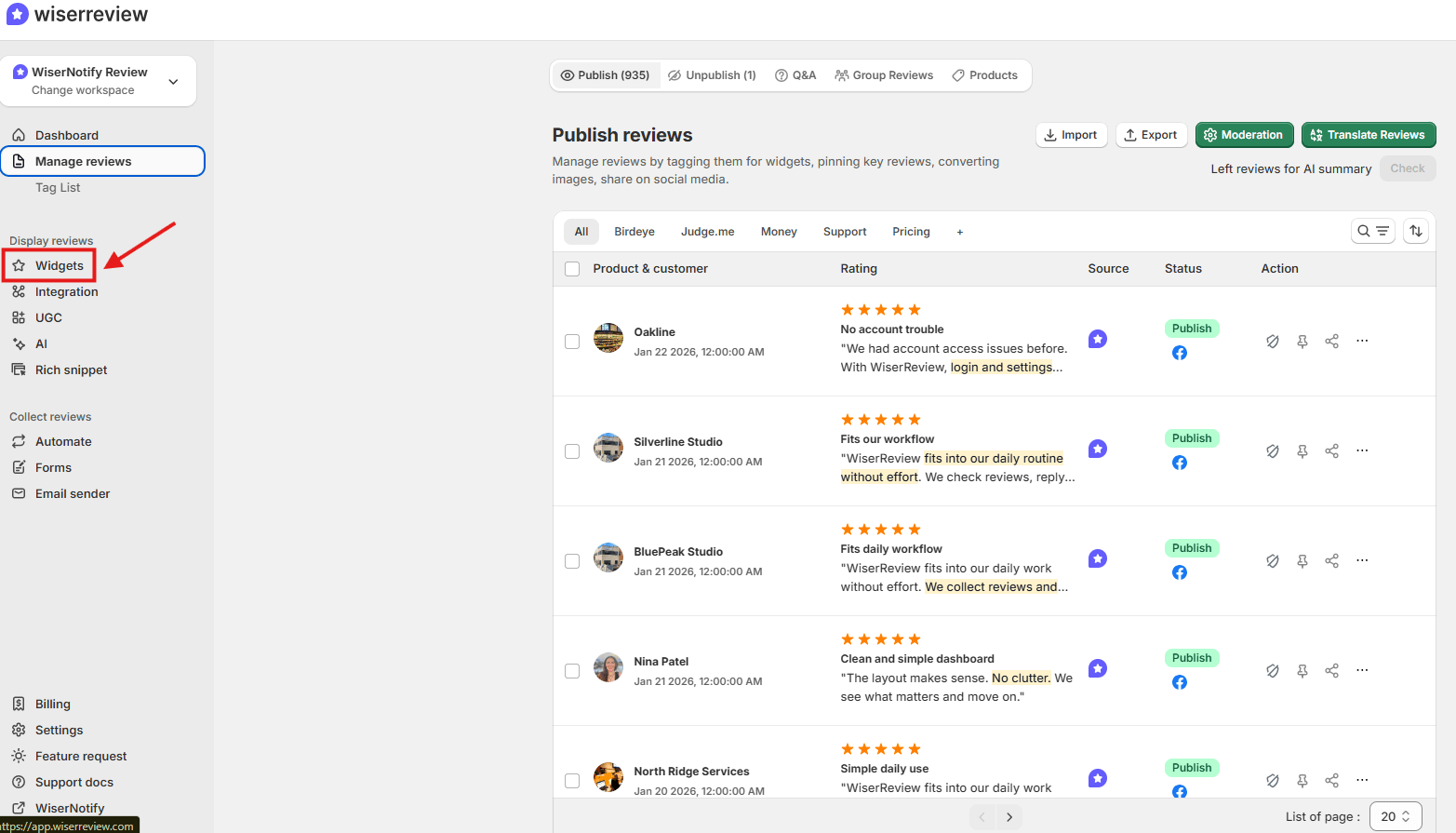
Go to the Widgets section and choose the type you need. Use a Wall of Love on the homepage or a product review widget on product pages.
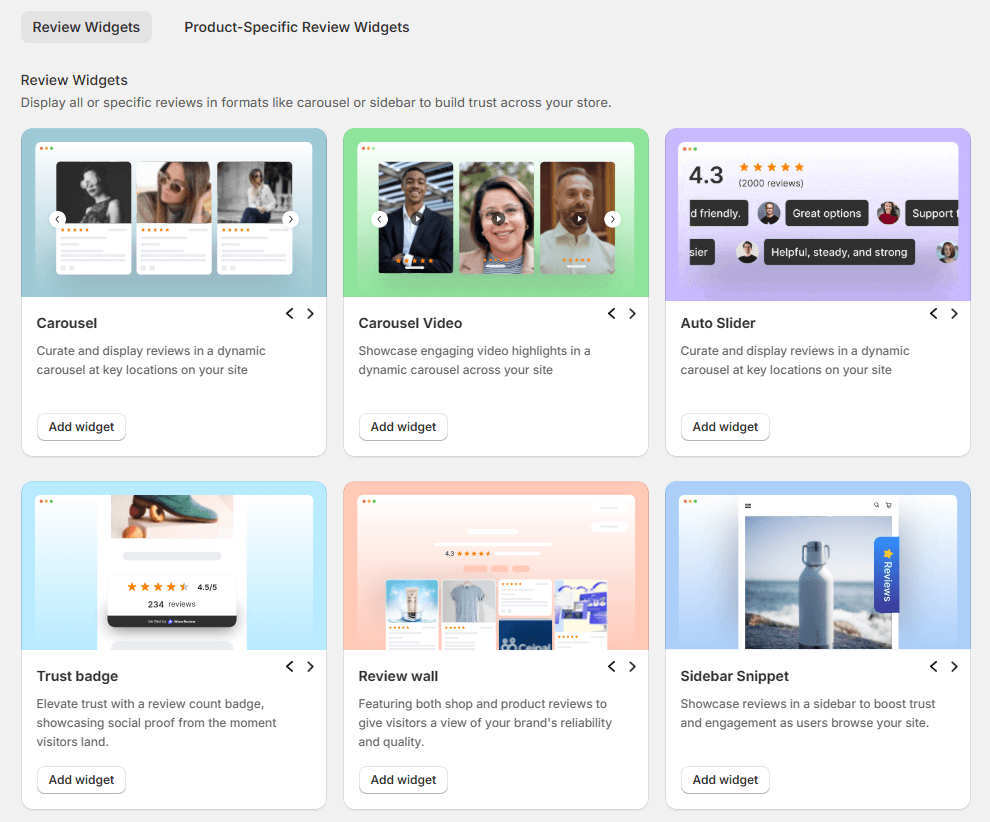
Then customize the design to match your brand and embed it using JavaScript or an iframe.
3. Exit Intent Offer (Recovers abandoning visitors)
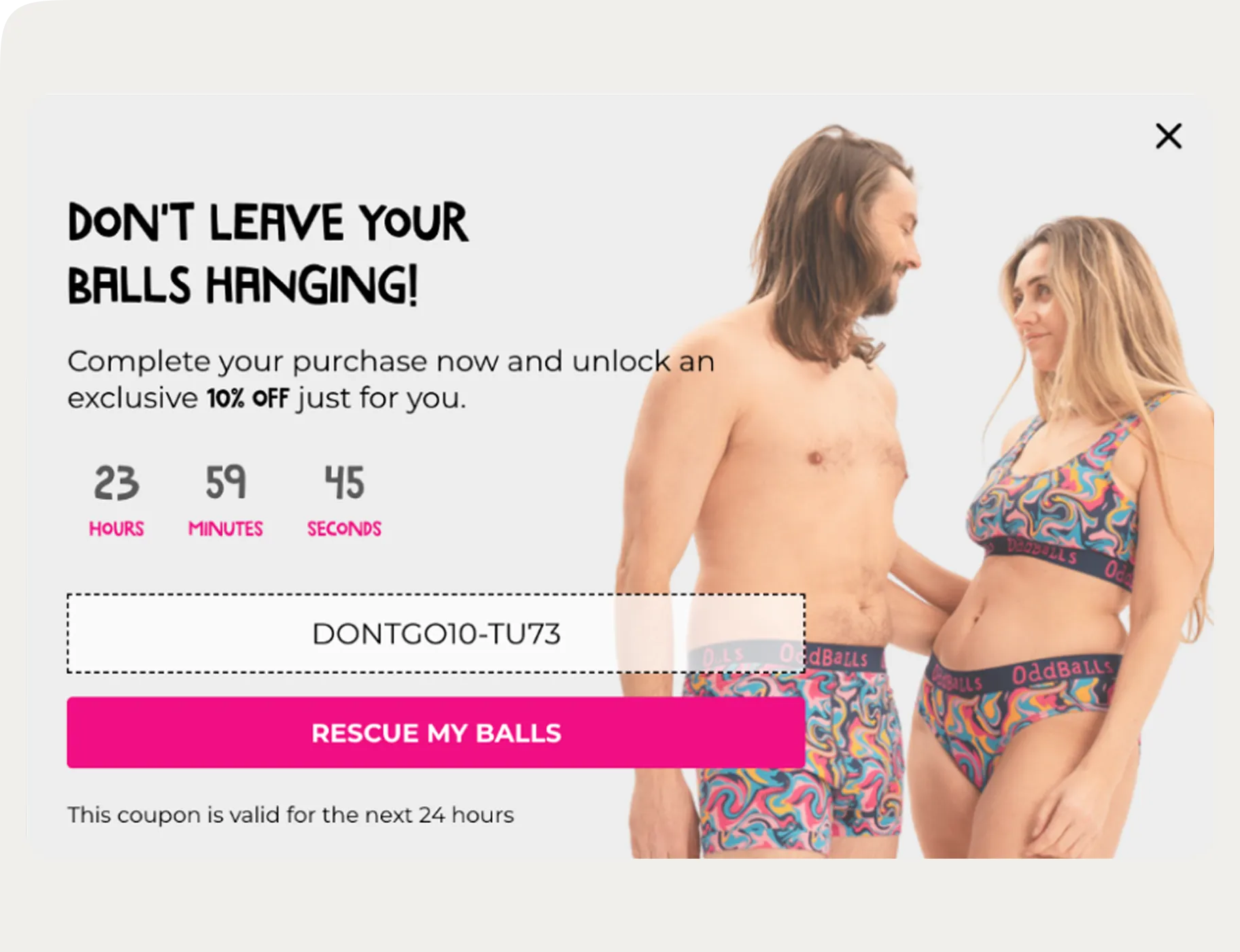
An exit-intent offer displays a pop-up when a visitor attempts to leave the page.
This widget captures abandoning visitors before they exit. Exit pop-ups can recover up to 10–15% of abandoned traffic when paired with a discount or incentive.
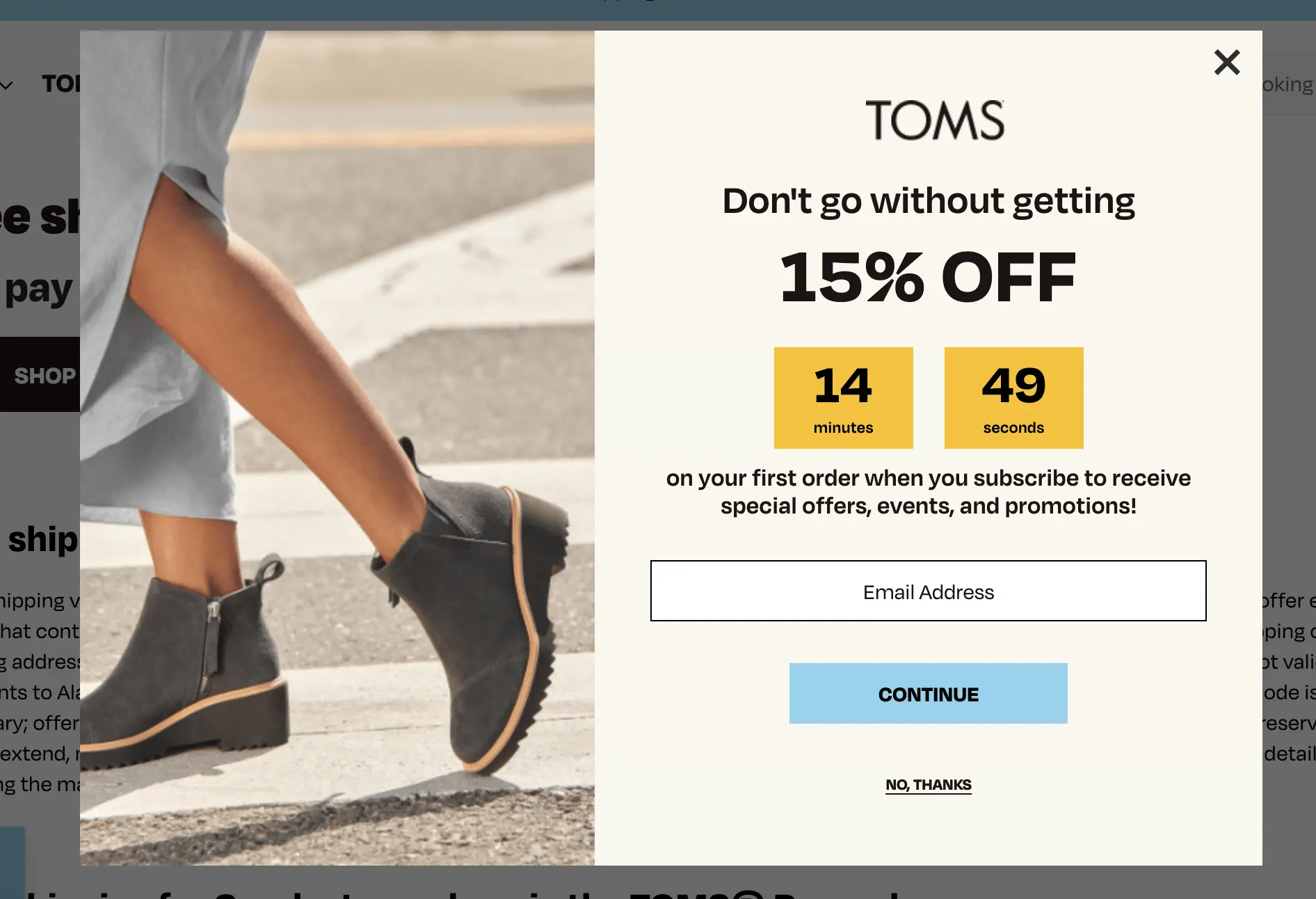
The widget displays a limited-time offer, a coupon code, or an email subscription form. It uses a countdown timer or special deal to create urgency. It motivates visitors to complete their purchase rather than leave.
This widget collects email addresses and zero-party data for future marketing. It boosts sales by turning lost traffic into conversions.
4. Sticky Add-to-Cart Bar (Boosts mobile conversions)
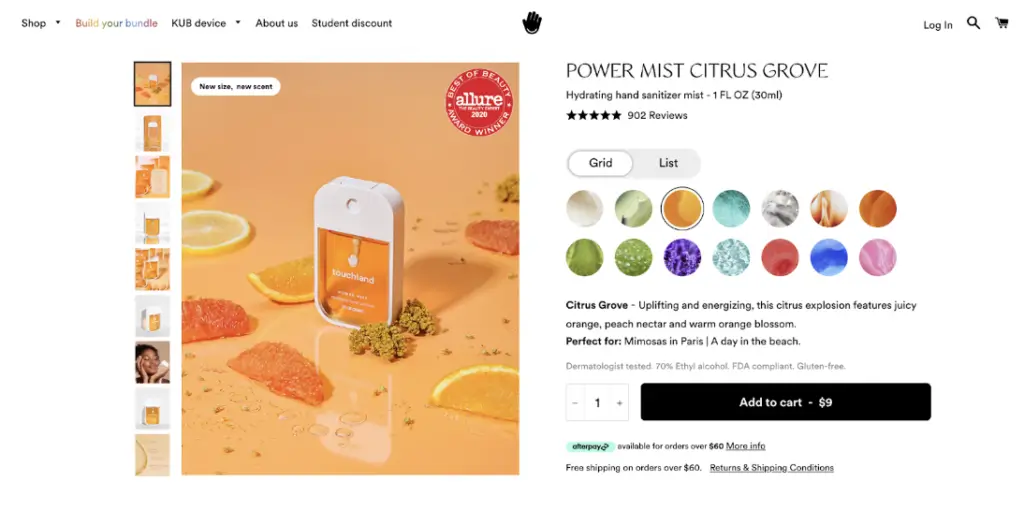
A sticky add-to-cart bar keeps the purchase button visible while users scroll the product page.
This widget improves mobile usability and reduces friction. Mobile users account for over 60% of ecommerce traffic, and persistent add-to-cart buttons can increase mobile conversions.
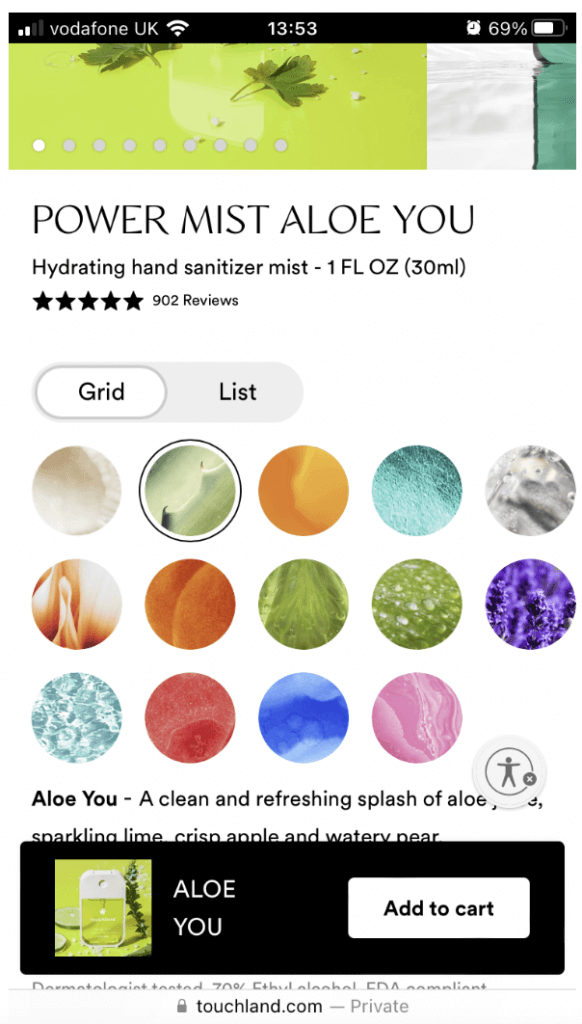
The bar displays the product name, price, and action button in a fixed position. It prevents visitors from scrolling back to find the main button. It supports faster decisions and a smoother checkout flow.
This mobile-friendly widget increases user engagement and helps boost sales without disrupting the page layout.
5. Review Carousel (Highlights social proof on homepage)
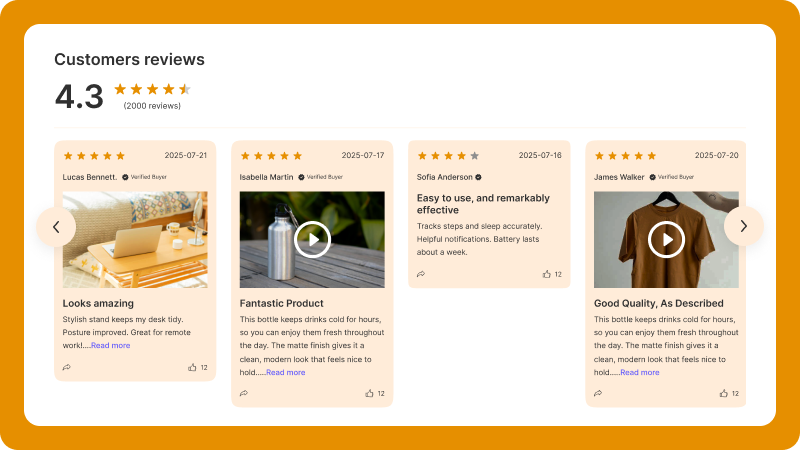
A review carousel displays rotating customer reviews on the homepage.
This widget keeps social proof visible without taking too much space. Visitors see real feedback as they scroll. Websites that highlight testimonials on landing pages can increase conversions by up to 34%.
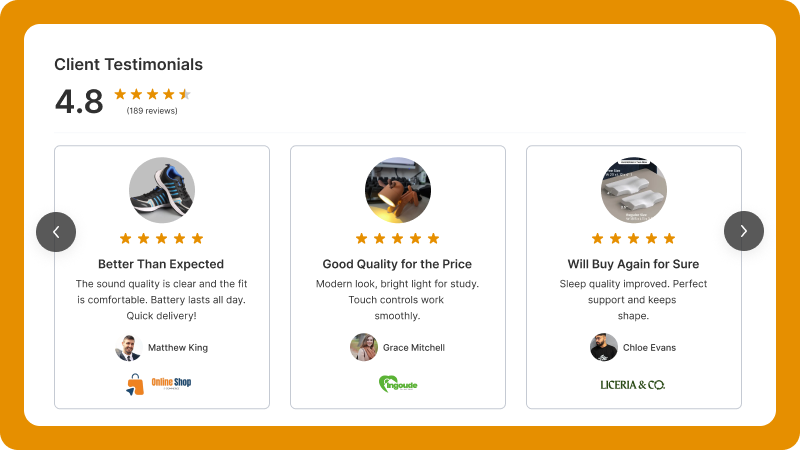
The carousel shows star ratings, short reviews, and customer names. It rotates automatically and keeps the layout clean. It draws attention without blocking content.
This widget increases website engagement and builds trust early in the buying journey. It helps website visitors see positive feedback before they explore product pages.
6. Review Wall (Showcases brand credibility at scale)
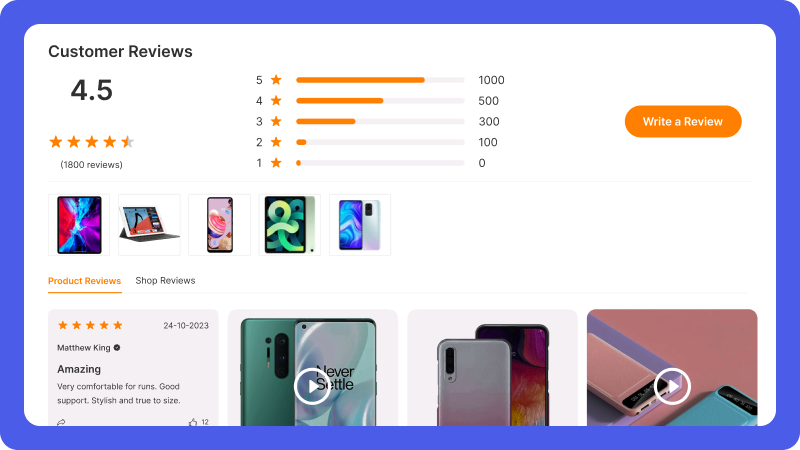
A review wall displays a large collection of customer reviews in a grid layout.
This widget showcases brand credibility at scale. Visitors see hundreds or thousands of reviews in one place. Products with a high volume of reviews build stronger trust and increase purchase confidence.
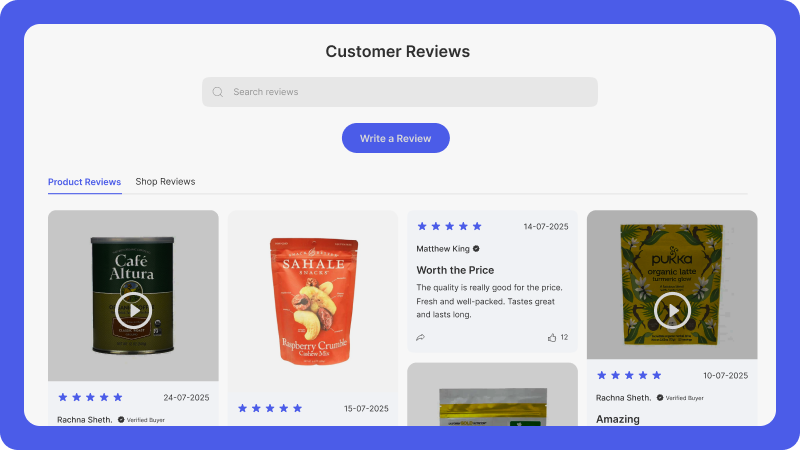
The wall shows star ratings, written feedback, photos, and verified buyer badges. It allows filtering and sorting for better usability. It keeps all social proof organized on a single web page.
This widget increases user engagement and improves SEO by adding fresh customer-generated content. It helps website visitors trust your brand before they reach checkout.
7. Floating Review Badge (Always-visible trust element)
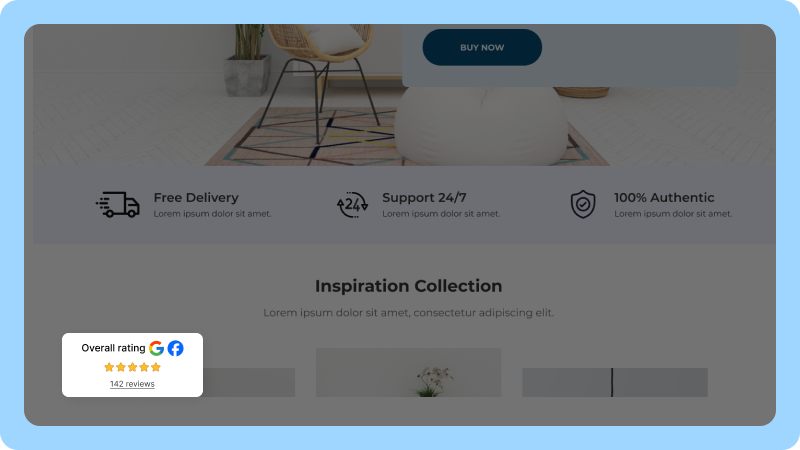
A floating review badge displays your overall rating in a fixed corner of the web page.
This widget keeps social proof visible at all times. Visitors see star ratings and review counts while browsing.
Persistent trust signals can increase conversions by reinforcing credibility throughout the journey.
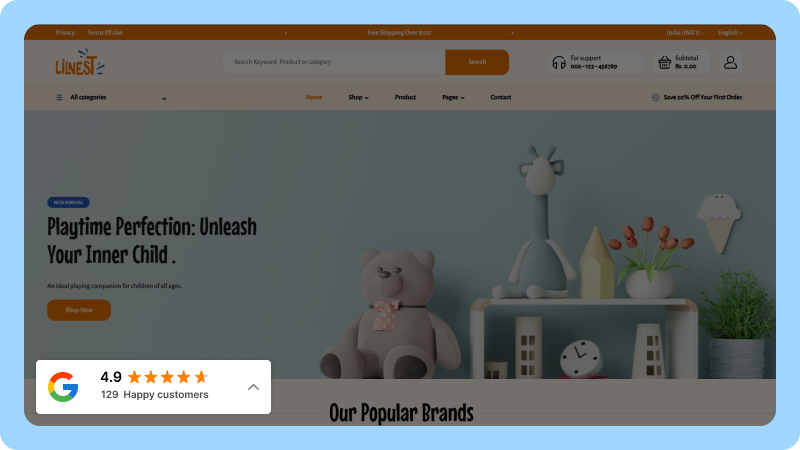
The badge displays the average rating from customer reviews. It links to full review details when users click. It builds confidence without interrupting the browsing experience.
This lightweight widget enhances user experience and supports conversions by keeping trust visible on every page.
8. Limited Offer Widget (Creates scarcity)
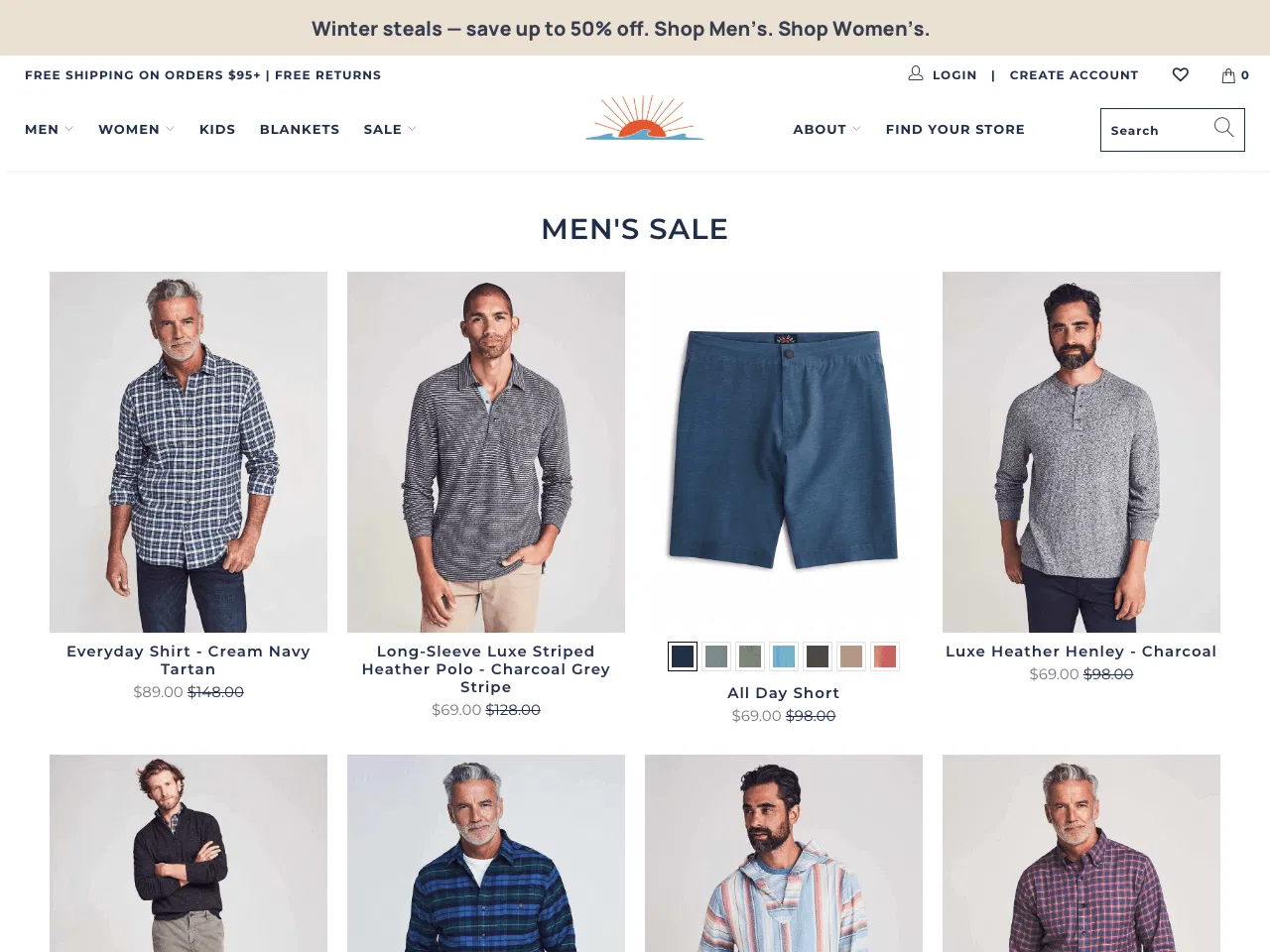
A limited offer widget displays time-sensitive deals near product or checkout sections.
This widget creates scarcity and motivates visitors to act faster. Limited-time offers can increase conversions when placed on high-intent pages.
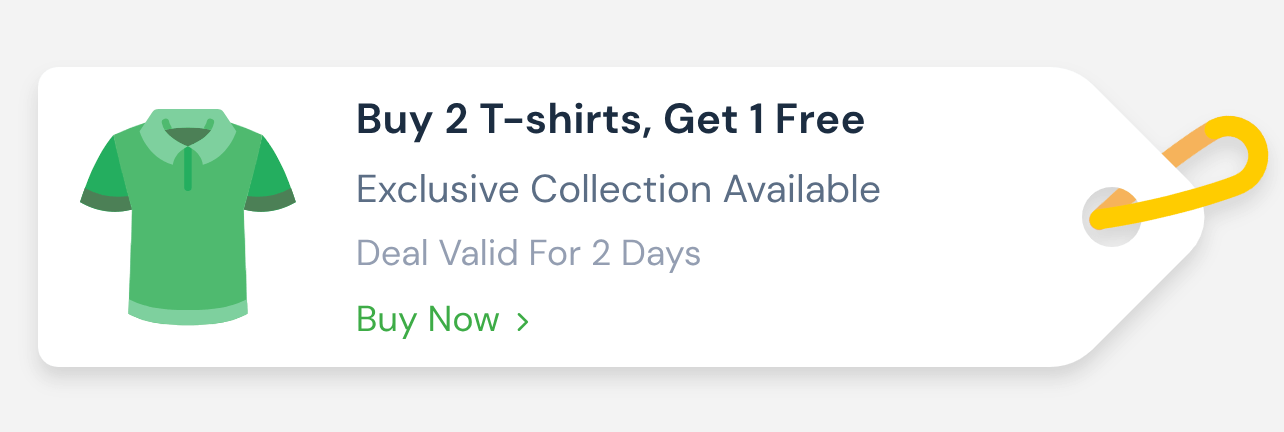
The widget shows discounts, bundle deals, or special pricing. It highlights urgency with short validity messages or countdown timers. It pushes buyers to complete the purchase before the offer expires.
This widget boosts sales by turning hesitation into action without adding friction to the checkout flow.
9. Recent Sales Notifications (Adds real-time social proof)
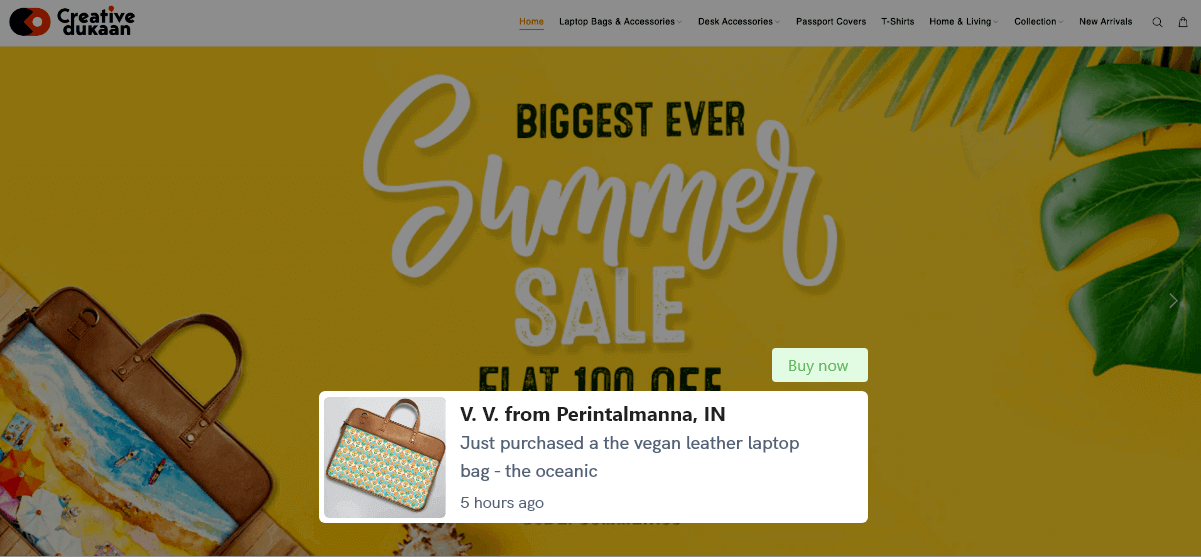
Recent sales notifications display live purchase activity on your website.
This widget shows that real people buy your products. Real-time social proof increases trust and can lift conversions when used strategically.
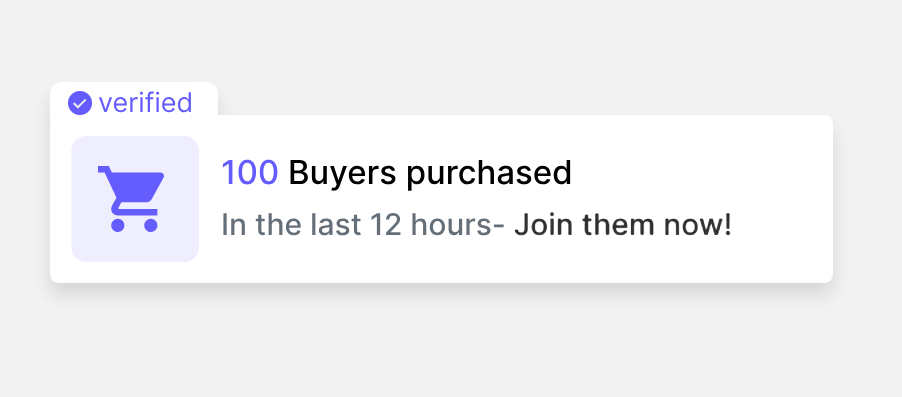
The widget displays buyer names, locations, and product details. It creates urgency by showing recent activity. It validates your brand without interrupting the browsing experience.
This widget boosts sales by influencing user behavior through visible demand and social proof.
10. Announcement Bars (Promotes storewide offers instantly)
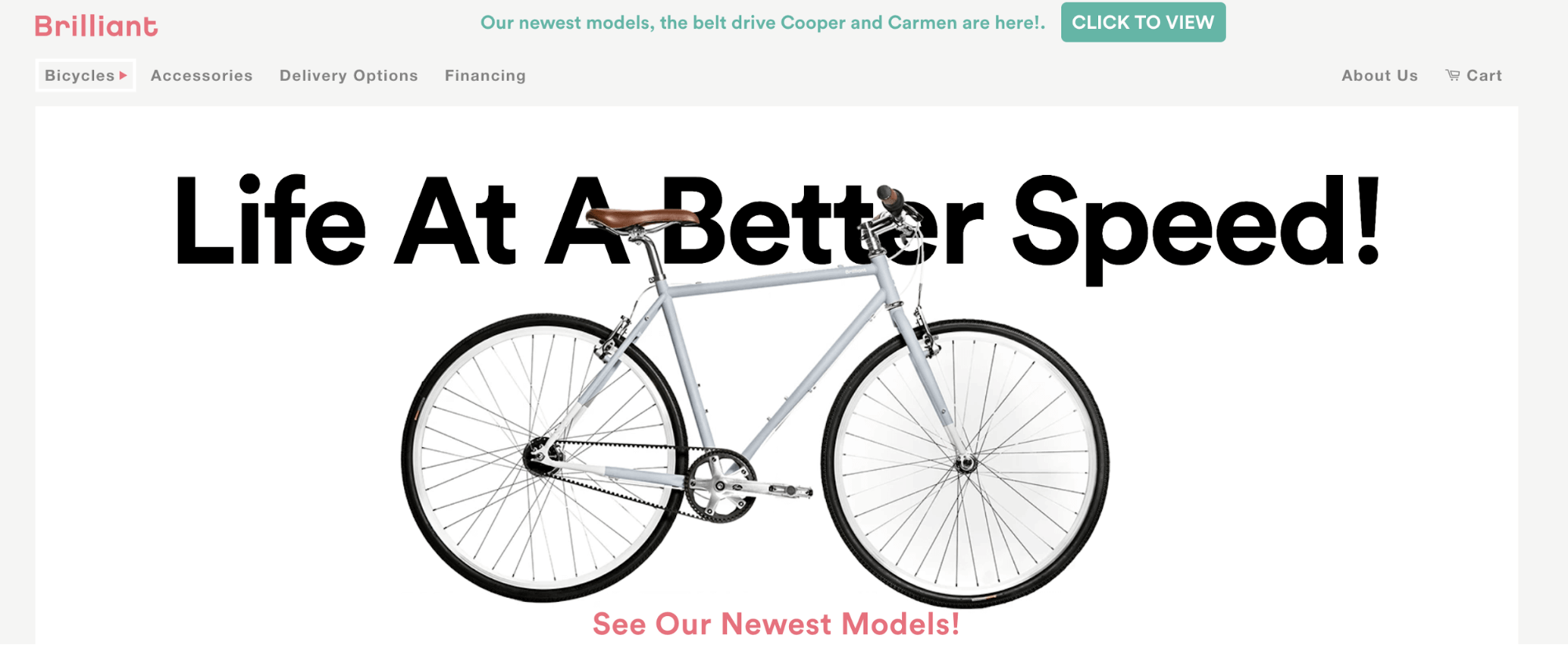
An announcement bar displays generous offers at the top or bottom of your website.
This widget instantly promotes storewide discounts, free shipping, or limited-time deals. Clear promotional banners can increase clicks and drive more conversions during campaigns.
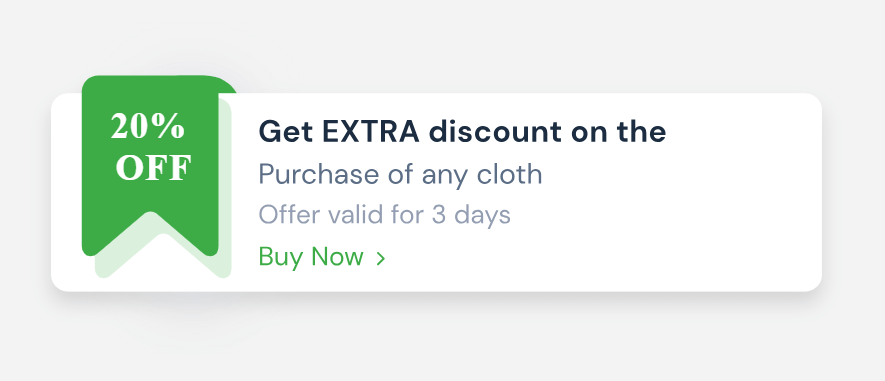
The bar highlights key messages without blocking content. It keeps offers visible across all website pages. It guides visitors to landing pages or sales sections with a single click.
This simple widget boosts sales by keeping promotions visible throughout the browsing experience.
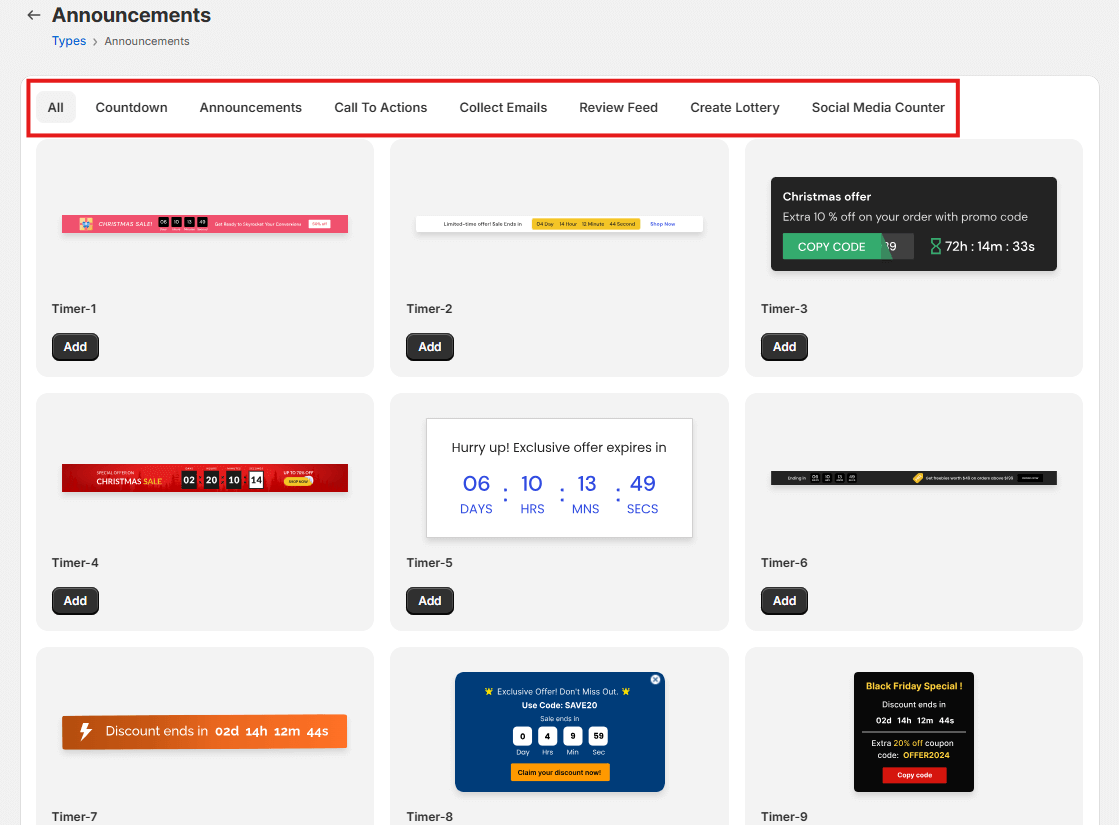
11. Countdown Timers (Drives urgency for limited deals)
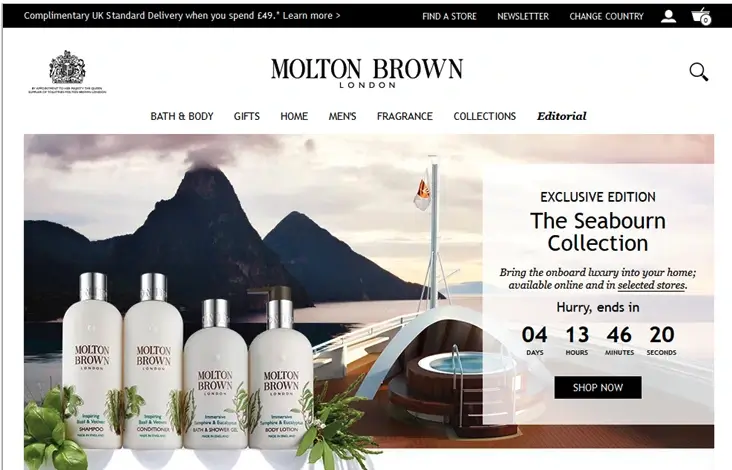
A countdown timer displays the remaining time for an offer or promotion.
This widget creates urgency and pushes visitors to act before time runs out. Countdown timers can increase conversions by up to 9% when placed near product or checkout sections.
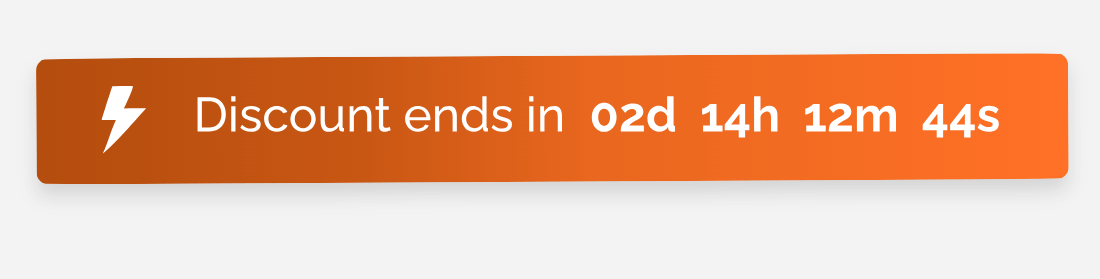
The timer displays the number of days, hours, or minutes remaining. It highlights limited-time sales, product launches, or flash deals. It motivates visitors to complete purchases faster.
This widget boosts sales by turning attention into immediate action without adding friction to the buying process.
If you want to display countdown timers and other social proof or FOMO widgets to increase trust and conversions, consider WiserNotify.
WiserNotify shows trust and urgency notifications on your site. After signing up, you see the dashboard with many social proof widgets.
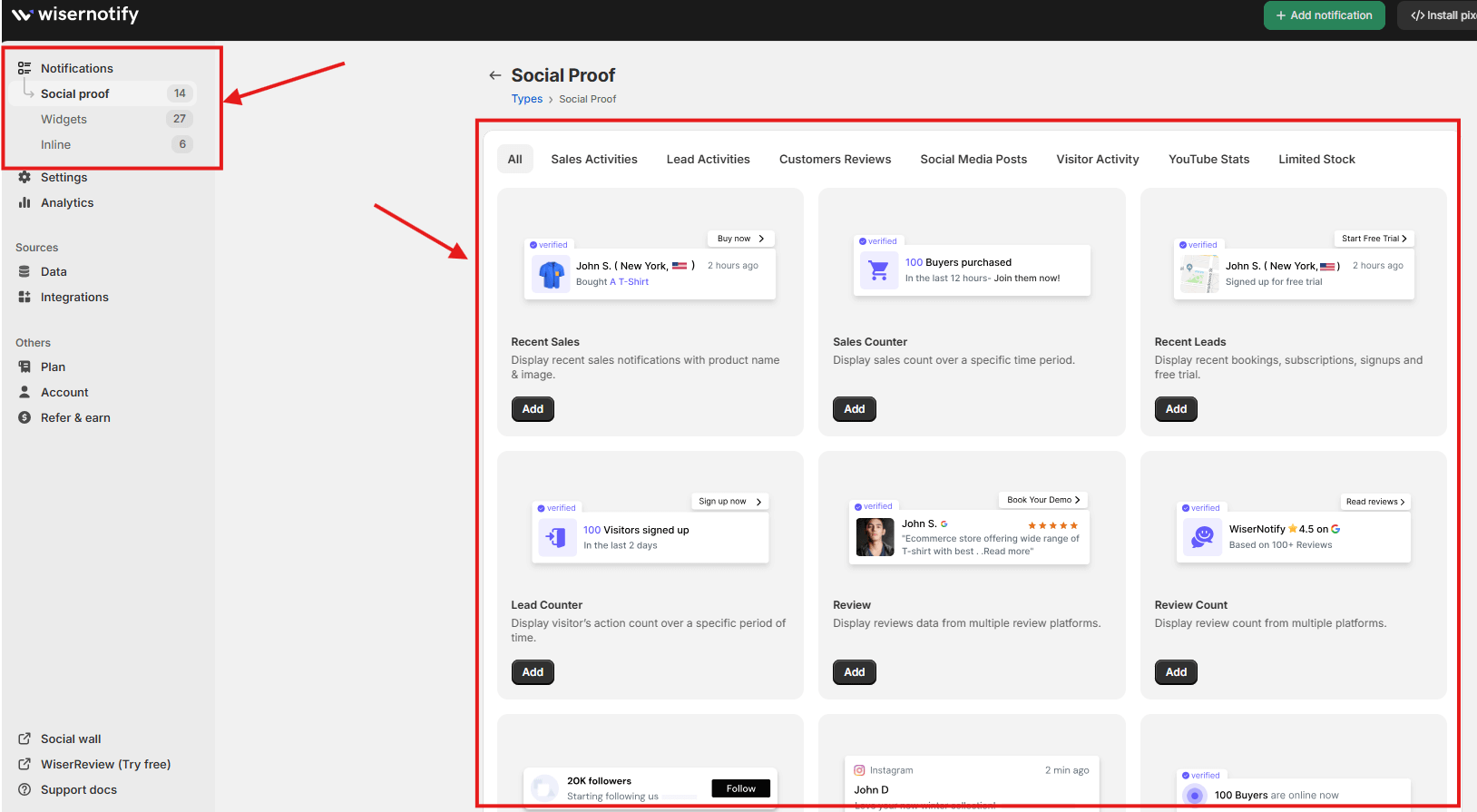
Choose social proof widgets to build trust. Choose FOMO widgets, such as countdown timers, to create urgency.
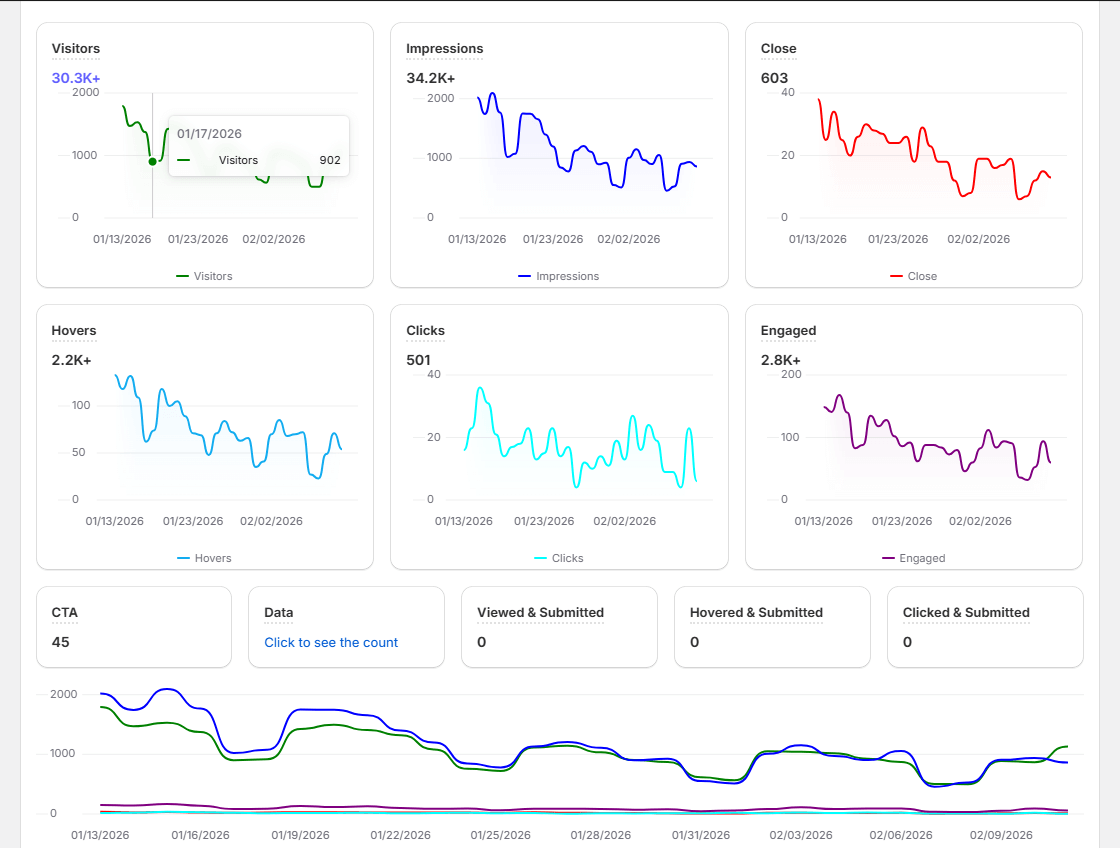
You also get analytics that show whether these notifications help or hurt your conversions.
12. Q&A Widget (Handles buyer objections)
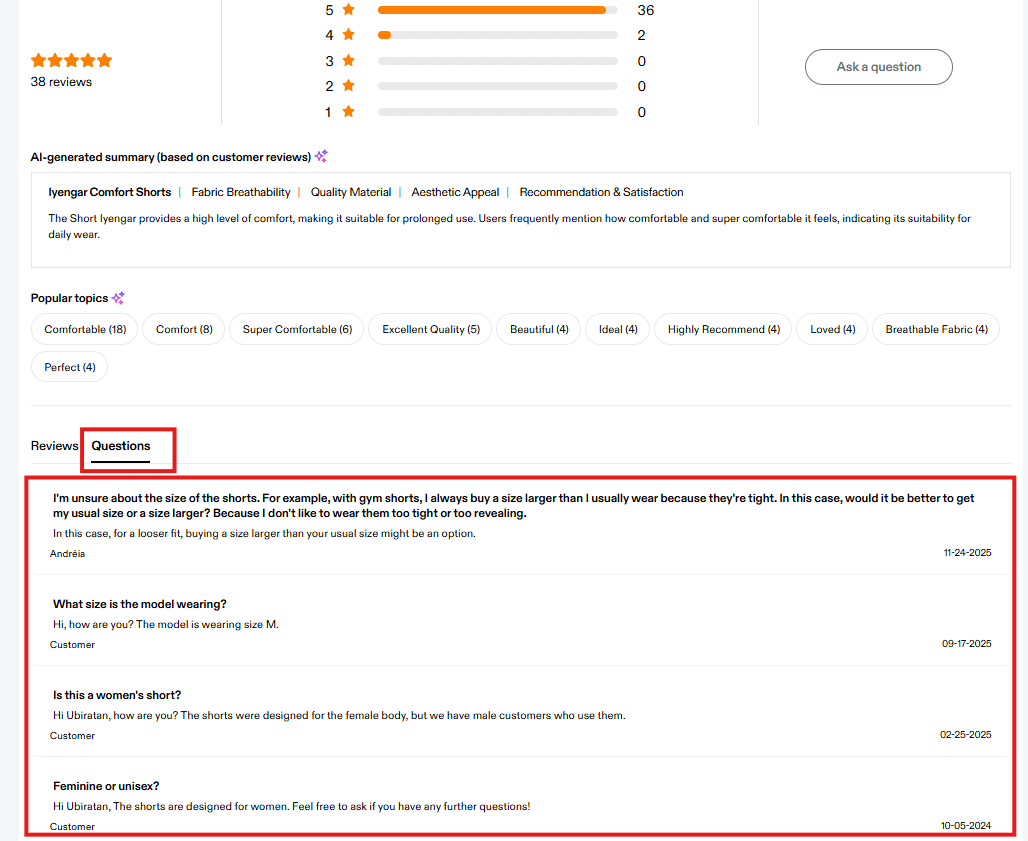
A Q&A widget displays customer questions and brand answers on the product page.
This widget reduces hesitation and removes buying doubts. Clear answers build purchase confidence and increase conversions by enabling visitors to make faster decisions.
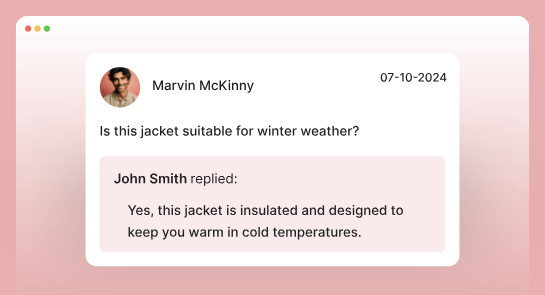
The widget shows common questions about size, fit, shipping, or usage. It allows customers to submit new questions. It provides instant answers without leaving the page.
This widget improves user engagement and keeps visitors on the website. It turns objections into clarity and supports higher sales.
13. Subscription Widgets (Captures leads and emails)
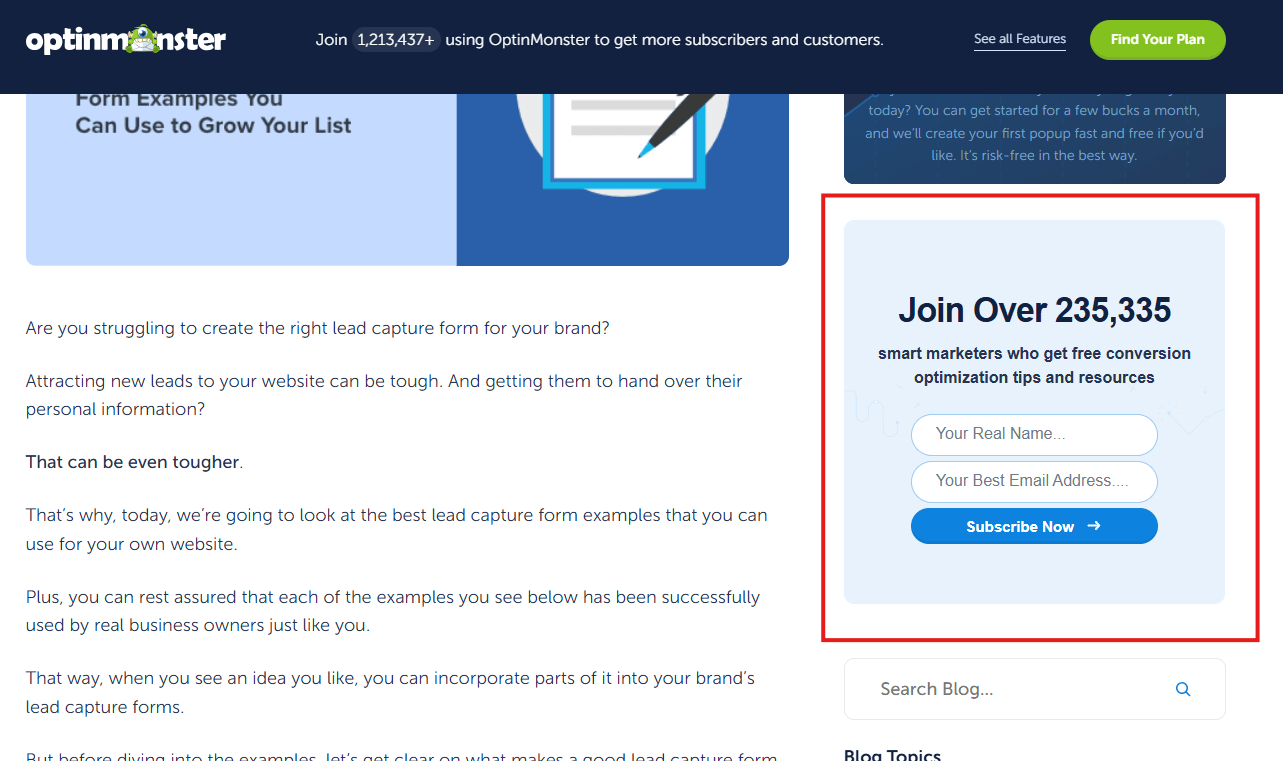
A subscription widget collects email addresses from website visitors.
This widget captures leads and builds your email list. Email marketing delivers an average ROI of $36 for every $1 spent, which makes lead capture a high-impact strategy.
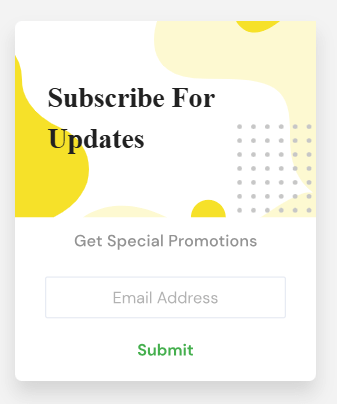
The widget displays a simple form with a name and email field. It offers discounts, free resources, or updates in exchange for contact details. It collects zero-party data that supports personalization and future campaigns.
This widget helps website owners grow their audience, increase user engagement, and drive repeat sales through email follow-ups.
14. Social Media Widget (Builds authority and trust)
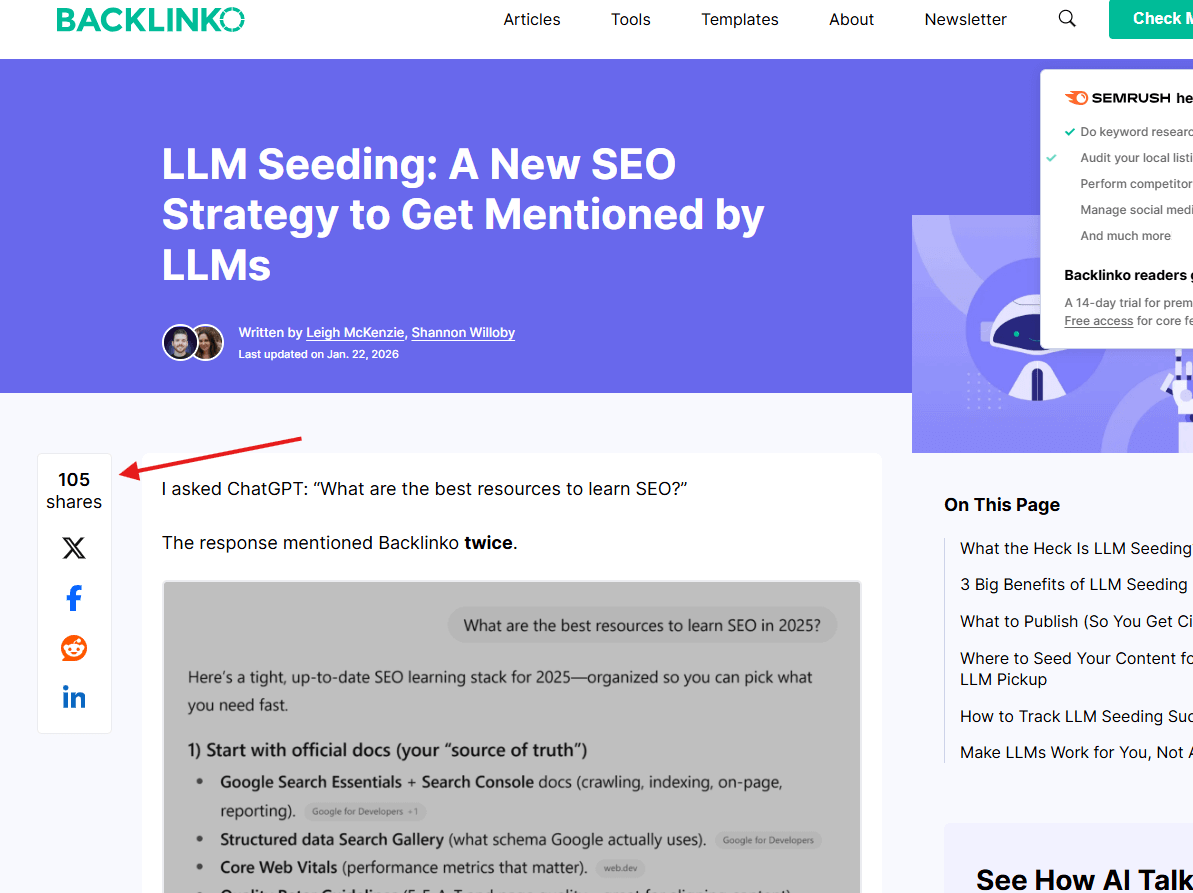
A social media widget displays your social media icons or live feeds on your website.
This widget builds authority by showing active profiles and followers. In the United States, 54% of users research brands on social media before making a purchase.
The widget links to platforms such as Facebook, Instagram, LinkedIn, and TikTok. It can display live posts or an RSS feed. It shows that your brand stays active and transparent.
This widget increases user engagement and strengthens trust by connecting website visitors with your social media presence.
15. Gamified Widgets (Engages users with rewards)
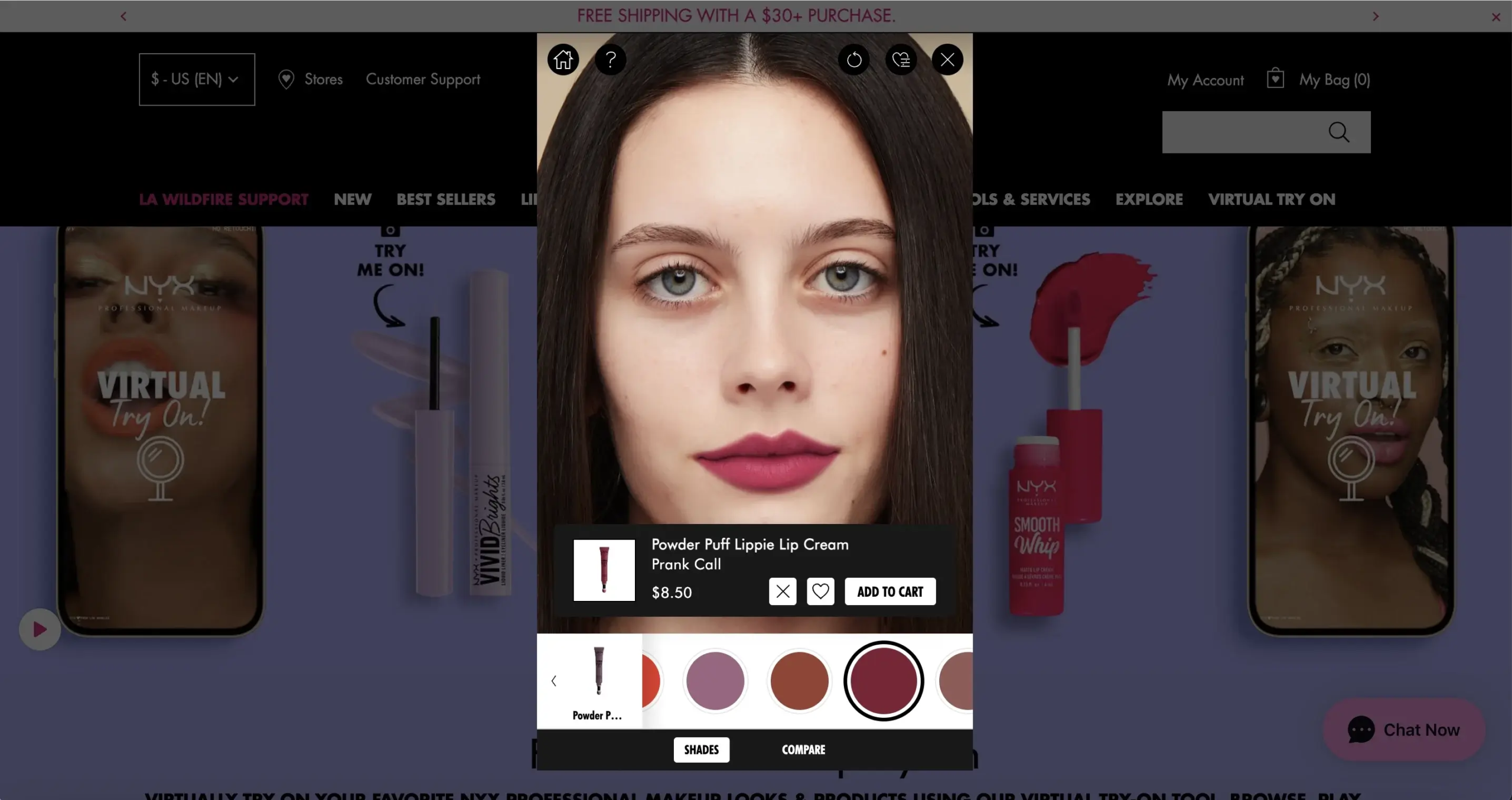
A gamified widget uses interactive features such as spin-to-win, quizzes, and virtual try-on tools to engage visitors.
This widget increases user engagement by turning browsing into participation. Interactive experiences can increase conversions compared to static pages.
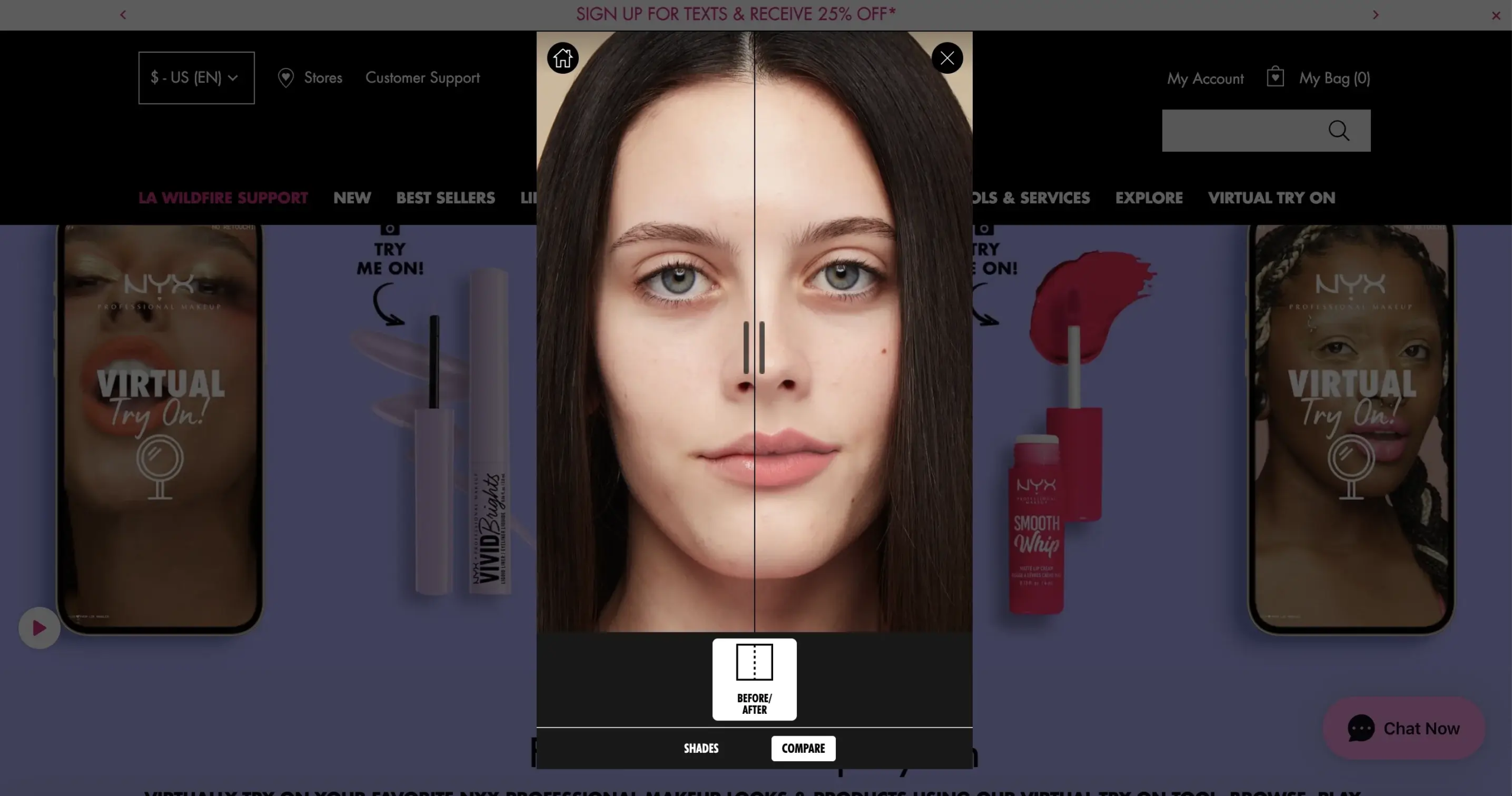
The widget rewards users with discounts, points, or personalized results. It collects zero-party data through quizzes and choices. It keeps visitors on the page longer and encourages action.
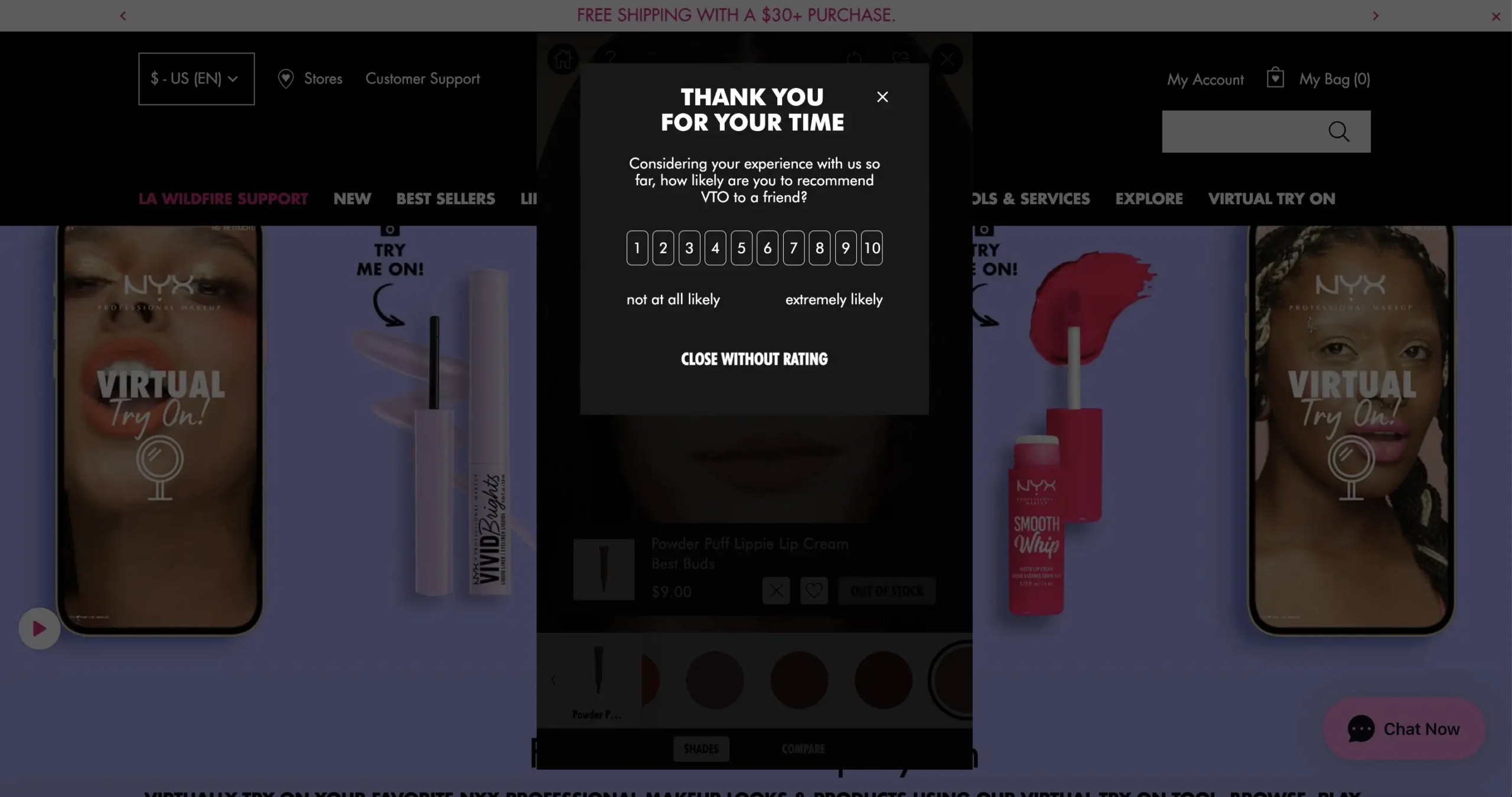
This widget boosts sales by combining entertainment with incentives that motivate visitors to complete purchases.
16. Video Widget (Improves trust through visuals)
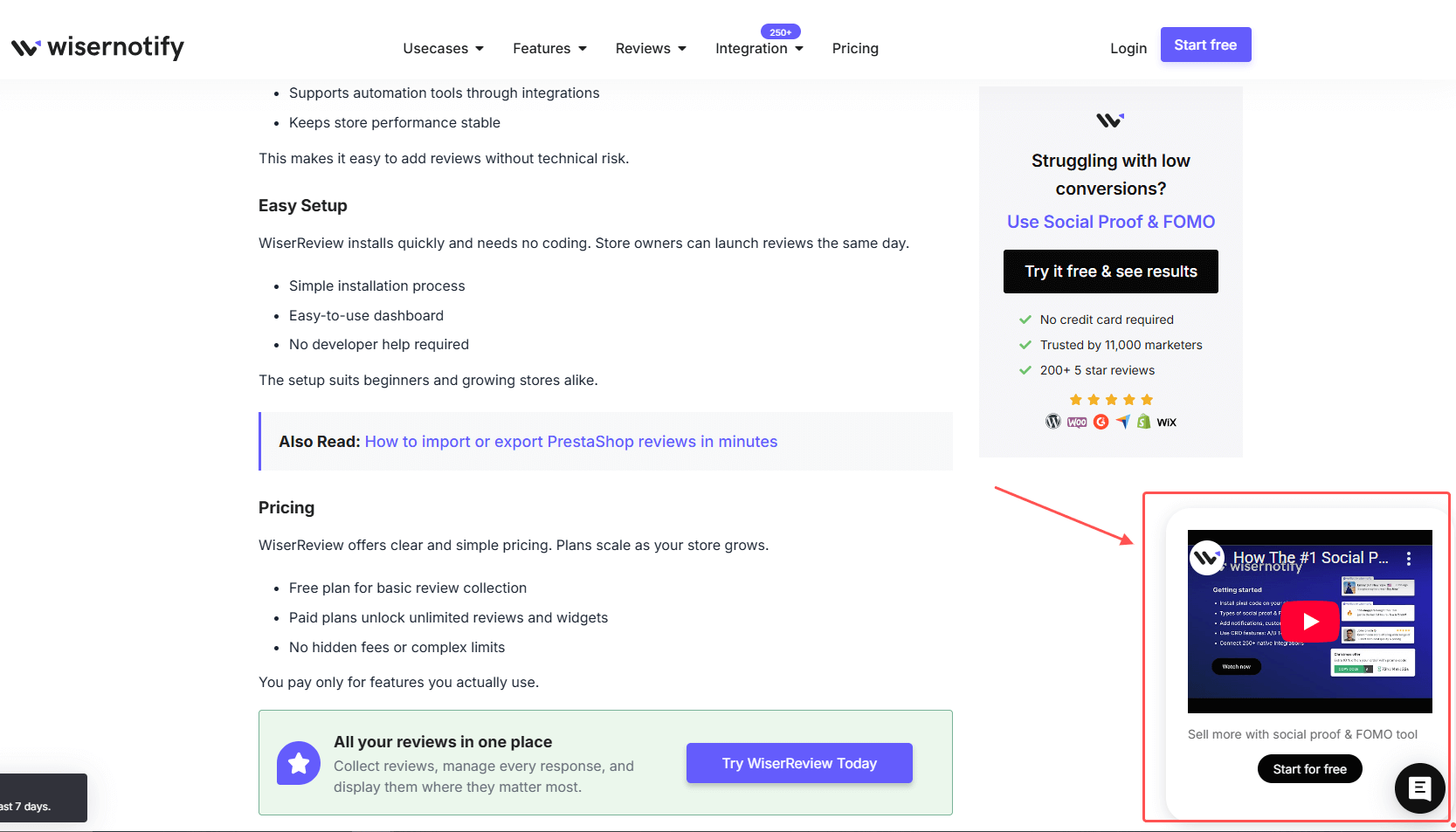
A video widget displays product demos, testimonials, or explainer videos on your website.
This widget builds trust through visuals and real demonstrations. Landing pages with video can increase conversions compared to text-only pages.
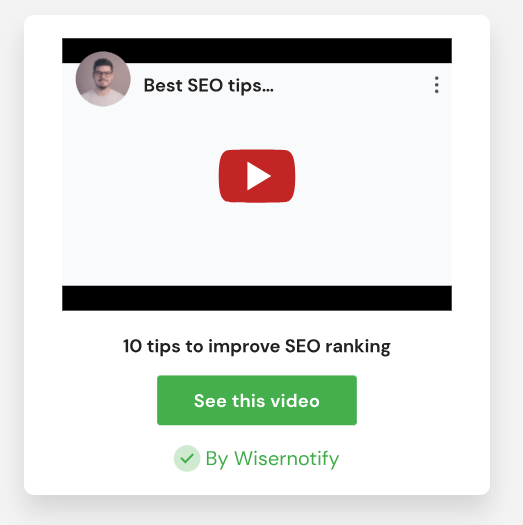
The widget embeds videos directly into product pages or landing pages. It shows real use cases, before-and-after results, or customer stories. It keeps visitors engaged longer and improves user engagement.
This widget boosts sales by helping visitors see the product in action before they buy.
17. Contact Widgets (Removes hesitation with support access)
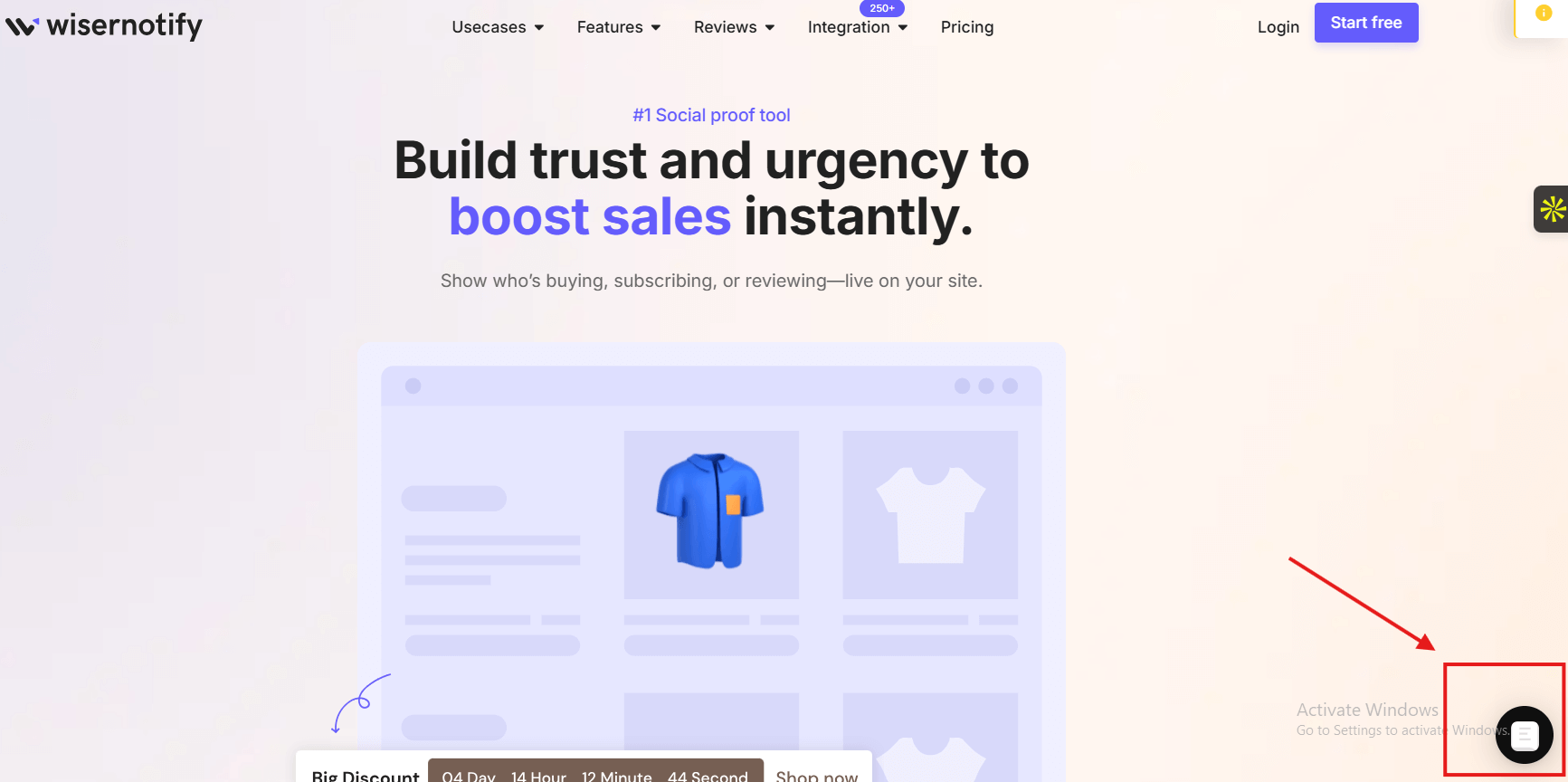
A contact widget provides instant access to chat, email, or phone support.
This widget removes hesitation by giving visitors quick help. 79% of customers prefer live chat because it delivers immediate answers.
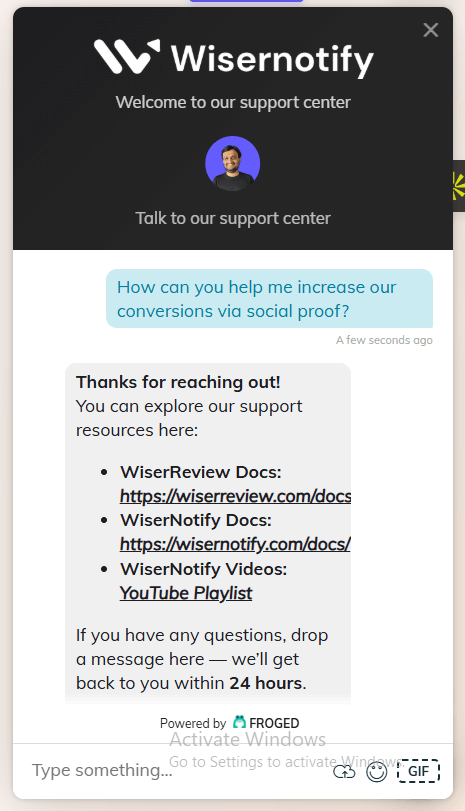
The widget displays a floating chat icon or support button on every web page. It allows visitors to ask questions without leaving the site. It reduces friction during checkout and product evaluation.
This widget increases user engagement and boosts sales by resolving doubts before visitors abandon the page.
How to Use These Widgets Without Overloading Your Site
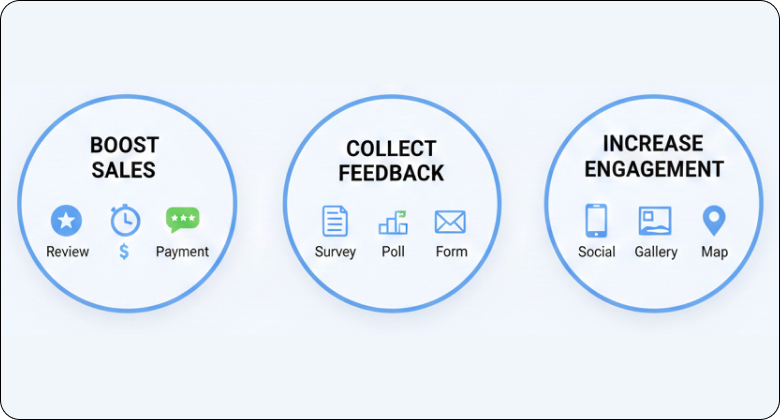
Widgets help. Too many widgets hurt.
Choose by goal
Website owners should choose widgets based on conversion goals.
If you want to boost sales, use conversion widgets like review widgets, countdown timer widgets, payment widgets, and pop-up offers.
If you want to collect feedback, use survey, poll, and embedded form widgets.
To increase website engagement, use social media, photo gallery, interactive map, and event calendar widgets for upcoming events.
Service-based businesses can use an appointment-booking widget such as Calendly.
Ecommerce tools like Stripe payment widgets help accept payments in a few clicks.
Each widget type should match a clear objective.
Avoid stacking similar widgets
Many website plugins offer similar features.
Do not stack multiple countdown timers, pop-up offers, and announcement bars on the same web page.
Visitors feel overwhelmed when too many modern widgets compete for attention.
- Use one countdown widget near pricing tables.
- Use one pop-up for lead capture.
- Use one sticky element for action.
Test widgets with A/B testing. Measure user engagement and conversions. Keep the widget examples that perform best.
Widgets should integrate smoothly with your design.
Review widgets can be customized to match your brand. Social media icons should support your layout, not distract from it.
Lightbox, sidebar, inline, and banner widgets each serve different purposes.
Choose the format based on user behavior and screen size.
Always optimize widgets for mobile devices. Mobile-friendly widgets prevent buttons from being blocked and layouts from breaking.
Wrap up
The best widgets for your website do more than add features. They guide decisions.
- Widgets add social proof.
- Widgets create urgency.
- Widgets remove friction.
- Widgets collect feedback.
- Widgets display external content.
- Widgets enhance user experience.
When strategically implemented, widgets become powerful conversion tools.
Test widgets carefully. Keep them lightweight. Focus on user value.
The right website widgets will engage visitors, build trust, and convert them into customers.


