
Want More Sales? Add Google Reviews to kartra in 5 Minutes
 Krunal Vaghasiya|Dec 27, 2024
Kartra is a robust all-in-one platform for building and managing your online business, offering tools for funnels, memberships, and more.
While Kartra’s features streamline operations, adding social proof like Google Reviews can elevate your conversions and build trust among potential customers.
With their credibility and impact, Google Reviews can transform how visitors perceive your business, making them a powerful addition to any Kartra page.
Why Add Google Reviews to Kartra?
1. Increase Credibility Instantly
In the digital space, trust is everything. By displaying authentic Google Reviews on your Kartra pages, you reassure visitors about the quality of your product or service.
- Example: A visitor exploring your membership offer is more likely to convert after reading glowing reviews from satisfied customers.
2. Enhance Conversions
Google Reviews reduce friction in the buying process by addressing common objections through real user experiences. Reviews placed strategically near CTAs can boost conversions.
3. Leverage User-Generated Content (UGC)
Google Reviews provide a steady stream of user-generated content (UGC). This content showcases genuine feedback, helping to humanize your brand.
4. Boost SEO for Campaigns
While Kartra pages are designed for direct marketing, embedding reviews can increase their relevance in search engine rankings, especially for branded or niche keywords.
5. Support Paid Campaign ROI
If you’re driving paid traffic to Kartra landing pages, integrating Google Reviews can maximize ROI by providing the social proof needed to convert cold leads.
Build trust & FOMO
Highlight real-time activities like reviews, sales & sign-ups.


How to Add Google Reviews to Kartra




Embed Google Reviews on Kartra
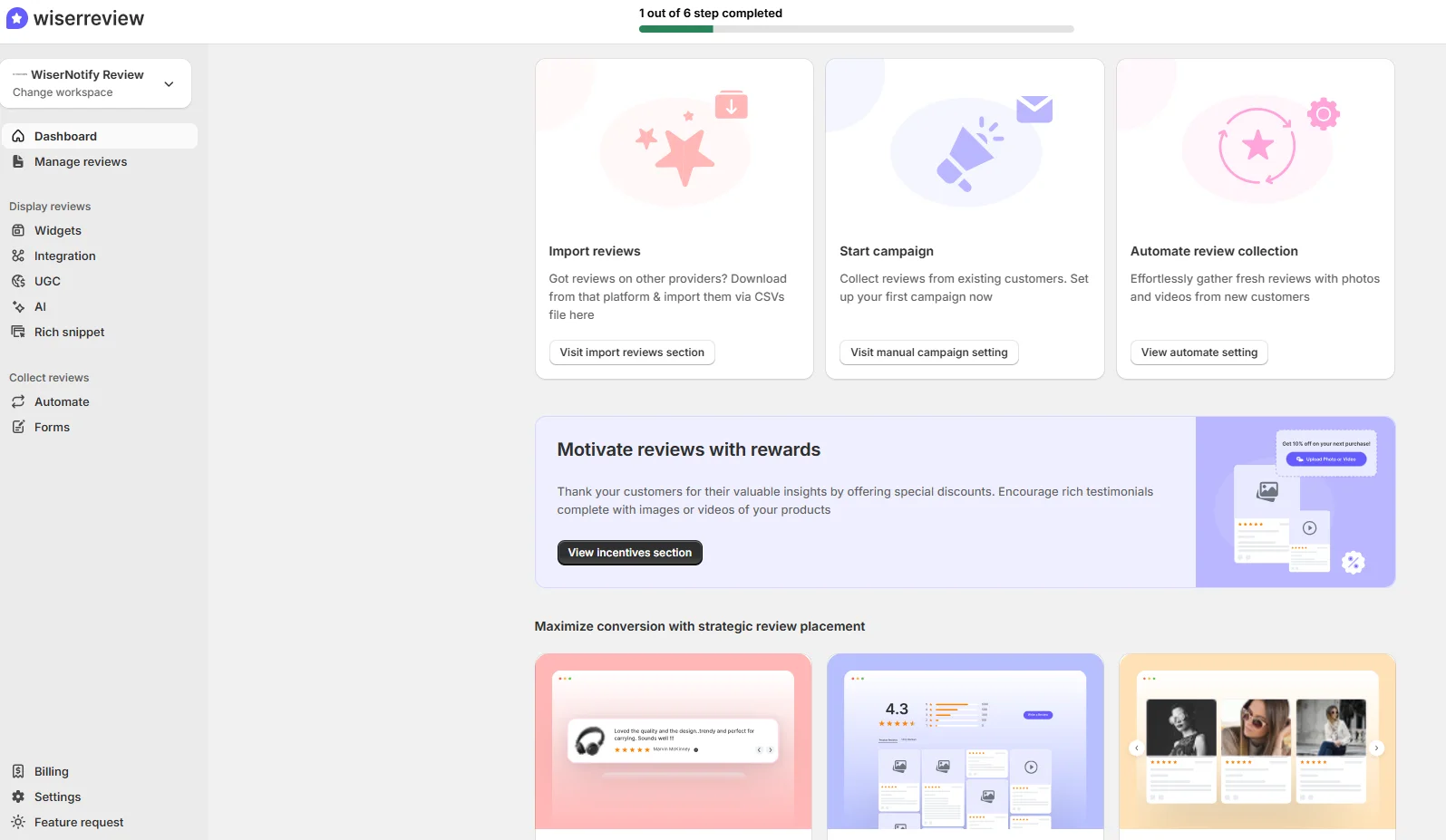
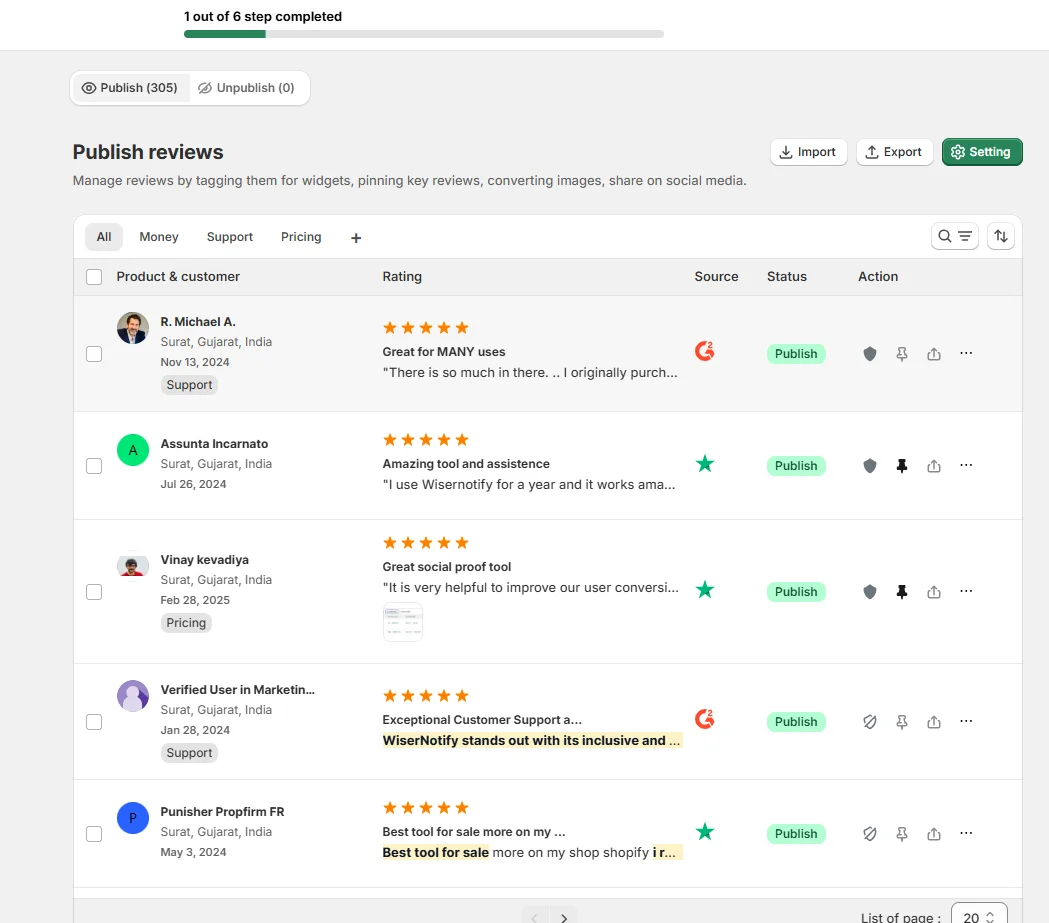
Kartra doesn’t offer a native integration for Google Reviews, but you can use custom HTML or third-party widgets to embed reviews seamlessly. Here’s how:
- Generate Your Google Reviews Widget
- Use a tool like Elfsight, EmbedSocial, or Trustpilot to create a Google Reviews widget.
- Log into Your Kartra Account
- Navigate to the specific Kartra page editor where you want the reviews displayed.
- Add a Custom HTML Block
- Drag the Custom HTML element into your desired section of the page.
- Paste the widget code generated from your review tool.
- Position and Preview
- Adjust the placement of the HTML block to ensure the reviews fit seamlessly into your design.
- Preview the page to confirm that the widget displays correctly.
- Publish and Test
- Once satisfied, publish the page. Test on both desktop and mobile devices to ensure proper responsiveness.
Pro Tip: Use Kartra’s split-testing features to analyze how reviews impact conversion rates.
Best Places to Show Google Reviews on Kartra
1. Homepage
Your homepage is often the first interaction point for potential customers. Displaying Google Reviews here sets a positive tone and builds trust immediately.
Strategy:
- Highlight your average rating and a few standout reviews.
- Use a slider or carousel to keep the design dynamic.
2. Sales Pages
Kartra sales pages are designed to drive conversions. Placing reviews that align with your offer can push visitors closer to purchasing.
Example:
- For a course sales page, feature reviews that mention specific benefits of the course, such as clarity, content quality, or real-world applicability.
3. Checkout Pages
Abandoned carts and drop-offs at checkout are common challenges. Google Reviews on your checkout page can alleviate last-minute doubts.
Placement:
- Add a small widget near the total price or CTA button with quotes like, “So glad I purchased this” or “Worth every penny!”
4. Membership Pages
Kartra’s membership portals are ideal for ongoing customer engagement. Use reviews to encourage sign-ups for paid memberships.
Example:
- Showcase reviews highlighting how your membership content delivers value over time.
5. Thank You Pages
Even after conversion, thank-you pages are an opportunity to reinforce your brand. Use Google Reviews to encourage referrals or upsells.
Strategy:
- Include reviews mentioning the long-term benefits of your product or service.
6. Footer
Adding a Google Reviews widget to the footer ensures that social proof is visible site-wide.
Benefits:
- Non-intrusive placement.
- Consistent reinforcement of credibility.
Other Ways to Add Google Reviews to Kartra
1. Use Screenshots of Reviews
For a simple and static solution, add screenshots of your best Google Reviews.
Steps:
- Take clear screenshots of top reviews.
- Upload them as images into your Kartra editor.
- Place them strategically on your pages.
Pros:
- Quick and easy to implement.
- Retains the authentic look of Google Reviews.
Cons:
- Does not update automatically.
2. Leverage Third-Party Tools
Tools like Elfsight or EmbedSocial provide ready-made widgets for displaying Google Reviews.
Steps:
- Customize a widget using the tool’s interface.
- Embed the code into a Custom HTML block on your Kartra page.
Pros:
- Dynamic and automatically updated.
- Customizable designs.
Cons:
- Subscription fees may apply.
3. Manual Text Integration
If embedding isn’t feasible, manually add review excerpts as text blocks on your Kartra pages.
Strategy:
- Copy impactful snippets from Google Reviews.
- Use Kartra’s design tools to format them attractively.
Pros:
- Total control over placement and styling.
Cons:
- Requires manual updates.
4. API Integration
Advanced users can use Google’s Places API to fetch reviews dynamically.
Steps:
- Set up API access through Google Cloud.
- Write a script to pull and display reviews on your Kartra page.
Pros:
- Fully automated.
- Highly customizable.
Cons:
- Requires technical expertise.
- May incur additional costs for API usage.
3 Google Review Mistakes on Kartra
1. Cluttering the Page
Adding too many reviews or using oversized widgets can overwhelm visitors and distract from your primary message. Use a balanced approach.
2. Ignoring Negative Reviews
Negative reviews are opportunities to showcase your customer service. Address them professionally and include responses if possible.
3. Misaligned Placement
Placing reviews in low-priority areas or away from CTAs diminishes their impact. Focus on high-visibility sections where they can support conversion goals.
Wrap Up
Adding Google Reviews to your Kartra pages is a proven way to build trust, improve engagement, and drive conversions.
Whether you use widgets, screenshots, or manual excerpts, the key is to keep reviews relevant and well-placed.
Start leveraging Google Reviews today to maximize the impact of your Kartra campaigns and build long-lasting customer relationships.
Krunal Vaghasiya is a marketing tech expert who boosts e-commerce conversion rates with automated social proof and FOMO strategies. He loves to keep posting insightful posts on online marketing software, marketing automations, and improving conversion rates.




 Capterra