
9 WordPress Floating Button Plugins Compared (2026)
For most WordPress sites, Buttonizer is the best floating button plugin: it handles single buttons and multi-button menus with WhatsApp, call and email actions.
Its free version covers up to 5,000 pageviews a month. If you only need chat buttons, Chaty is the simpler pick.
Below are 9 floating button plugins compared, what each is best for and the mistakes that make floating buttons annoying instead of useful.
What Is a Floating Button?
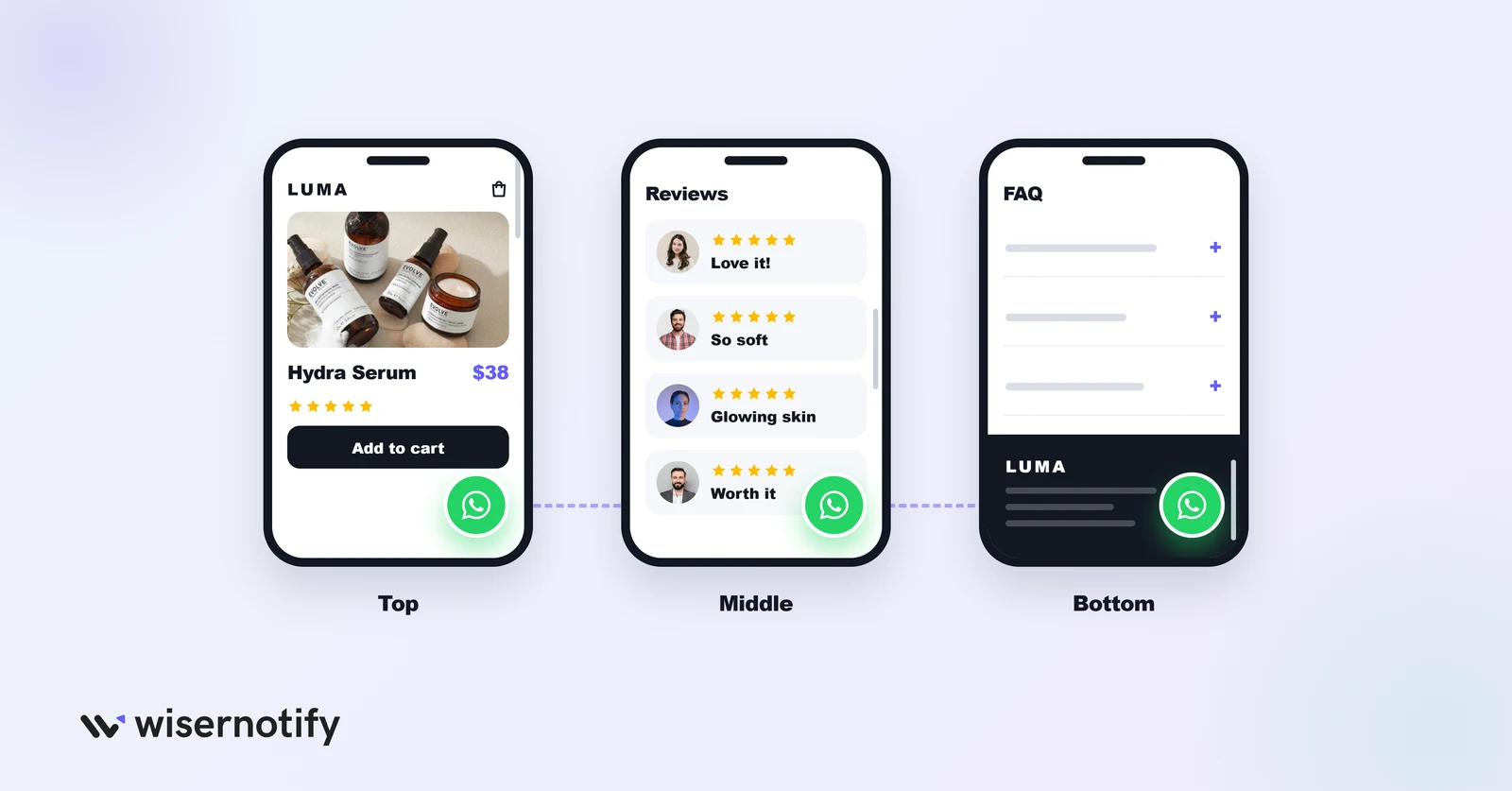
A floating button stays fixed on screen while visitors scroll, usually in a corner. It keeps your main action, such as “Chat on WhatsApp,” “Call us” or “Get a quote,” one tap away on every part of the page.
They help most on long pages and on mobile, where a normal button quickly scrolls out of view.
Best WordPress Floating Button Plugins Compared
| Plugin | Best for | Free version | Click analytics |
|---|---|---|---|
| Buttonizer | Multi-button menus with chat and call actions | Yes, up to 5,000 pageviews/mo | Yes |
| Chaty | WhatsApp and multi-channel chat buttons | Yes | Pro only |
| Sticky Buttons | Simple sticky button bars | Yes | No |
| Float Menu | Floating navigation menus | Yes | No |
| Side Menu Lite | Sticky side menus and contact panels | Yes | No |
| Floating Button | Single floating action button | Yes | No |
| Simple Side Tab | One side tab linking to a page | Yes, fully free | No |
| Thrive Ultimatum | Countdown and scarcity campaigns | No | Yes |
| Bloom | Floating email opt-in forms | No | Yes |
All free plugins above were checked on WordPress.org and are updated and tested with recent WordPress versions.
9 Best WordPress Floating Button Plugins (2026)
1. Buttonizer
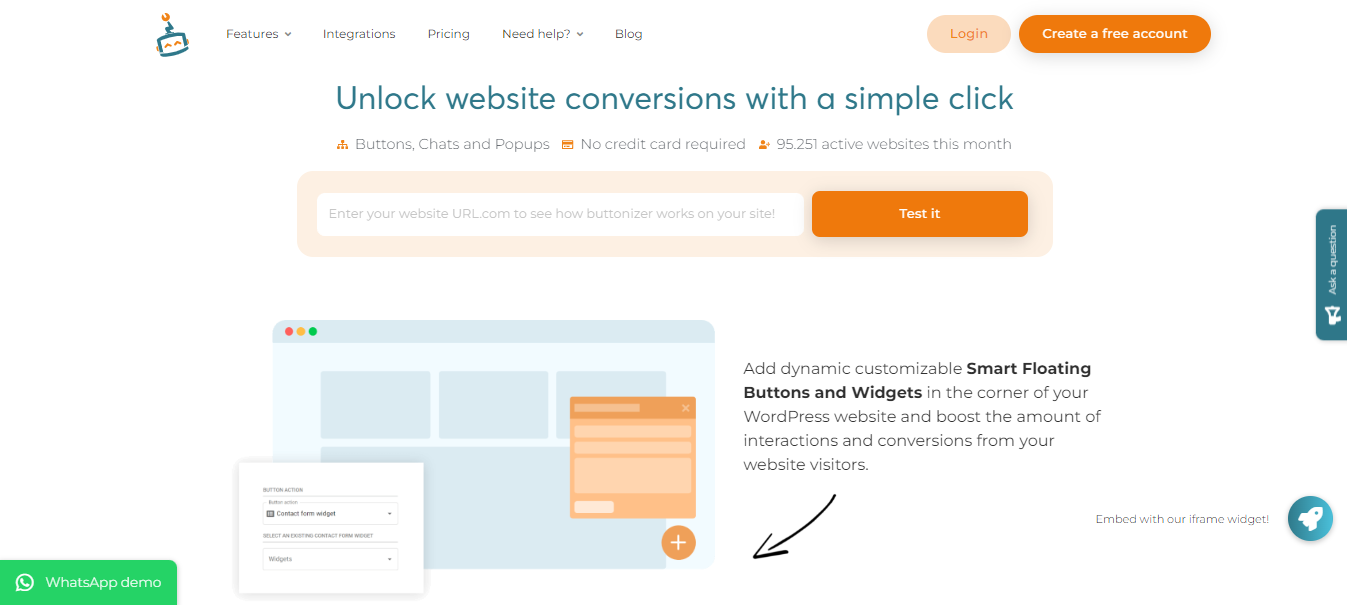
Buttonizer is the most complete dedicated floating button plugin, with around 70,000 active installs. You can build a single button or an expandable menu where several buttons fan out from one icon.
It covers 40+ click actions, from WhatsApp and Messenger to phone, email and scroll-to-section, and lets you show different buttons by page, device or time of day.
Key features:
- Multi-button menus: group chat, call and email buttons under one icon
- Display rules: filter by page, device, scroll depth and schedule
- Contact forms: floating forms that open from a button
- Analytics dashboard: see clicks and conversions per button
Pricing: Free up to 5,000 pageviews a month. Paid plans are $10/month (50,000 pageviews), $18/month (unlimited pageviews) and $29/month for unlimited sites, with a 14-day trial.
2. Chaty
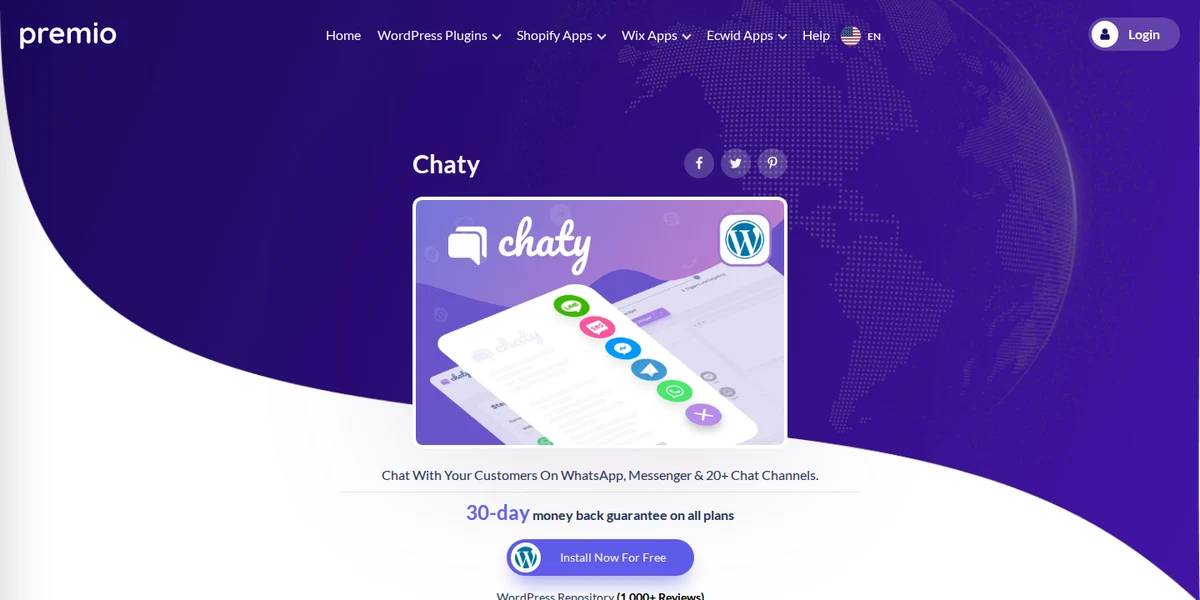
Chaty from Premio is built for chat buttons. It adds a floating widget with WhatsApp, Messenger, Telegram, SMS, phone and 20+ other channels, and it’s one of the most installed floating widgets on WordPress.
It suits businesses that want customers to reach them on the channel they already use.
Key features:
- 20+ chat channels: WhatsApp, Messenger, Instagram, SMS, phone and more
- Custom greeting: a welcome message or call-to-action bubble
- Triggers: show after a delay, on scroll or on exit intent
- Click tracking: clicks per channel on the Pro plan
Pricing: Free version on WordPress.org. Pro is $59/year for one site.
3. Sticky Buttons
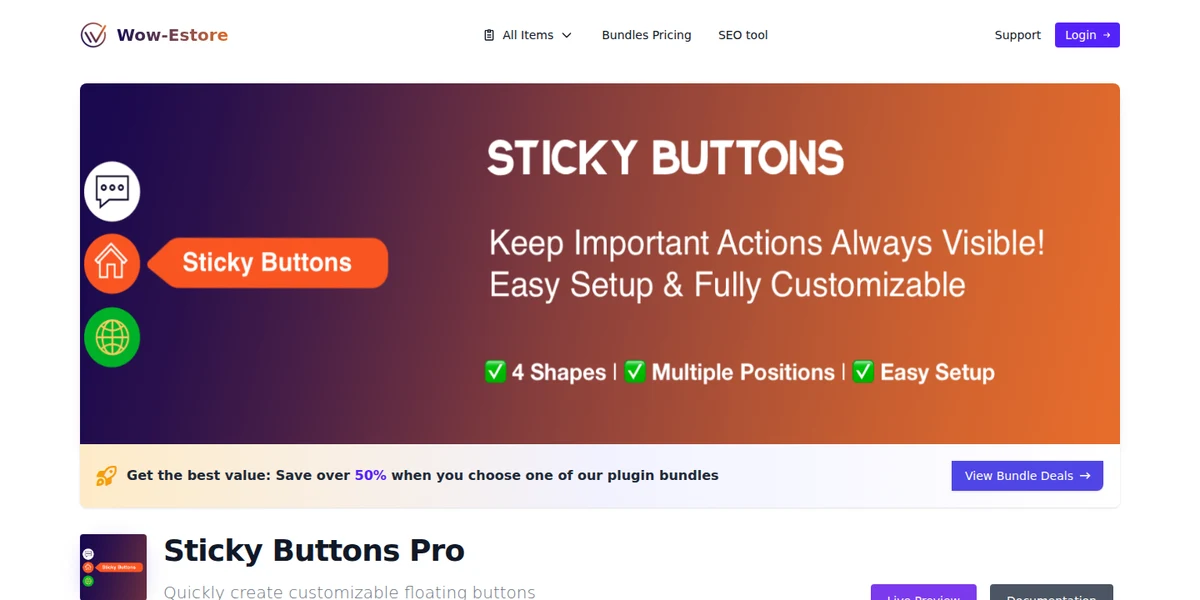
Sticky Buttons adds a vertical or horizontal set of buttons that stick to the side or bottom of the screen. Each button can open a link, start a call, send an email or share the page.
It’s a lightweight choice for a row of contact or social buttons without extra dashboards.
Key features:
- Button bars: vertical or horizontal sets on any screen edge
- Icon library: Font Awesome icons with custom colors
- Device rules: show or hide on mobile and desktop
- Share buttons: social sharing actions built in
Pricing: Free version on WordPress.org. Pro is $25 one-time for a single site.
4. Float Menu
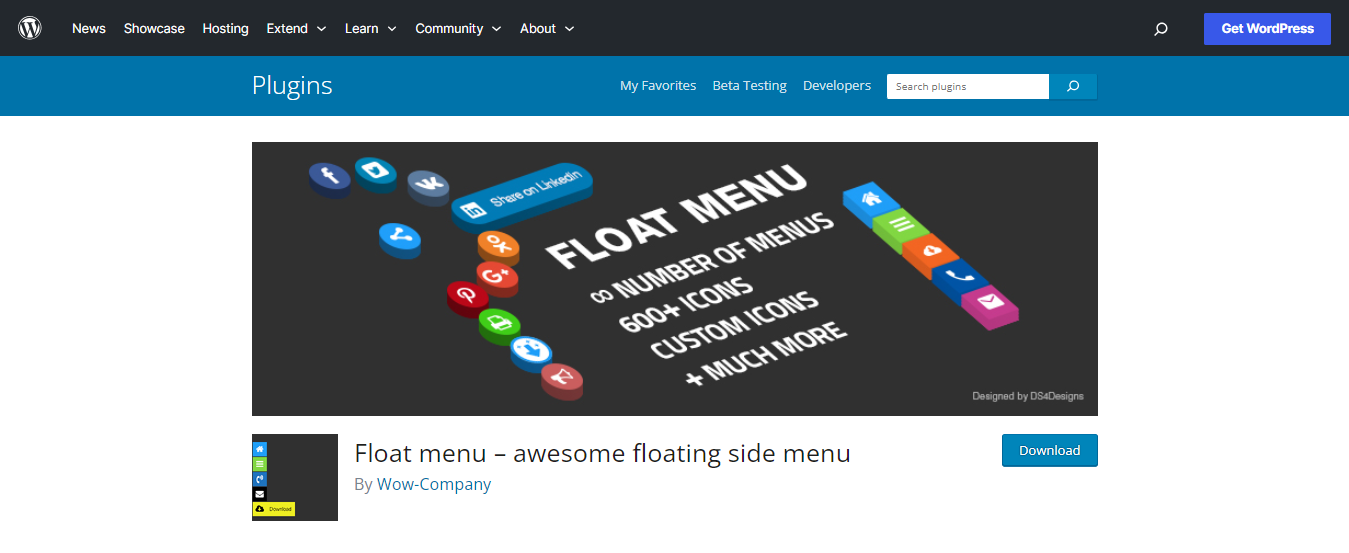
Float Menu builds floating navigation menus with icons, labels and sub-menus, around 30,000 active installs.
It works well for long landing pages, where a floating menu can jump visitors straight to pricing, FAQs or a contact section.
Key features:
- Icons and labels: Font Awesome icons with hover labels
- Scroll-to-section: one-page navigation for long pages
- Animations: entrance and hover effects you can tone down
- Page targeting: show menus on chosen pages only
Pricing: Free version on WordPress.org. Pro is $25 one-time for a single site.
5. Side Menu Lite
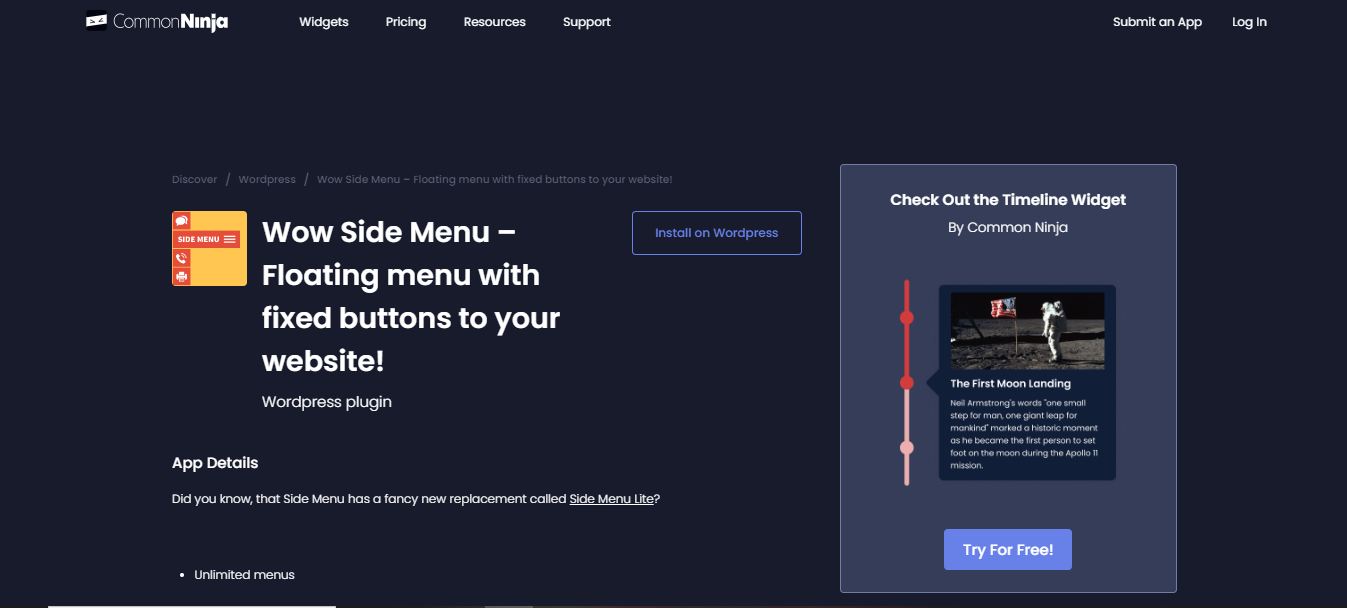
Side Menu Lite, from the same developer as Float Menu, adds a sticky menu to the side of the screen. It can act as a navigation panel, contact bar or social link bar.
On mobile, it can double as an app-style bottom bar for your key pages.
Key features:
- Side or bottom placement: attach the menu to any edge
- Contact actions: phone, email and link buttons
- Icon library: hundreds of icons to choose from
- New-tab links: open external links without losing the visitor
Pricing: Free version on WordPress.org. Pro is $25 one-time for a single site.

Boost Conversion Instantly
Add Social Proof & Urgency to your website
6. Floating Button
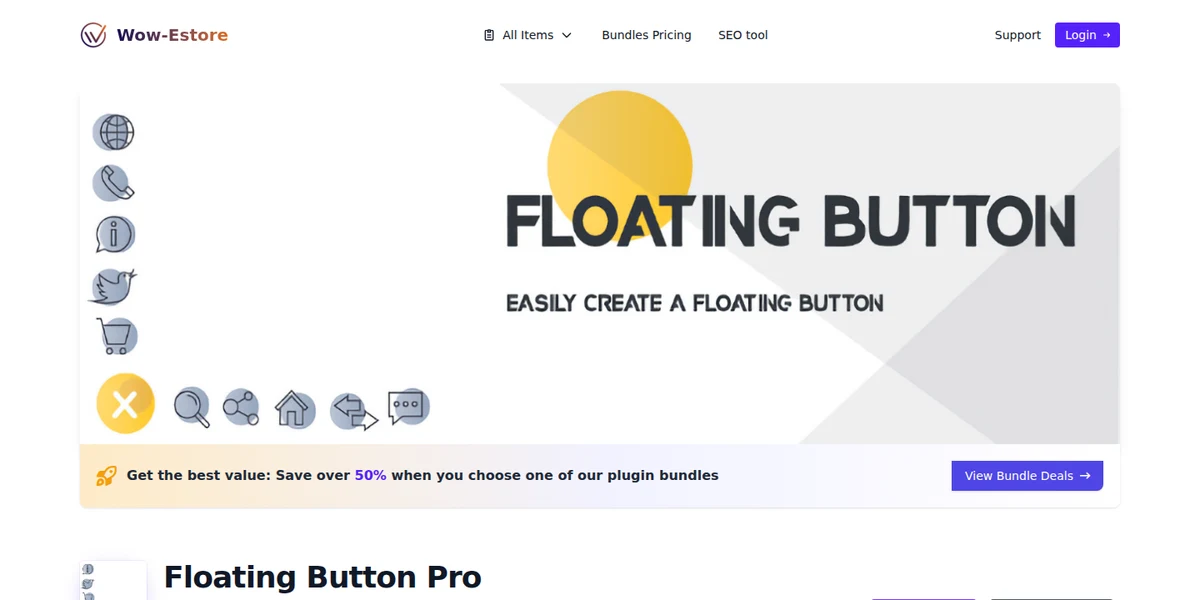
Floating Button creates one round floating action button, similar to the ones in mobile apps, with an optional menu of extra actions.
It’s the simplest way to add a single “Contact us” or “Book now” button that follows the visitor down the page.
Key features:
- Single action button: one clear call to action in a corner
- Expandable menu: add a few extra actions on tap
- Custom styling: size, color, icon and position
- Device control: different settings for mobile and desktop
Pricing: Free version on WordPress.org. Pro is $20 one-time for a single site.
7. Simple Side Tab
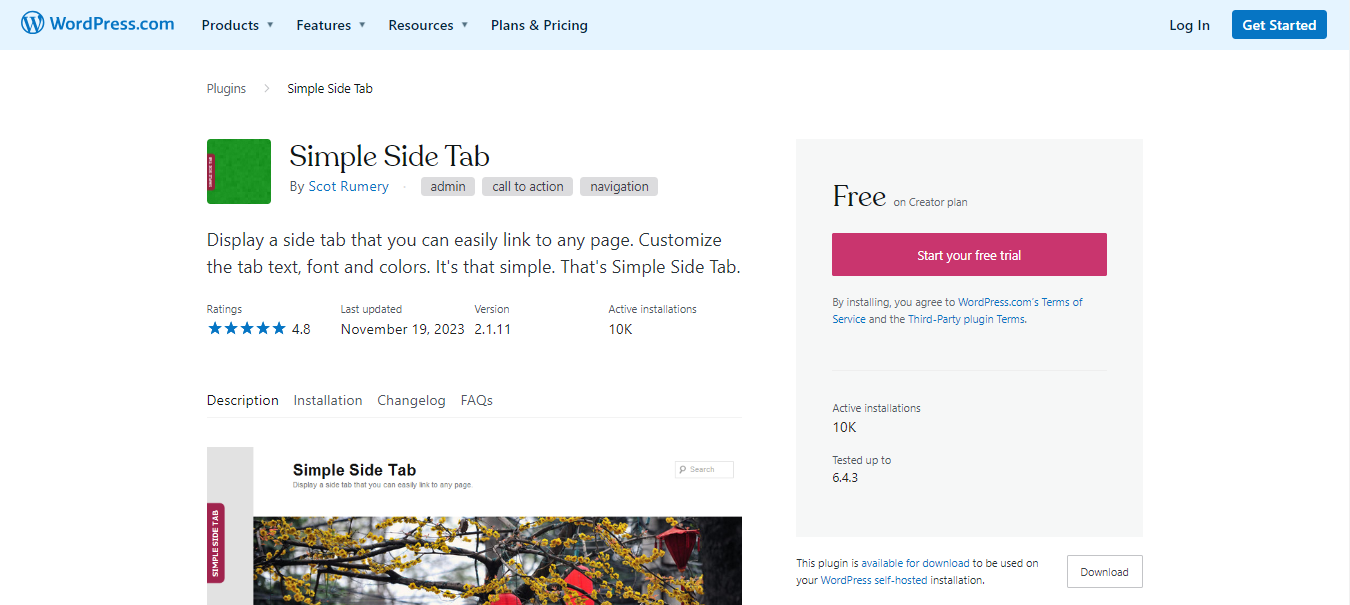
Simple Side Tab adds one small tab to the left or right edge of your site. Click it and it opens a link or page. Nothing else.
That’s its strength: if you only need a “Get a Quote” or “Contact” tab, it does the job with almost no setup.
Key features:
- One-tab design: a single labeled tab on the screen edge
- Color and font control: match your brand
- Left or right placement: adjust vertical position too
- Works with any theme: no builder needed
Pricing: Free. There’s no paid version.
8. Thrive Ultimatum
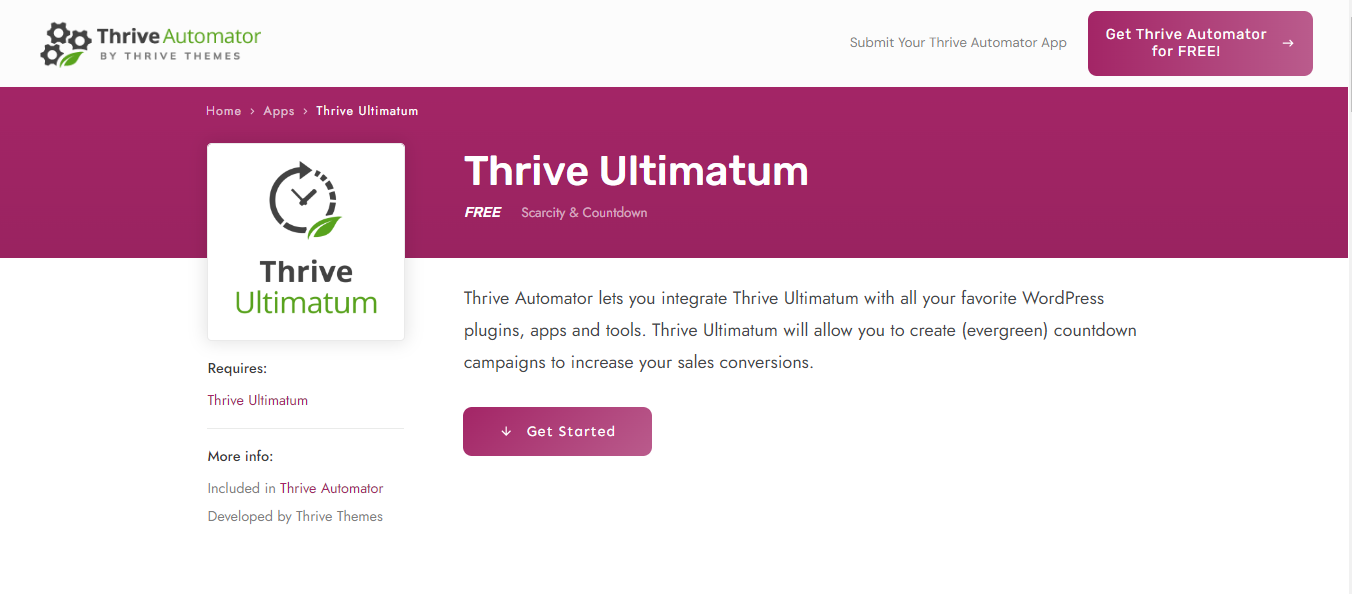
Thrive Ultimatum builds urgency campaigns: floating countdown bars, timers and limited-offer widgets that follow visitors as they scroll.
Its evergreen mode gives each visitor a personal deadline that starts on their first visit, instead of a fake sitewide timer that resets.
Key features:
- Evergreen countdowns: a unique deadline per visitor
- Campaign types: fixed, recurring and visitor-triggered
- Floating bars and widgets: ribbons, slide-ins and inline timers
- Drag-and-drop design: edit layouts visually
Pricing: Sold within Thrive Suite at $299/year (promo, list price $599/year).
9. Bloom
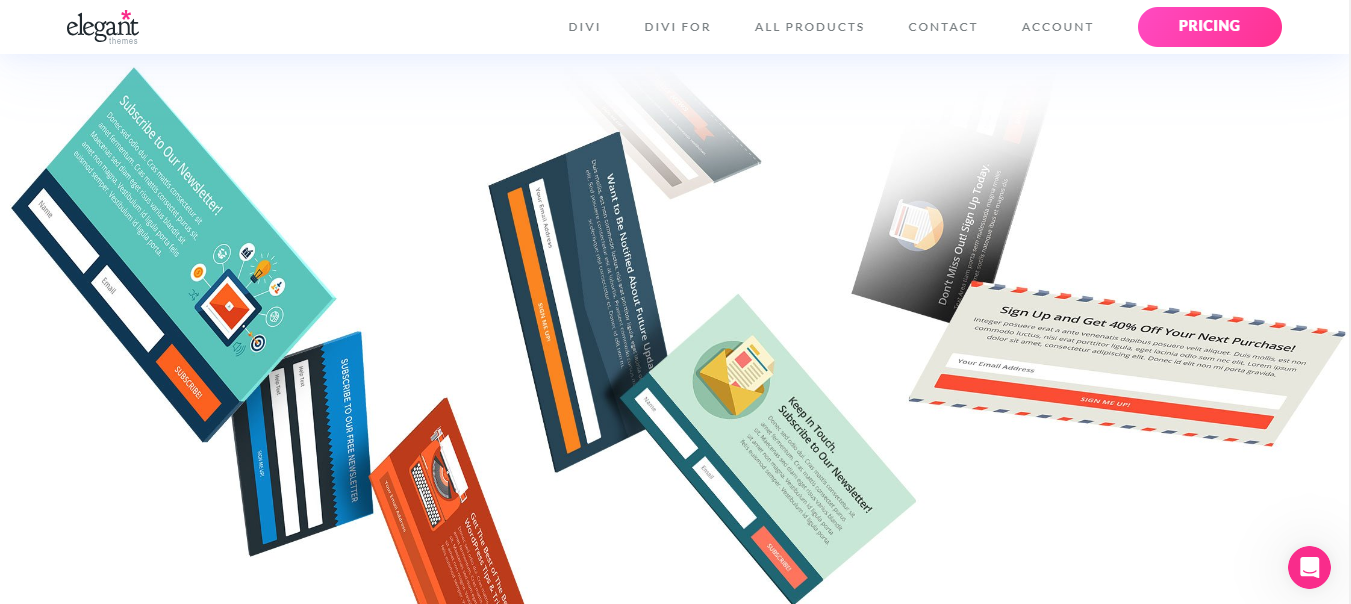
Bloom from Elegant Themes creates email opt-ins, including fly-in forms that slide in from a corner as a floating panel.
It’s the pick when the floating element’s job is growing your email list rather than starting a chat.
Key features:
- Fly-in forms: floating opt-ins triggered by time, scroll or exit
- Templates: 100+ designs you can customize
- Email integrations: Mailchimp, ActiveCampaign, HubSpot and more
- Page targeting: choose which posts and pages show each form
Pricing: Included in the Elegant Themes Divi plan at $89/year.
How to Choose a Floating Button Plugin
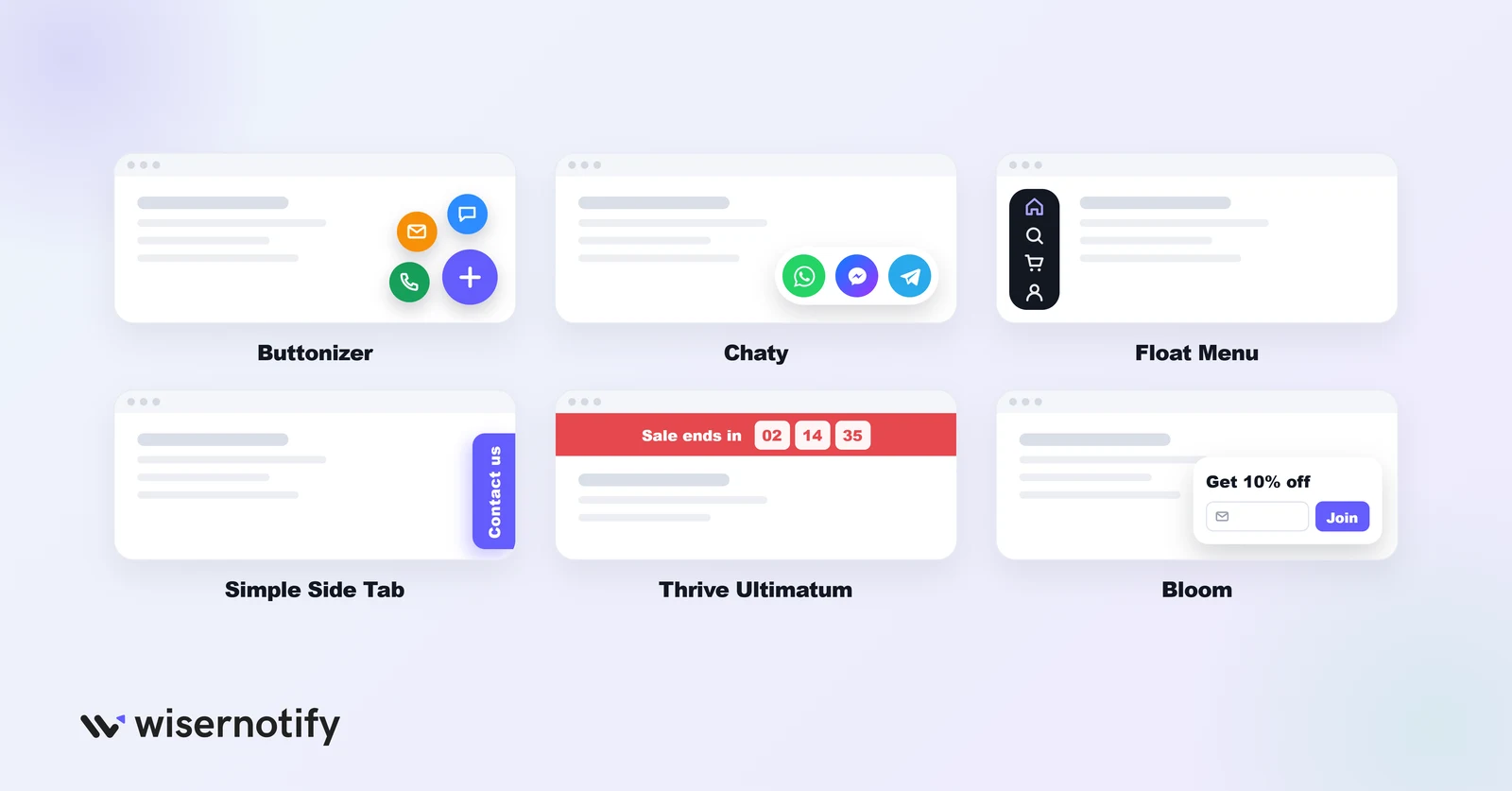
- Several contact options in one button: Buttonizer.
- Chat on WhatsApp and other apps: Chaty.
- A floating navigation menu: Float Menu or Side Menu Lite.
- One simple button or tab: Floating Button or Simple Side Tab.
- Urgency campaigns: Thrive Ultimatum.
- Email signups: Bloom.
Check the pricing meter too. Buttonizer charges by pageviews, Chaty and the Wow plugins by site, and Thrive and Bloom as part of larger bundles.
Pair Floating Buttons With Social Proof
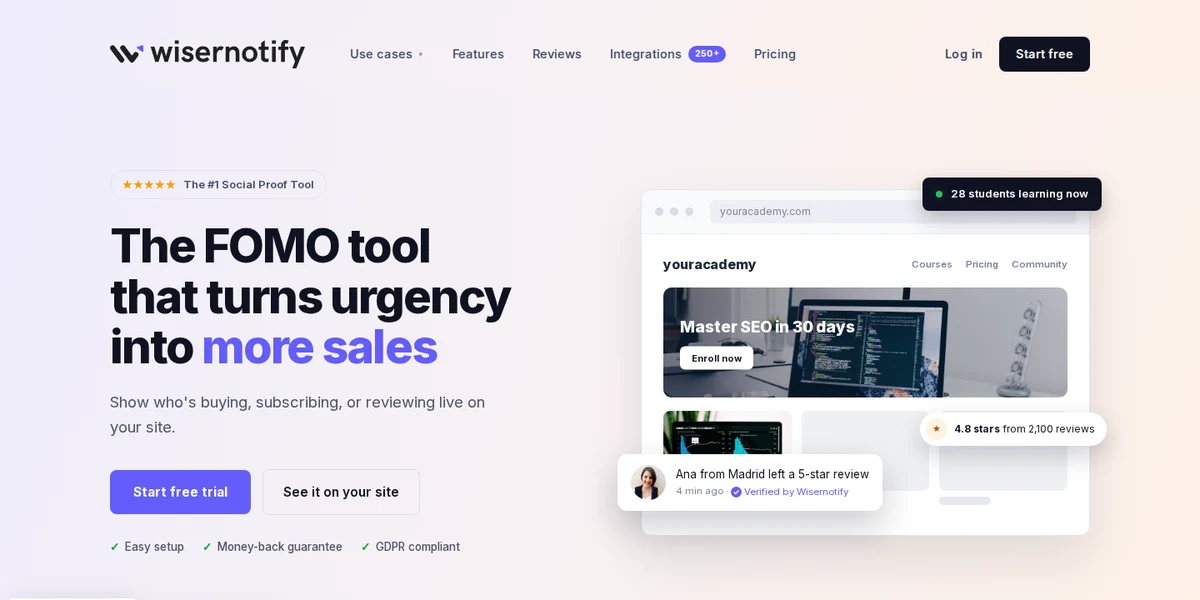
A floating button gives visitors a way to act. WiserNotify gives them a reason, with small notifications like “23 people signed up today,” recent purchases, or a countdown timer on a live offer.
It isn’t a floating button plugin, so use it alongside one of the tools above. Put the button in one corner and social proof in the other so they don’t overlap.
The one floating element it does add is a Contact tab that opens a click-to-call card. If a phone call is the action you want, see how to set up a WordPress callback widget with the plugin.
Common Mistakes With Floating Buttons
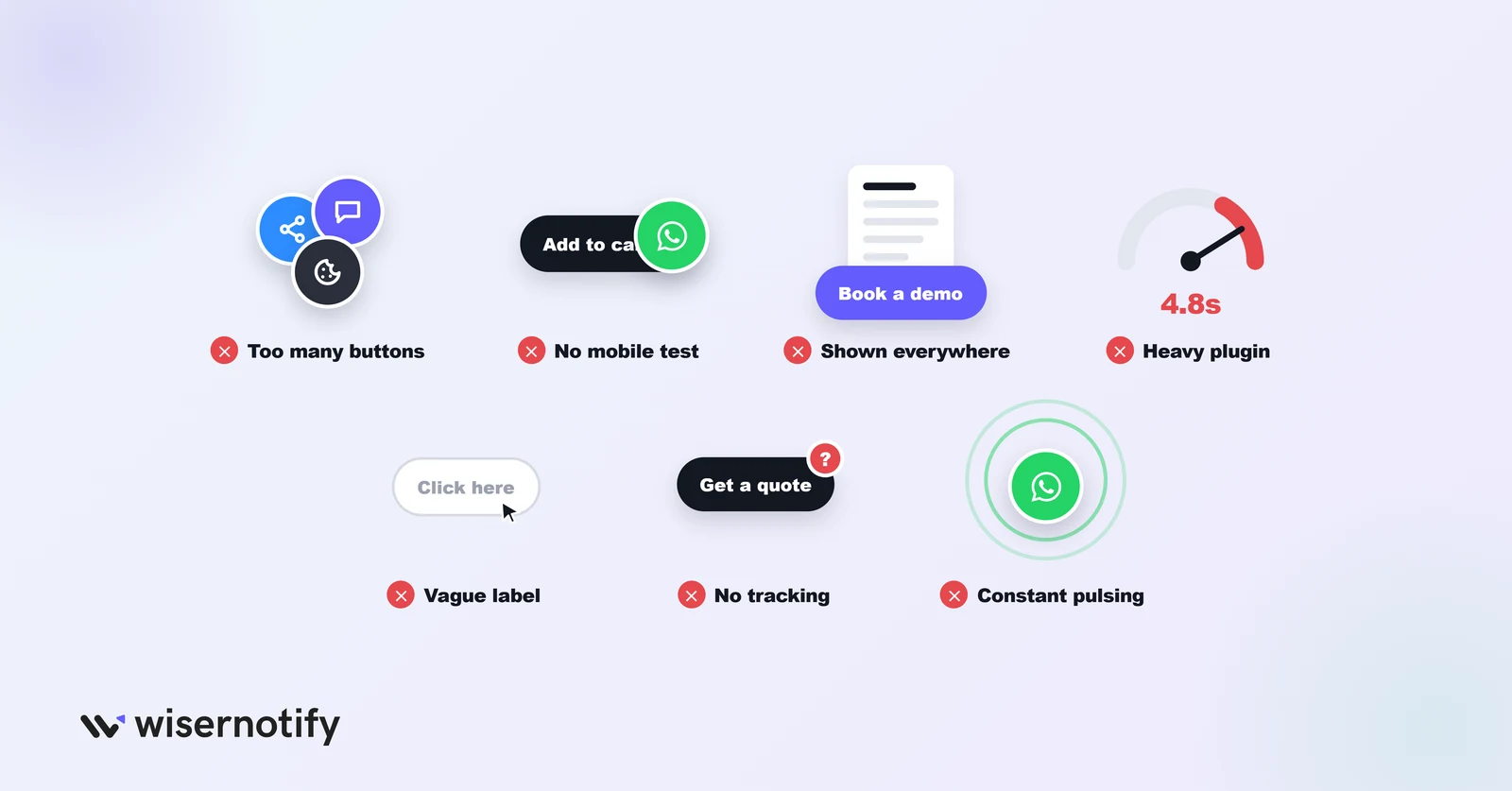
- Too many floating elements. A chat button, a social bar and a cookie banner in the same corner block the page on mobile. Keep it to one or two.
- Skipping mobile testing. A button that looks fine on desktop can cover “Add to cart” on a phone. Check real devices before going live.
- Showing it everywhere. “Book a demo” fits product pages and pricing, not your privacy policy. Use page targeting.
- Heavy plugins. Test page speed before and after installing, and switch to a lighter plugin if it slows the page.
- Vague labels. An icon alone or “Click here” doesn’t say what happens. Use “Chat on WhatsApp” or “Get a quote.” See these call-to-action examples for ideas.
- No tracking. Use a plugin with click analytics, or add UTM tags to button links.
- Constant animations. Pulsing or bouncing buttons get ignored or irritate visitors. A subtle hover effect is enough.
Boost Conversion Instantly
Add Social Proof & Urgency to your website
Wrap Up
Pick the plugin that matches the one action you want visitors to take: Buttonizer for several contact options, Chaty for chat, and Simple Side Tab or Floating Button for a single link.
Start with one button on your highest-intent pages, check it on mobile and keep it if the clicks justify it.
Frequently Asked Questions
What is a floating button in WordPress?
A button that stays fixed on screen, usually in a corner, as visitors scroll, so your main action is always one tap away.
What is the best free floating button plugin for WordPress?
Buttonizer for multi-button menus, Chaty for chat buttons, and Simple Side Tab if you only need one tab.
Do floating buttons slow down WordPress sites?
Some plugins add load time, so test page speed before and after installing and choose a lighter plugin if it slows the page.
How many floating buttons should I use on a page?
One or two at most. More than that clutters the screen, especially on mobile.
Where is the best place to put a floating button?
The bottom-right corner is the most common spot. Show it on high-intent pages like pricing and product pages.

Krunal Vaghasiya is a marketing tech expert who boosts e-commerce conversion rates with automated social proof and FOMO strategies. He loves to keep posting insightful posts on online marketing software, marketing automations, and improving conversion rates.




 Capterra