
I Tested 8 Social Proofy Alternatives (2026 Rankings)

Most sites leaving Social Proofy switch to WiserNotify. It covers the same recent-sales and live-visitor popups, then adds A/B testing, 50+ notification types, and deeper targeting.
Budget WordPress sites do fine with NotificationX. If you want to test the idea at zero cost first, ProveSource has a usable free tier.
I run WiserNotify, so I watch this category every week. For this update I opened every tool on this list, checked each pricing page, and confirmed what each one meters you on.
Here is the full breakdown, with current prices and a straight verdict per tool.
Key takeaways
- Social Proofy has no free plan. Paid plans run $3 to $159 per month, metered by monthly visitors, with a 14-day trial.
- WiserNotify is the closest upgrade for activity popups. It adds A/B testing and 250+ integrations, two things Social Proofy does not list.
- Every tool meters you differently. Visitors, impressions, and notifications are three separate caps, so check the meter before the price.
- Free routes exist. ProveSource, NotificationX, and Nudgify all have free tiers worth testing on low-traffic sites.
Why Switch from Social Proofy?
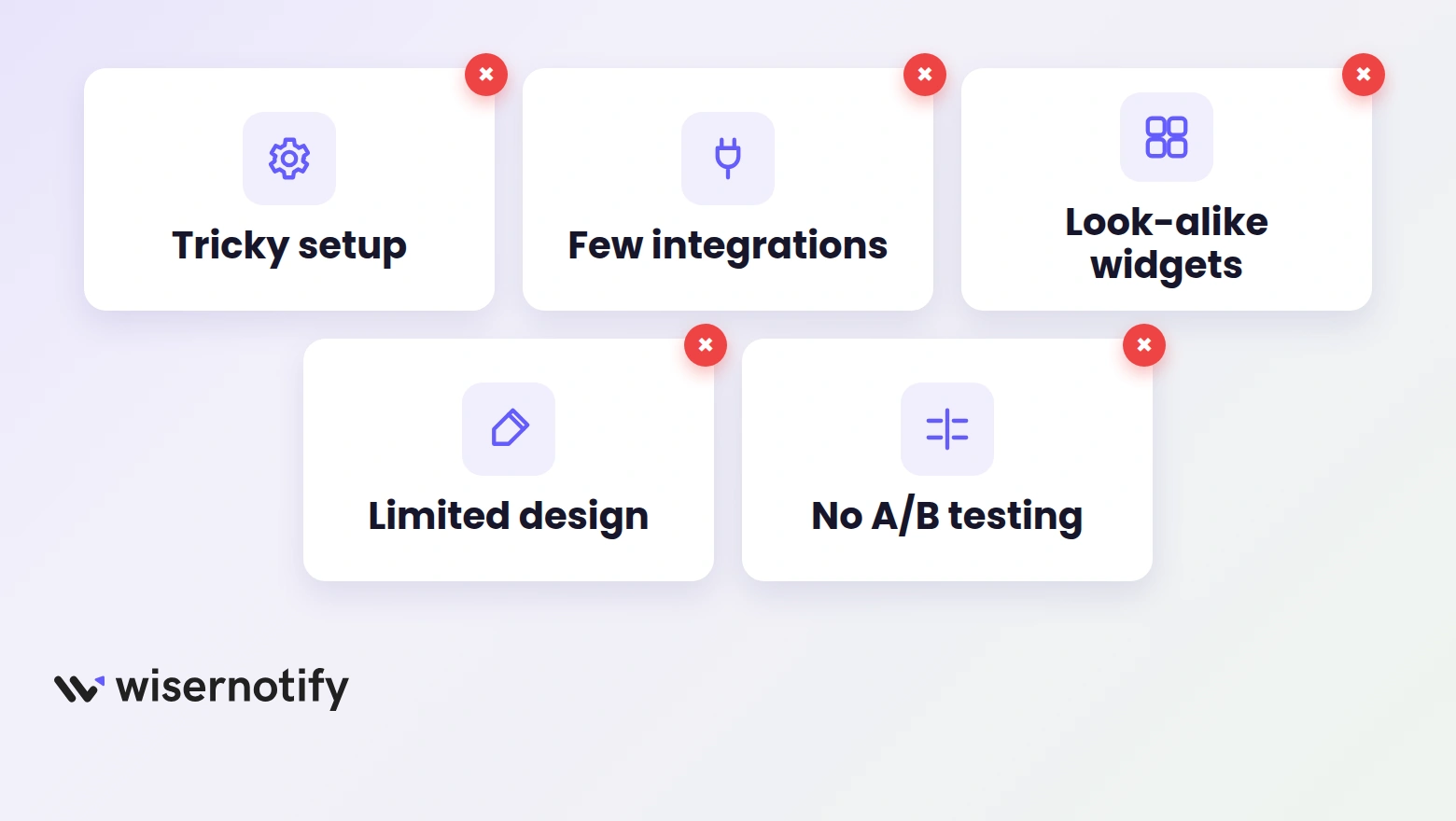
Social Proofy handles simple activity popups fine. These are the five walls people hit when they try to do more with it.
1. Setup Gets Tricky Past the Basics
Dropping the pixel on your site is easy. Reviewers on G2 and Capterra say the harder part is wiring real data in through webhooks or Zapier, where some needed support to finish.
Every hour spent on setup is an hour your popups are not running.
2. Thin Integration Options
Social Proofy connects with Shopify, WooCommerce, and a few dozen popular apps. Step outside that list, say a niche CRM, a form builder, or a course platform, and you are stuck building workarounds.
3. Fewer Widget Types Than It Looks
Social Proofy’s 20+ widgets sound like plenty until you line them up. Many are near-duplicates of each other. Countdown timers, review popups, and low-stock alerts are either missing or far more limited than what newer tools ship.
4. Limited Design Control
You can change colors and text. Layout, fonts, animation, and placement options stay basic. If your brand has a specific look, the popups tend to read as an add-on rather than part of the site.
5. No A/B Testing or Smart Targeting
Social Proofy does not list A/B testing on any plan. Targeting by page, device, or referral source is limited too, so every visitor tends to see the same message no matter where they are in the journey.
You cannot improve what you cannot test. That one gap is the most common reason people leave.
Quick Comparison of the 8 Alternatives
| Tool | Starting price | Best for | One-line verdict |
|---|---|---|---|
| WiserNotify | $16/mo | Most sites switching | Everything Social Proofy does, plus testing and targeting |
| ProveSource | Free, paid from $24/mo | Testing free first | Solid popups with a usable free tier |
| Fomo | $25/mo | Deep integrations | Mature tool with wide app support |
| NotificationX | Free, Pro $49/yr | WordPress sites | Cheapest serious option if you run WordPress |
| Nudgify | Free, paid from $9/mo | Ecommerce nudges | Checkout and stock nudges out of the box |
| UseProof | $79/mo | High-traffic SaaS | Polished but priced for bigger budgets |
| TrustPulse | $5/mo billed yearly | Tiny sites on a budget | Cheapest paid start, tight visitor caps |
| Evidence | $40/mo | Custom data flows | Webhook and API control for custom stacks |
1. WiserNotify: Best Overall Replacement

If you picked Social Proofy for live sales, signup, and visitor popups, WiserNotify is the same category with the ceiling removed.
We built it for stores, SaaS, and coaching sites that want social proof matched to their brand, with proof of what the popups earn.
What WiserNotify Adds Over Social Proofy
- 50+ notification types. Social Proofy ships about 20 widget styles. WiserNotify covers countdowns, review popups, low-stock alerts, signup nudges, offer bars, and more.
- Full design control. Layout, font, colors, placement, and animation are all editable, so notifications look native to your site.
- Targeting rules. Show different popups by page, device, location, or referral source instead of one message for everyone.
- A/B testing with reports. Run split tests and track views, hovers, and clicks. Social Proofy does not list testing on any plan.
- 250+ integrations. CRMs, form builders, ecommerce platforms, and webinar tools connect directly, so your data feeds the popups without workarounds.
Pricing: Pro starts at $16/month for 10,000 monthly visitors; the Basic plan is $59/year for 5,000. Every plan starts with a 7-day free trial.
Pick it when you want Social Proofy’s job done with testing and brand control on top. Skip it if all you need is one static counter on one page.

Boost Conversion Instantly
Add Social Proof & Urgency to your website
2. ProveSource: Best Free Starting Point

ProveSource covers the familiar set, recent purchases, signups, review popups, and live counts, and pulls your Google and Trustpilot ratings into notifications.
The reason it earns this spot is the free plan. You get the core features on 1,000 monthly unique visitors, which is enough to see whether social proof moves your numbers before paying anyone.
Main features:
- Real-time popups for sales, signups, reviews, and page views
- Google and Trustpilot review integration
- Page-level targeting and scheduling
- Works with Shopify, WordPress, and most site builders
Pricing: Free for 1,000 monthly unique visitors with ProveSource branding; paid plans from $24/month billed yearly ($29 monthly) for 20,000 visitors.
Start here if you want to test the category at zero cost. The branding on the free tier and visitor-based pricing are the trade-offs as you grow.
Also Read: I Tested 8 ProveSource Alternatives (2026 Rankings)
3. Fomo: Best for Deep Integrations

Fomo has been in this category longer than almost anyone, and it shows in the integration list. Over 100 apps connect directly, from Mailchimp to Zapier to review platforms.
Where Social Proofy caps you at basic connections, Fomo pulls data from nearly any tool in your stack and turns it into live popups with fine-grained display rules.
Main features:
- Live sales, signup, and activity notifications
- 100+ direct integrations plus Zapier
- A/B testing with detailed analytics
- Language and timezone support for international stores
Pricing: Starter is $25/month for 8,000 notifications per month, with a 14-day free trial. The meter is notifications shown, not visitors, so busy sites burn through tiers fast.
A strong pick when your stack is wide. Watch the notification meter if your traffic spikes.
Also Read: 8 Fomo Alternatives I Tested That Cost Less and Do More (2026)
4. NotificationX: Best for WordPress

NotificationX is a WordPress plugin, not a SaaS, and that changes the math. The free version sits on 30,000+ active installs and handles sales popups, comment alerts, review notifications, and email signup nudges.
Because it runs inside WordPress, there is no external dashboard and no visitor meter. WooCommerce, LearnDash, and Easy Digital Downloads data flows in natively.
Main features:
- Sales, comment, review, and signup popups
- Native WooCommerce and LearnDash support
- Notification bars and countdown timers
- Free version on WordPress.org, updated regularly
Pricing: Free plugin; Pro lists at $49/year for one site ($37 on the current promo). No visitor caps on any tier.
The obvious choice if your whole world is WordPress. Useless if any of your pages live outside it.
Also Read: I Tested 8 NotificationX Alternatives (2026 Honest Picks)
5. Nudgify: Best for Ecommerce Nudges

Nudgify leans into shopping psychology more than plain activity feeds. Its nudges say things like low stock, selling fast, or free delivery, right where the buying decision happens.
It is built for stores first, with ready-made nudges for cart activity, checkout, and product pages on Shopify, Wix, and WooCommerce.
Main features:
- Social proof plus urgency and scarcity nudges
- Cart and checkout prompts tied to visitor behavior
- Geo-targeting and 32+ languages
- Google Reviews, Klaviyo, and Trustpilot connections
Pricing: Free plan with 1,000 nudge impressions per month; Lite is $9/month for 10,000 impressions, with a 7-day free trial.
Great for stores that want checkout nudges without building rules by hand. The impression meter is small, so high-traffic sites outgrow the low tiers quickly.
6. UseProof: Best for High-Traffic SaaS

UseProof’s Pulse product does three notifications, recent activity, live visitor count, and hot streaks, and does them with polish. A/B testing is built into every plan, and the script is light enough that it loads after your page content.
The catch is the price. This is a tool aimed at funded SaaS and large funnels, not side projects.
Main features:
- Recent activity, visitor count, and streak notifications
- Built-in A/B testing on all plans
- Unlimited domains and notifications
- Zapier and webhook event support
Pricing: $79/month for 10,000 monthly unique visitors, with a 14-day free trial. Plans scale by traffic from there.
Worth it when your traffic justifies the spend and you want clean testing data. At small scale, the cheaper tools above cover the same ground.
7. TrustPulse: Cheapest Way to Start

TrustPulse keeps it simple. Recent activity popups, on-fire notifications that show how many people acted recently, and a point-and-click editor. Setup takes minutes.
At $5 per month it is the cheapest paid entry on this list. The limits match the price, though. The Basic plan covers one site and 1,500 unique visitors a month, which a modest blog can exceed in a week.
Main features:
- Recent activity and visitor count popups
- On-fire notifications for action spikes
- Page-level targeting and timed display
- Click tracking with basic analytics
Pricing: Basic is $5/month billed annually (listed as a promo against $9) for 1 site and 1,500 unique visitors. Pro at $19/month lifts that to 25,000 visitors and adds WooCommerce support.
Fine for a small site dipping a toe in. Growing stores hit the visitor caps fast and end up upgrading or switching.
Also Read: I Tested 7 TrustPulse Alternatives (2026)
8. Evidence: Best for Custom Data Flows

Evidence is the developer-friendly option. Instead of relying on prebuilt integrations, it takes verified events, purchases, form fills, signups, through webhooks and APIs from whatever system you run.
That makes it the pick for custom platforms and lead-gen stacks where the other tools’ integration lists do not reach.
Main features:
- Verified conversion popups from any connected source
- Webhook and API triggers
- Streaks, visitor counts, offers, and announcements
- Boomerang tabs that flash proof in the browser tab title
Pricing: Starter is $40/month for 5,000 visits, with a 14-day free trial and unlimited domains on every plan.
Choose it when your data lives in custom systems. Overkill if a standard Shopify or WordPress connection does the job.
Boost Conversion Instantly
Add Social Proof & Urgency to your website
How to Choose the Right Alternative
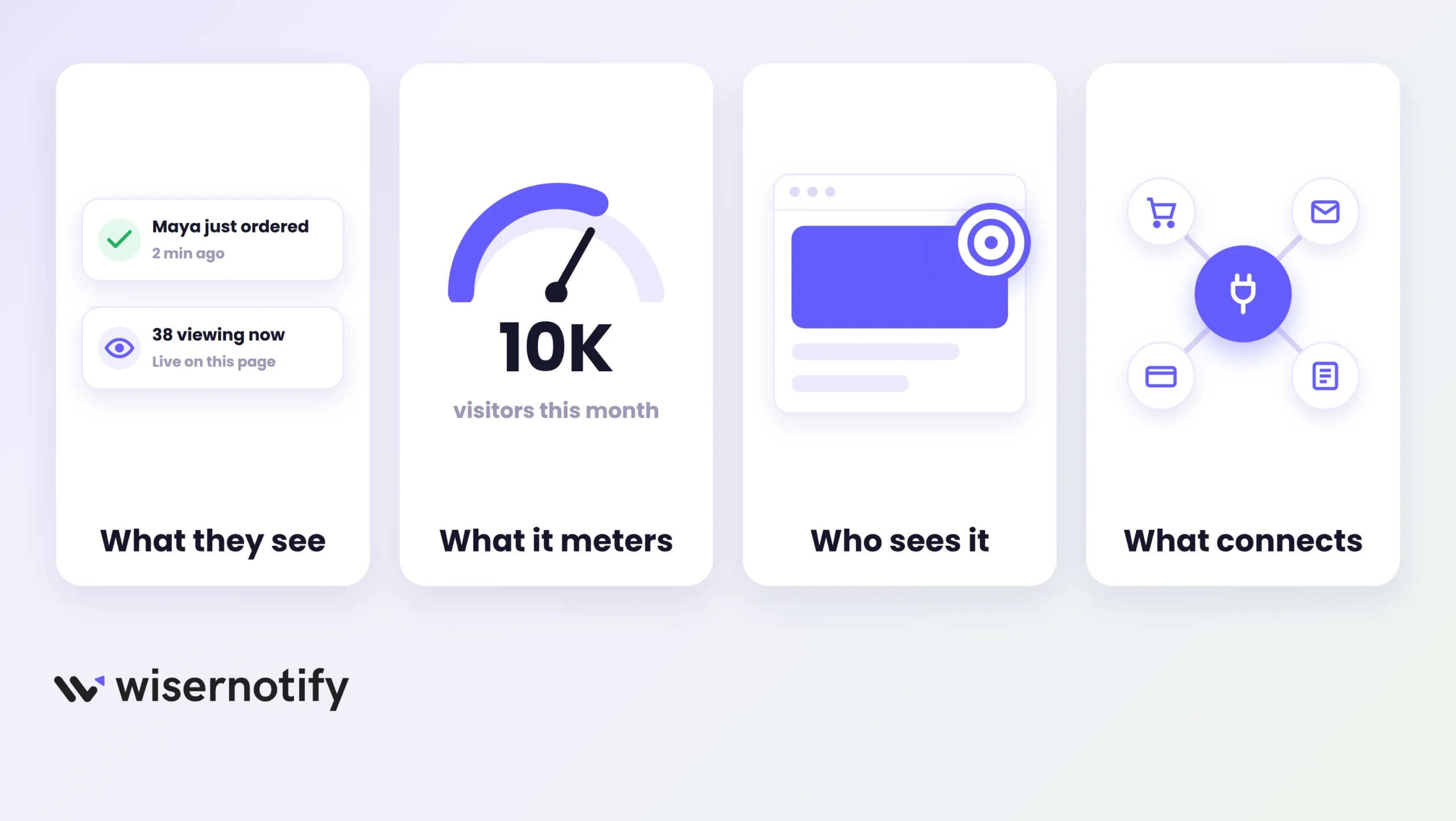
The right tool comes down to what you want visitors to see and how much control you need over it.
For live activity, recent orders, signups, visitor counts, you want wide widget variety, design control, and targeting. WiserNotify is the fit there, and the setup is one pixel plus about ten minutes.
If reviews are the trust signal you need, lean on the tools that pull ratings in. ProveSource and Nudgify both feed your Google and Trustpilot reviews into notifications. Our guide to social proof examples shows these styles in the wild.
Ask yourself four questions before picking:
- Do I want live activity, real reviews, or both?
- What does the tool meter me on, and will my traffic blow past it?
- Can I control where, when, and to whom each message shows?
- Does it connect to the tools my data already lives in?
One more rule of thumb. If a tool cannot tell you what a popup earned, you are decorating, not converting.
Wrap Up
Social Proofy is a fair place to start. Cheap entry, simple popups, quick first win.
The ceiling shows up when you want to test messages, match your brand, or pull data from tools outside its integration list. That is the point where most people move on.
WiserNotify is the natural next step for activity popups, and the free tiers from ProveSource, NotificationX, and Nudgify are safe sandboxes if you are not ready to commit.
Pick based on what your visitors need to feel confident, then let the results decide if you chose right.
Frequently Asked Questions
Why are people moving away from Social Proofy?
Setup past the basics takes work, design options stay limited, and there is no A/B testing. Growing sites also outgrow its short integration list.
What is the best Social Proofy alternative?
WiserNotify is the closest overall replacement. It covers the same activity popups and adds split testing, targeting rules, and a 7-day free trial.
Is Social Proofy free?
No, there is no free plan. Paid plans start at $3 per month, metered by monthly visitors, and every tier opens with a trial.
Are there free alternatives to Social Proofy?
Yes. ProveSource, NotificationX, and Nudgify all offer free tiers. WiserNotify gives you a 7-day free trial on every plan.
Can I use these alternatives with Shopify, WordPress, or Wix?
Most of them work with Shopify, WordPress, and Wix. NotificationX is WordPress-only, so check platform support before you commit.
Which Social Proofy alternative is best for showing customer reviews?
ProveSource is the strongest pick for review popups. It pulls your Google and Trustpilot ratings straight into on-site notifications.

Krunal Vaghasiya is a marketing tech expert who boosts e-commerce conversion rates with automated social proof and FOMO strategies. He loves to keep posting insightful posts on online marketing software, marketing automations, and improving conversion rates.




 Capterra