
12 Trust Badges That Boost Sales (+ Where to Place Them)
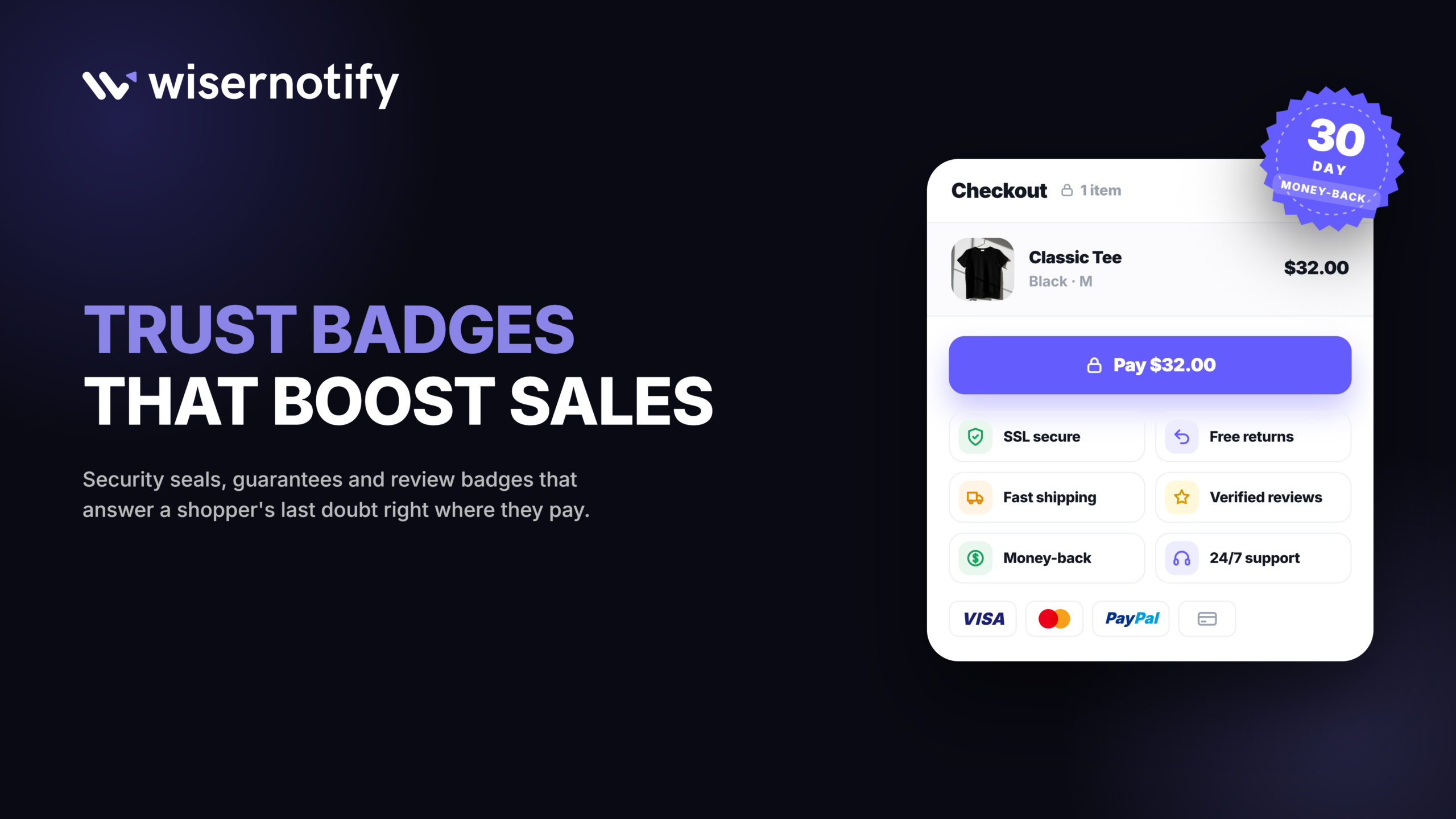
The best trust badges are a secure checkout badge, payment logos, a money-back guarantee, free shipping and review ratings. Place them where visitors hesitate: near the price, below Add to Cart and next to the payment form.
Below are 12 trust badges grouped by type, a placement table for every page, and the mistakes that make badges hurt more than help.

Boost Conversion Instantly
Add Social Proof & Urgency to your website
What Are Trust Badges?
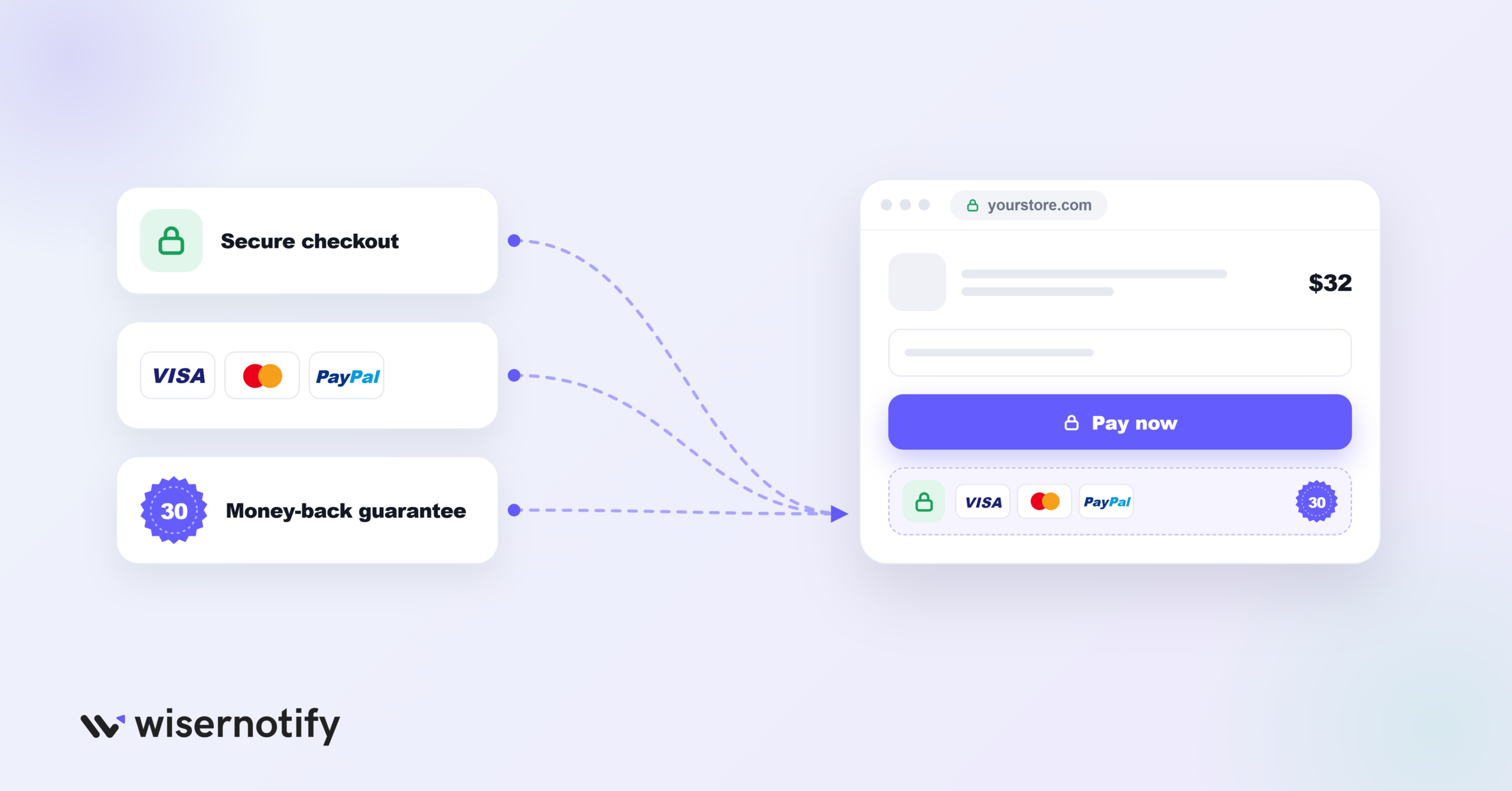
A trust badge is a small icon or seal on a website that signals the site is safe, legitimate and reliable.
You’ve seen them everywhere: the padlock near the checkout button, Visa and Mastercard logos on a payment page, or a “30-Day Money-Back Guarantee” shield on a product page.
They work through transferred trust. When visitors see a logo from a company they already trust, like PayPal or the BBB, some of that trust carries over to your site.
On checkout pages they tackle a common reason people leave. About one in five shoppers who abandon checkout say they didn’t trust the site with their card details.
Why Trust Badges Matter for Conversions
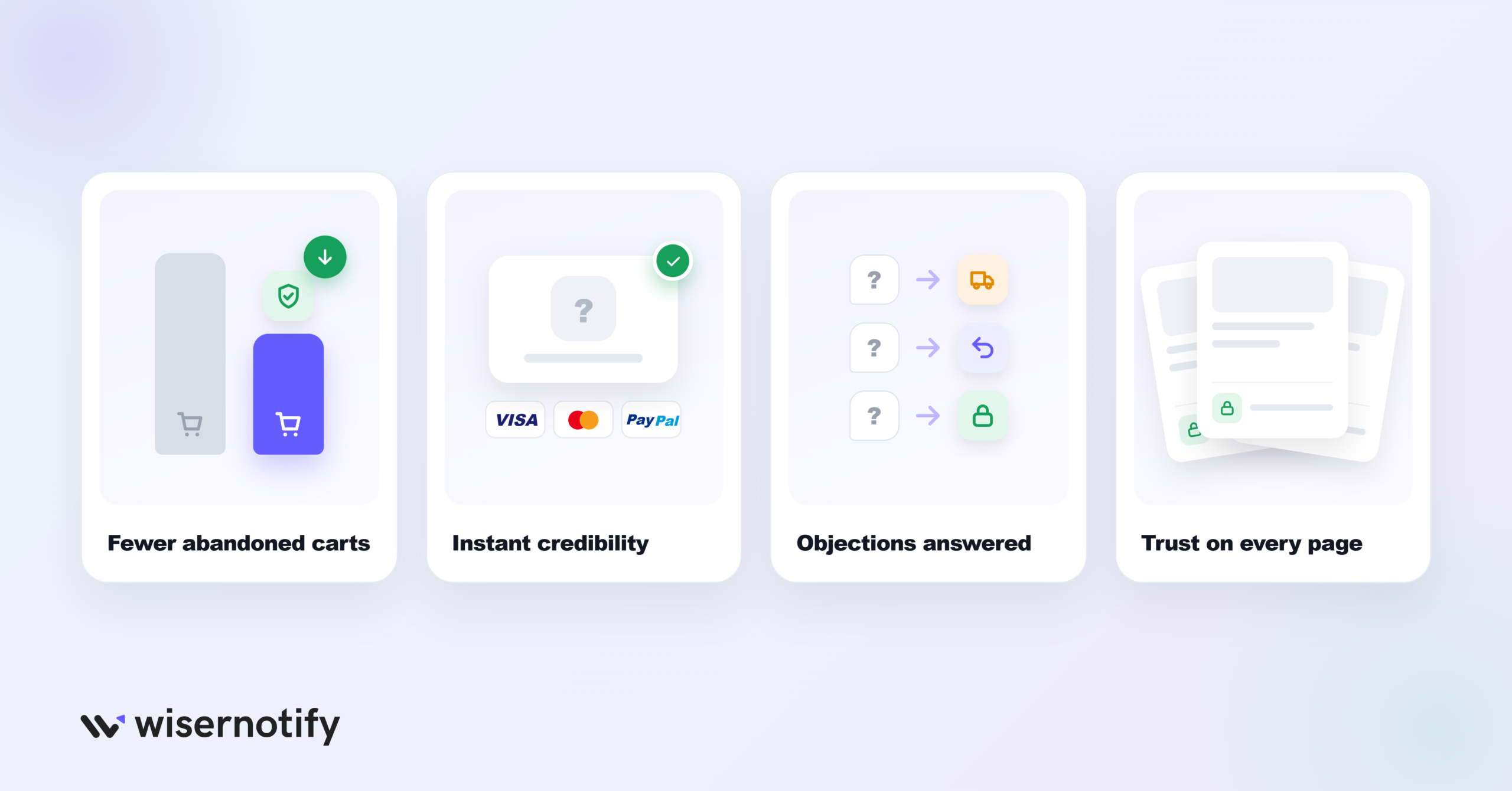
Trust badges answer a specific worry at a specific moment.
They reduce checkout abandonment. Roughly 70% of online carts are abandoned, and some of those shoppers leave because they don’t feel safe. Security badges and payment logos speak to that fear directly.
They lend credibility to new brands. A shopper who has never heard of your store has heard of Visa, PayPal and the BBB. Their logos give an unknown store a familiar anchor.
They answer objections before they’re raised. Shipping costs, returns and payment safety are the three questions most shoppers have. A badge answers each in one glance.
They carry trust across the site. Badges in the footer and on product pages mean visitors feel safe before they ever reach checkout.
Also check: 70+ Social Proof Examples That Build Trust
Trust Badge Placement at a Glance
| Badge | Page | Position | Expected effect |
|---|---|---|---|
| Secure checkout | Checkout | Next to the payment form | Calms card-safety worries |
| Payment method logos | Checkout, footer | Below the pay button, in the footer | Borrows trust from known brands |
| Money-back guarantee | Product, checkout | Below Add to Cart | Lowers the risk of buying |
| Free shipping | Product, cart | Near the price | Removes surprise-cost objections |
| Review rating | Product, homepage | Below the product title | Shows real customer approval |
| SSL seal | Checkout, forms | Next to form fields | Reassures on data entry |
| PayPal badge | Checkout | Payment section | Signals buyer protection |
| Site security seal | Checkout, footer | Near sensitive forms | Third-party security proof |
| BBB or ISO badge | Homepage, About | Footer or About section | Third-party vetting |
| As Featured In | Homepage | Below the hero | Borrowed authority |
| Satisfaction guarantee | Product, pricing | Near price or plan cards | Reduces commitment risk |
| Live activity notification | Product, homepage | Corner popup or inline near the CTA | Shows others buying now |
12 Best Trust Badges That Increase Sales
The badges are grouped by type so you can pick the ones that match your business and your visitors’ concerns.
Ecommerce Trust Badges
1. Free Shipping and Returns Badge
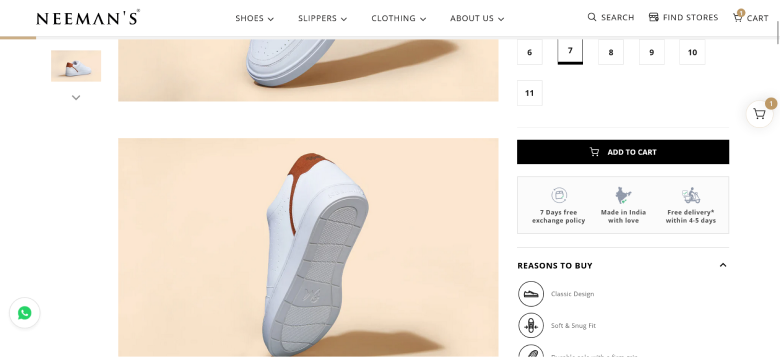
Unexpected extra costs, shipping above all, are the top reason shoppers abandon checkout. A free shipping badge settles that before it becomes an objection.
Place it on product pages near the price and again at checkout, so visitors know before they add to cart.
If free shipping has a minimum, like “Free shipping over $50,” show the threshold clearly. Shoppers often add items to qualify, which raises order value.
Best placement: Product pages near the price, cart page, checkout page
2. Secure Checkout Badge
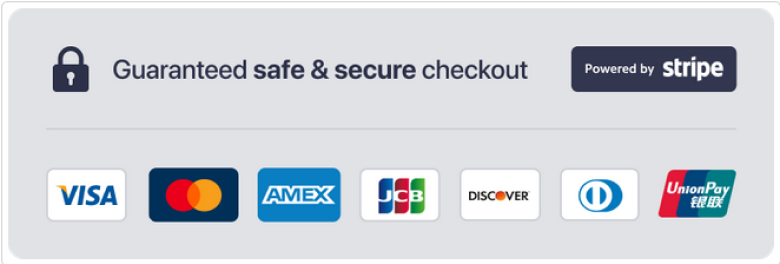
A secure checkout badge tells visitors their payment details are encrypted. For any site that takes payments, it’s the most important badge on the page.
It usually shows the padlock and sometimes the certificate authority, like DigiCert or GlobalSign. Visitors may not know what SSL means, but they recognize the padlock and the names.
Most hosts include an SSL certificate, and paid certificates come with a seal you can display.
Best placement: Checkout page next to the payment form, below the Add to Cart button, footer
Build trust & FOMO
Highlight real-time activities like reviews, sales & sign-ups.


3. Money-Back Guarantee Badge
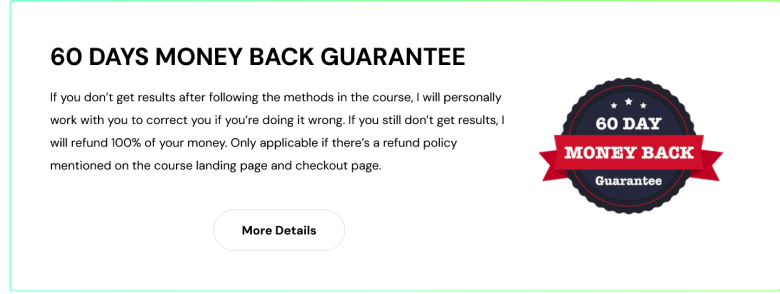
A money-back guarantee removes the biggest online shopping worry: “What if I don’t like it?”
Be specific. “30-Day Money-Back Guarantee” beats “Money-Back Guarantee,” and “60-Day No-Questions-Asked Refund” is stronger still because it sounds easier to use.
Make the policy visible on the product page, not buried on a terms page nobody reads.
Best placement: Product pages, checkout page, About page
4. Accepted Payment Methods Badge
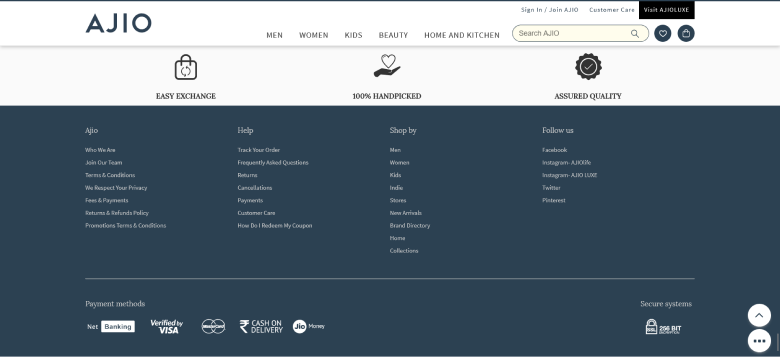
Logos for Visa, Mastercard, PayPal, Apple Pay and Google Pay tell shoppers how they can pay and borrow trust from those brands at the same time.
A first-time visitor who sees PayPal thinks, “PayPal protects buyers, so my money is safe here.” That matters most for stores without brand recognition yet.
Show every method you accept, and use the official logos.
Best placement: Checkout page, footer, product pages
5. Customer Review and Rating Badge
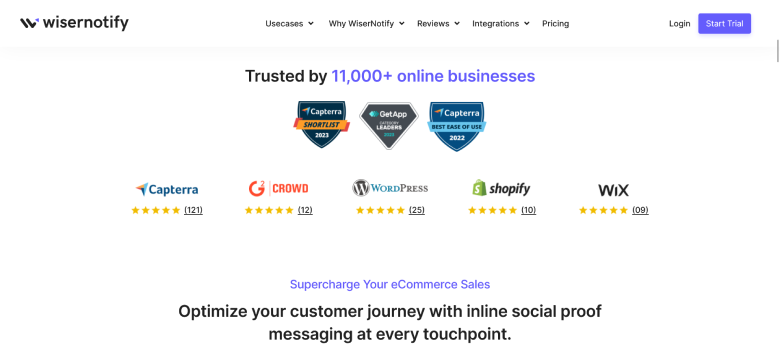
Review badges show your average rating from Google, Trustpilot or your own reviews. They carry weight because they reflect real customers, not your own promises.
They work best with photos or videos from buyers, and when the rating updates automatically instead of sitting as an old screenshot.
WiserNotify can pull reviews from Google, Trustpilot and other platforms and show them as live notifications, which pairs badges with social proof marketing.
Best placement: Product pages, homepage, landing pages, checkout sidebar
Build trust & FOMO
Highlight real-time activities like reviews, sales & sign-ups.

Security Trust Badges
6. SSL Certificate Badge
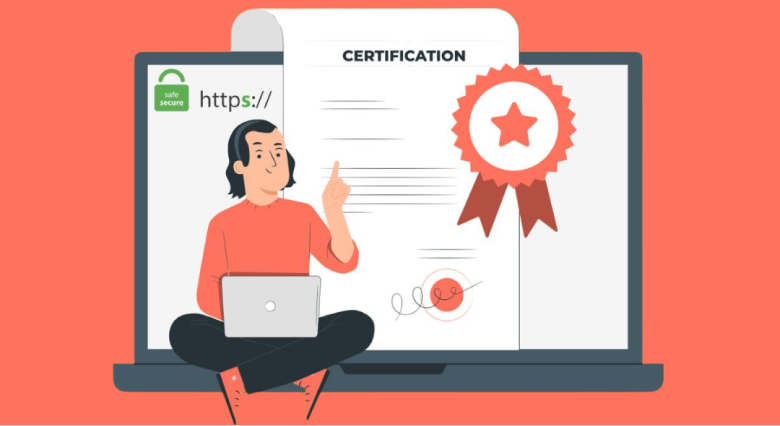
An SSL certificate encrypts data between the visitor’s browser and your server. Without it, browsers show a “Not Secure” warning that kills trust instantly.
Most hosts include free SSL, which gives you the padlock in the address bar. Paid certificates add a site seal you can display.
The seal matters most where visitors type personal details: checkout, sign-up, contact and account pages.
Best placement: Checkout page, registration forms, contact pages, footer
7. PayPal Verified Badge

PayPal is one of the most trusted payment brands worldwide. If you accept it, its badge tells visitors purchases are covered by PayPal’s buyer protection.
It helps most with international buyers, who may not trust an unfamiliar payment processor but know PayPal will step in if something goes wrong.
Best placement: Checkout page, payment section, footer
8. Site Security Seals
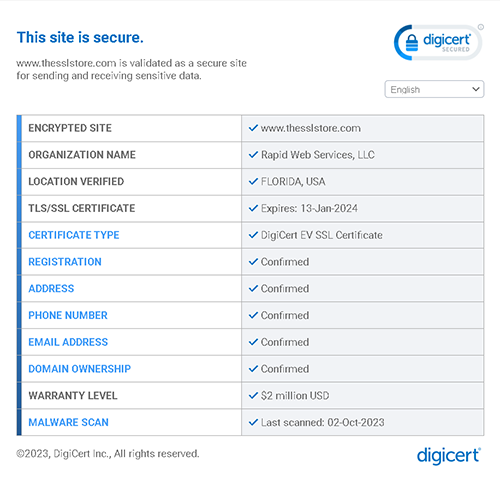
Site security seals show that a third party has checked your site for security. The names have changed: the Norton Secured seal was replaced by the DigiCert seal in 2023, and McAfee SECURE became TrustedSite in 2021.
If you still show an old Norton or McAfee image, replace it with the current seal from your provider. An outdated seal looks like a site nobody maintains.
Seals usually come with a paid certificate or a scanning subscription, so they suit stores where a small lift in checkout trust is worth the cost.
Best placement: Checkout page, footer, anywhere sensitive data is collected
Website Trust Badges
9. Third-Party Endorsement Badge (BBB, ISO)

Badges from the Better Business Bureau, ISO certifications or industry bodies show a reputable third party has vetted your business.
BBB accreditation carries weight in the US, and ISO or SOC 2 matters most for B2B buyers who care about compliance.
Only display badges you’ve earned. Fake endorsements are a legal risk and destroy trust when discovered.
Best placement: Homepage, About page, footer
10. “As Featured In” Media Badge
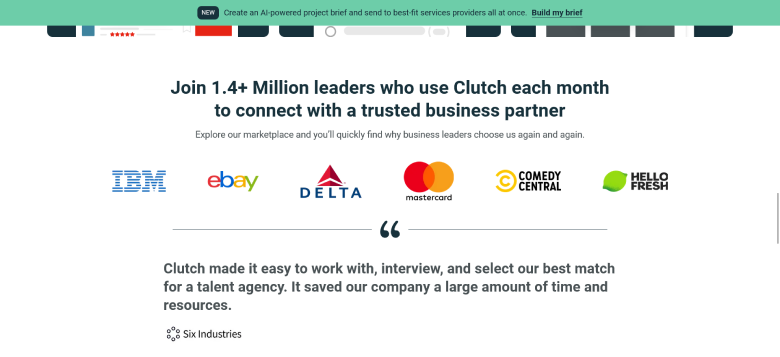
If publications have covered your brand, their logos link your name to outlets people already trust.
Show them as a grayscale strip below the homepage hero or on the About page, so they add credibility without pulling attention from your offer.
Best placement: Homepage below the hero, About page, landing pages
11. Satisfaction Guarantee Badge
A satisfaction guarantee goes further than a refund. It promises you’ll make things right, whether that’s a replacement, a discount or a refund.
It shifts risk from the buyer to you. For services and SaaS, where the product can’t be touched before buying, that reassurance matters even more.
Best placement: Product pages, pricing pages, checkout page
Social Proof Badges
12. Real-Time Activity Badges

Real-time badges show live data instead of a fixed icon: “23 people bought this today,” “142 viewing now,” or “Rated 4.8/5 from 500+ reviews.”
They beat static badges on freshness. A “Trusted by 10,000+ customers” badge could be years old, while “Sarah from London bought this 3 minutes ago” is clearly current.
WiserNotify shows recent purchase notifications, live visitor counts and review notifications that update on their own and sit alongside your static badges.
Best placement: Product pages, homepage, landing pages, checkout sidebar
Where to Place Trust Badges
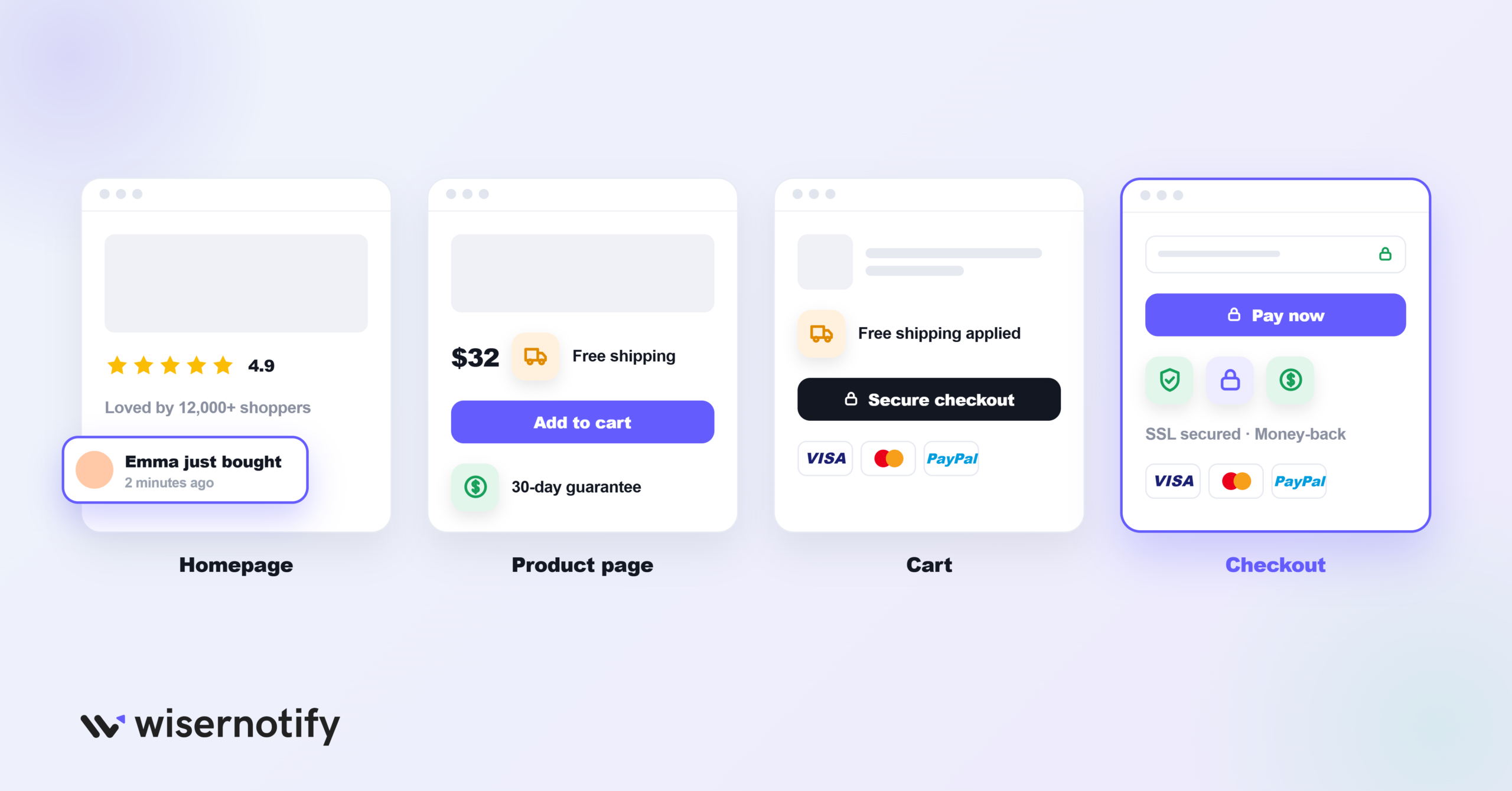
The right badge in the wrong place does little. Match each badge to the worry visitors have on that page.
Product pages: Free shipping near the price, review rating below the title, and a guarantee below Add to Cart. These answer objections before the visitor adds to cart.
Cart page: Secure checkout, free shipping confirmation and payment logos. The cart is where second-guessing starts.
Checkout page: Your strongest badges, secure checkout, SSL, payment logos and guarantee, placed right next to the payment form where worry peaks.
Homepage: Media logos, an overall review rating, endorsements and live social proof set the tone for the whole visit.
Footer: SSL seal, payment logos and endorsements appear on every page, giving steady trust signals sitewide.
Landing pages: Match the badge to the goal. Lead pages need privacy and security cues; sales pages need payment, guarantee and review badges. On product listing pages, ratings and free shipping work best.
Keep it to 3 or 4 badges in any one spot. More than that looks cluttered and can read as trying too hard.
How to Choose the Right Trust Badges
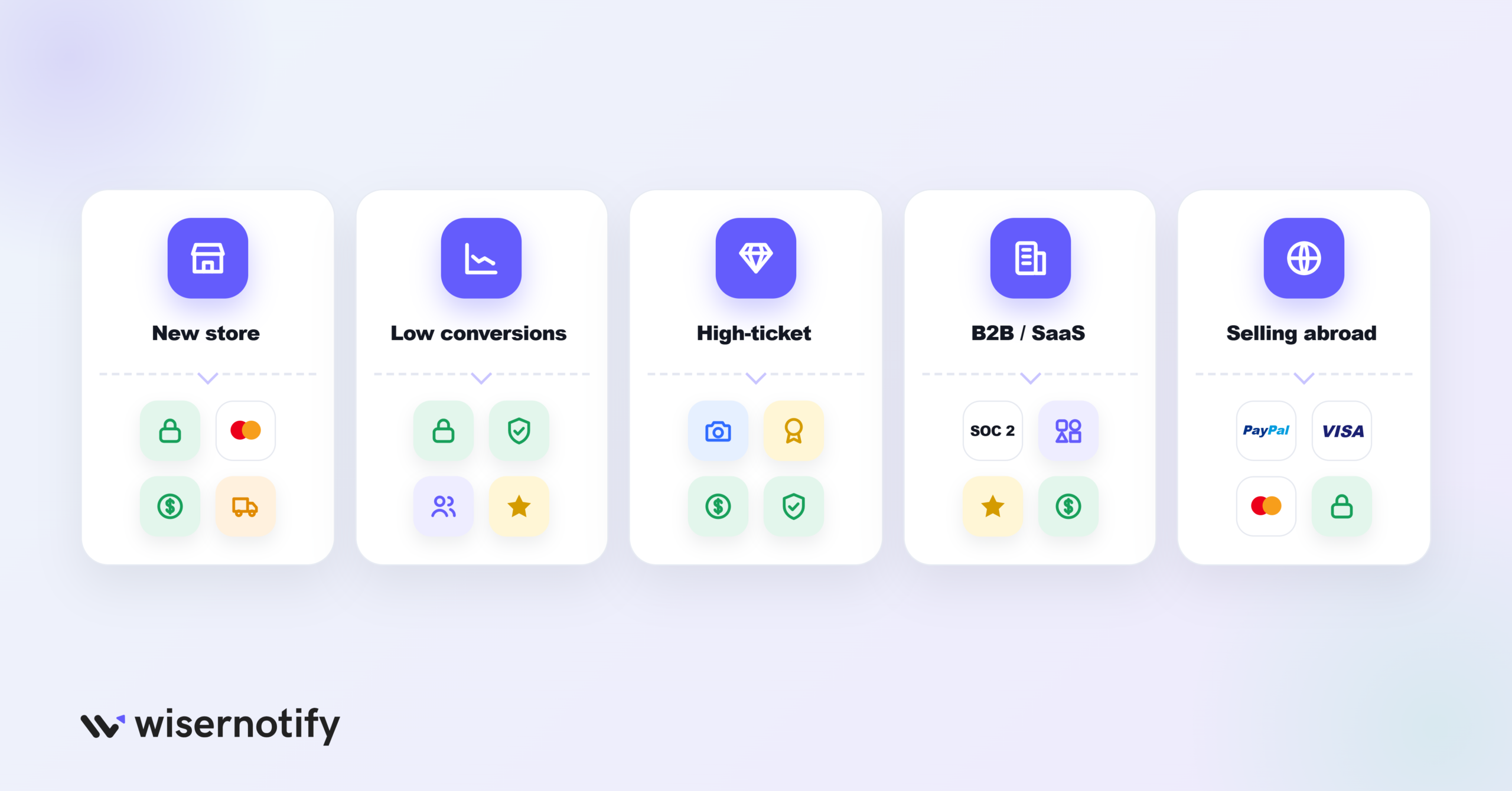
Not every store needs every badge. Prioritize by your situation.
New ecommerce store: Start with SSL, payment logos, a money-back guarantee and free shipping if you offer it. These four cover the core worries of first-time visitors.
Traffic but low conversions: Add secure checkout badges at checkout and social proof on product pages. Interested visitors who don’t buy usually don’t trust you enough yet. Inline social proof messaging next to the buy button helps here.
High-priced products: Layer signals: photo reviews, endorsements, longer guarantees and security badges. Higher prices mean more perceived risk.
B2B or SaaS: Focus on ISO or SOC 2 badges, client logos, G2 or Capterra ratings and satisfaction guarantees. B2B buyers care more about compliance and peer proof than payment security.
Selling internationally: PayPal and familiar payment logos matter most, because overseas buyers lean on payment brands they know.
Boost Conversion Instantly
Add Social Proof & Urgency to your website
Common Mistakes With Trust Badges
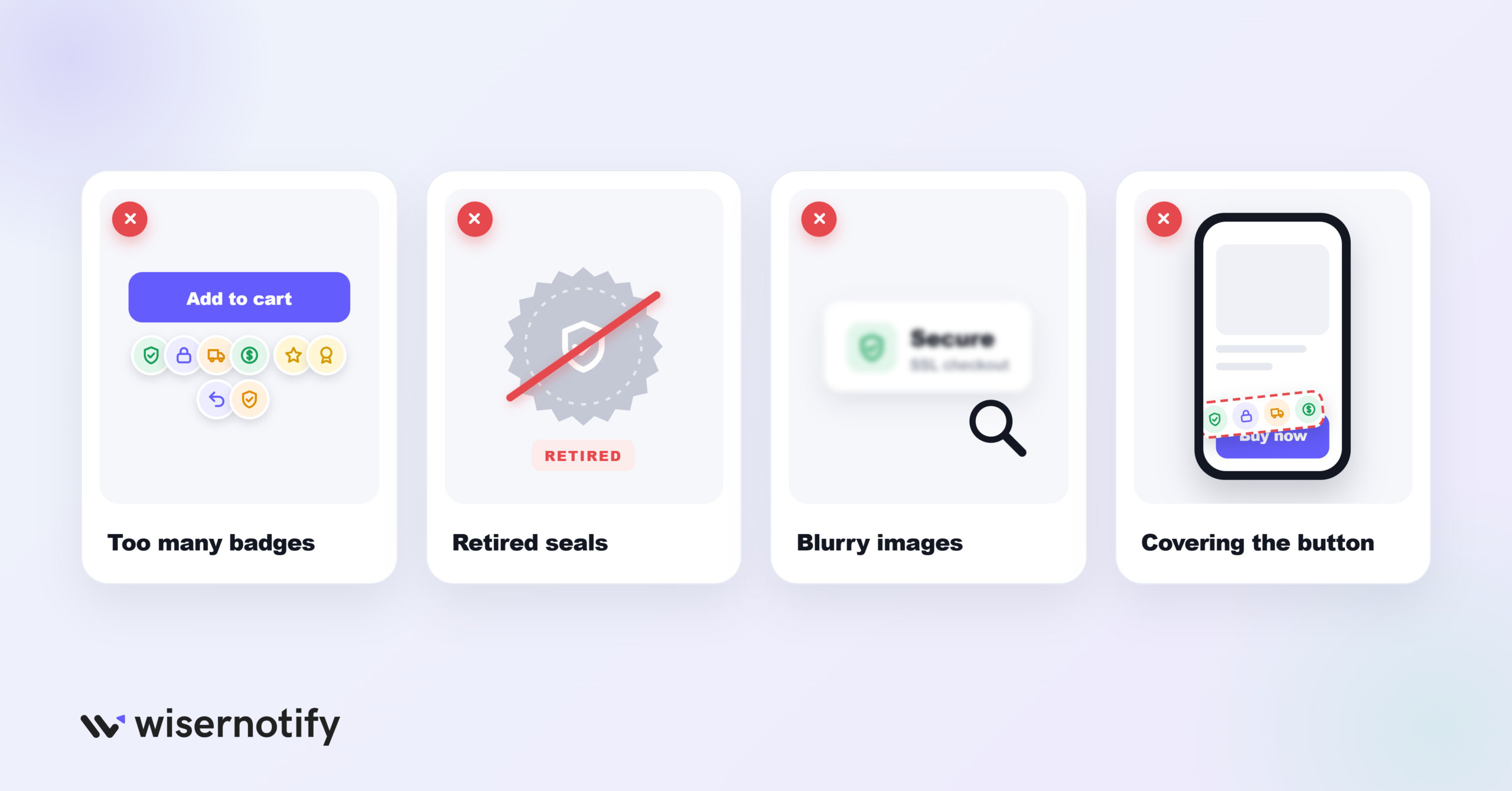
Using badges you haven’t earned. A BBB badge without accreditation, or a security seal without the certificate behind it, is deceptive and can be illegal. Show only badges you’ve earned or paid for.
Showing retired seals. Norton Secured, McAfee SECURE and Google Trusted Stores seals are all retired. An old seal tells visitors the site isn’t maintained.
Overloading pages. Five or six badges crammed under the checkout button look desperate. Two or three well-chosen ones per section work better.
Placing badges where nobody looks. A seal at the very bottom of the footer won’t help at checkout. Put your strongest badges next to payment forms, Add to Cart buttons and prices.
Blurry or outdated images. Low-resolution badges look fake. Use current, high-resolution versions, or SVG if the provider offers it.
Forgetting mobile. Most store traffic is on phones. Check that badges don’t overlap the buy button or push it off screen.
Not testing. Add badges one at a time and measure conversion. If a badge doesn’t help after a few weeks, move it or swap it.
Relying on badges alone. Badges can’t save a slow, broken or sketchy-looking site. They work as one layer alongside clear policies, social proof, good design and responsive support.
Wrap Up
Trust badges work when they answer the worry a visitor has on that page: shipping and returns on product pages, payment safety at checkout, and reputation on the homepage.
Start with a secure checkout badge, payment logos and a clear guarantee, place them where people hesitate, and test before adding more.
Frequently Asked Questions
What are trust badges?
Small icons or seals on a website, like a padlock, payment logos or a guarantee, that signal the site is safe and legitimate.
Which trust badges are most important?
A secure checkout badge, accepted payment logos and a money-back guarantee cover the biggest worries at checkout.
Where should trust badges go on a website?
Near the price and Add to Cart on product pages, next to the payment form at checkout, and in the footer sitewide.
How many trust badges should I use?
Two to four in any one spot. More than that looks cluttered and can lower trust.
Is the Norton Secured seal still available?
No. DigiCert replaced the Norton seal with its own site seal in 2023, so use the current DigiCert seal instead.

Krunal Vaghasiya is a marketing tech expert who boosts e-commerce conversion rates with automated social proof and FOMO strategies. He loves to keep posting insightful posts on online marketing software, marketing automations, and improving conversion rates.




 Capterra