
How to Embed Amazon Reviews in Systeme.io
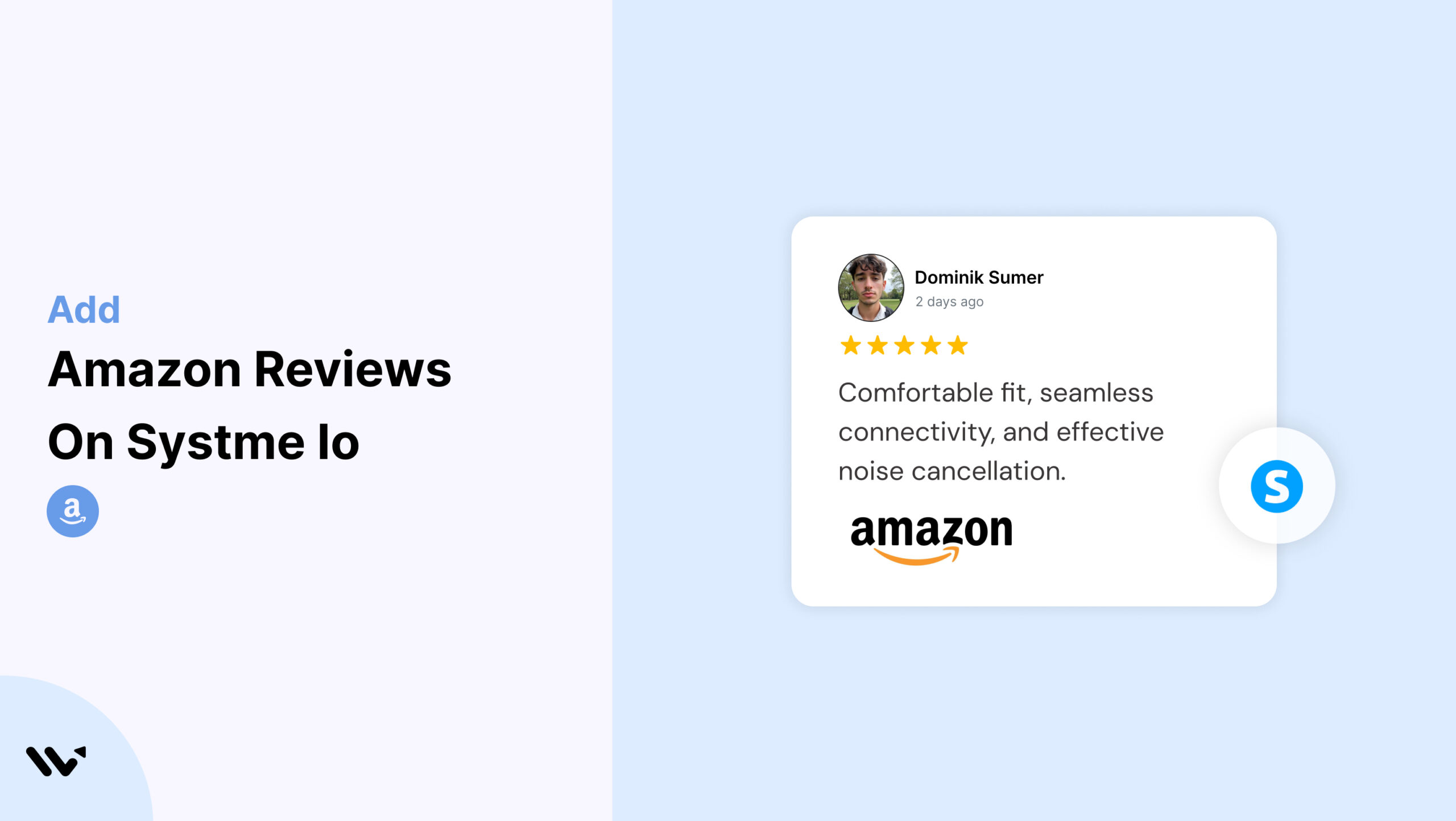
Systeme.io makes it easy to build sales funnels, capture leads, and sell products without complexity—but even the best funnel will fail if visitors don’t trust your offer. Amazon reviews help bridge that trust gap.
With Wisernotify, you can embed Amazon reviews directly into your Systeme.io pages. These reviews offer recognizable, verified feedback that builds social proof, improves conversions, and requires zero coding.
Why Add Amazon Reviews on Systeme.io?
Systeme.io streamlines online business building, but it lacks native options for third-party review integration. That’s where Amazon reviews shine.
Build Trust With Verified Testimonials: Amazon reviews carry strong credibility and help reassure new visitors. When you feature them on your landing pages or funnels, it instantly boosts trust.
Improve Funnel Conversions: Whether you’re collecting leads or making direct sales, adding reviews at key funnel stages—opt-ins, checkouts, or upsells—can significantly increase conversion rates.
Sync With Your Multi-Platform Strategy: If you’re promoting an Amazon product through Systeme.io, showing the same reviews across channels provides consistent messaging and trust.
Use Case Example
A digital entrepreneur uses Systeme.io to promote their top-rated productivity planner listed on Amazon. They embed Amazon reviews directly into their opt-in page to drive email sign-ups.
How to Add Amazon Reviews on Systeme.io


How to Embed Amazon Reviews on Systeme.io
After creating your Wisernotify review widget, follow these steps to add it to Systeme.io:
1. Log in to Systeme.io and open the page editor.
2. Select the page or funnel step where you want to embed reviews.
3. Drag and drop a Custom HTML block into your layout.
4. Click on the block and paste your Wisernotify code.
5. Save the page and preview your changes.
6. Publish when satisfied.
Best Practices for Showcasing Amazon Reviews on Systeme.io
Add Reviews Near Action Triggers
- Place them just above or below CTAs like “Sign Up Now” or “Buy Now”
- Include next to pricing blocks or benefits lists
- Use them near checkout forms to reduce drop-off
Match Widget Design to Funnel Theme
- Customize font, colors, and layout in Wisernotify to align with your Systeme.io color scheme
- Use carousel or single-column layout to preserve funnel focus
- Keep spacing consistent with other elements
Curate Reviews With Purpose
Choose Amazon reviews that:
- Reinforce your funnel promise (e.g., results, ease, reliability)
- Reflect the language and tone of your target customer
- Address objections or amplify benefits
Use Section Headers for Clarity
Guide attention with titles like:
- “What Amazon Buyers Are Saying”
- “Rated 5 Stars by Verified Customers”
- “Trusted by Thousands of Amazon Shoppers”
Common Mistakes to Avoid When Adding Amazon Reviews to Systeme.io
Leaving Reviews Without a Heading
Placing reviews on the page without context can confuse visitors. Always include a section title that makes it clear they’re authentic Amazon reviews.
Skipping Visual Integration
If your review widget looks visually disconnected from your funnel, it can hurt credibility. Match the styling to your Systeme.io brand theme using Wisernotify’s customization options.
Placing Reviews Too Low on the Page
Don’t make users scroll endlessly to find your trust signals. Keep your Amazon reviews above the fold or near key conversion triggers.
Displaying Too Many Reviews
Cramming 10+ reviews into one section slows page load and overwhelms visitors. Limit to 3–5 strong, curated testimonials and use carousel layout when needed.
Ignoring Mobile Preview
Systeme.io is mobile-responsive, but that doesn’t guarantee third-party widgets will look perfect. Use preview mode to check widget performance across devices.
Wrap-Up
Amazon reviews are a powerful trust asset for any Systeme.io funnel. With Wisernotify, embedding these reviews is fast, intuitive, and fully customizable. This small tweak can have a big impact on lead generation, checkout completion, and overall funnel ROI.
Add the reviews that matter most—right where they matter most.
Frequently Asked Questions
Can I display Amazon reviews directly inside my Systeme.io sales page?
Yes, you can embed Amazon reviews using third-party tools or custom HTML blocks to show social proof on your landing or product pages.
Does Systeme.io have a built-in feature to pull Amazon product reviews?
No, Systeme.io doesn’t offer a native integration for Amazon reviews. You’ll need to use external plugins or manual methods like embedding review widgets.
Is it legal to show Amazon reviews on my Systeme.io website?
Yes, but only if you follow Amazon’s guidelines. You must not edit reviews and should attribute them properly. Always avoid using fake or misleading reviews.
What’s the easiest way to add Amazon reviews in Systeme.io without coding?
You can use a no-code review widget provider that supports Amazon reviews. Copy their embed code and paste it inside a custom HTML block in Systeme.io.
Will adding Amazon reviews help boost sales on my Systeme.io funnel?
Yes, showing authentic Amazon reviews builds trust and can improve conversions by giving visitors social proof from real buyers.

Krunal Vaghasiya is a marketing tech expert who boosts e-commerce conversion rates with automated social proof and FOMO strategies. He loves to keep posting insightful posts on online marketing software, marketing automations, and improving conversion rates.




 Capterra