
Add Amazon Reviews to HubSpot CMS in 5 Minutes
 Krunal Vaghasiya|May 1, 2025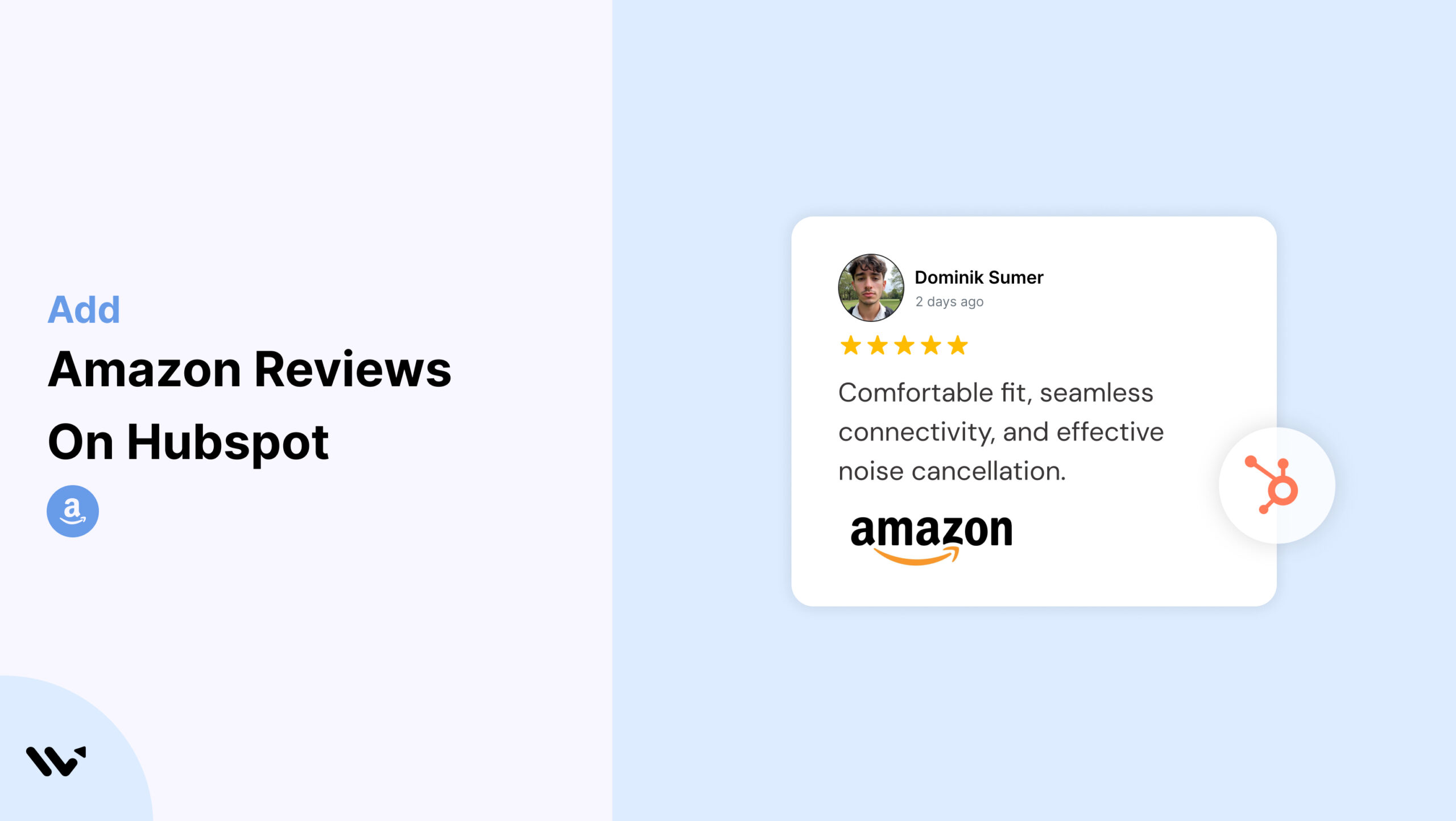
HubSpot CMS gives marketers the tools to build optimized, data-driven websites. But even with smart CTAs and forms, trust is the factor that truly drives conversions. That’s where Amazon reviews come in.
With Wisernotify, you can embed Amazon reviews on your HubSpot CMS pages to show real, third-party validation—boosting credibility and influencing purchase behavior, all without writing a single line of code.
Why Add Amazon Reviews on HubSpot CMS?
HubSpot excels at automation, personalization, and performance—but native review widgets are limited. Amazon reviews fill that trust gap with social proof that buyers recognize instantly.
Reinforce CTAs With Proof: Displaying Amazon reviews near HubSpot forms and CTAs reassures hesitant users and reinforces your value proposition.
Build Authority Without Adding Copy: Let satisfied Amazon buyers validate your offer so you don’t have to over-explain.
Align HubSpot Funnels With Amazon Reputation: If your HubSpot campaigns promote an Amazon-listed book, product, or course, embedding reviews connects the dots and builds trust faster.
Use Case Example
A brand promoting a lead magnet for their health guide on Amazon embeds real reviews on the HubSpot landing page to boost opt-ins.
How to Add Amazon Reviews on HubSpot CMS


How to Embed Amazon Reviews on HubSpot CMS
Once your Wisernotify Amazon review widget is ready, follow these HubSpot CMS steps:
1. Log in to your HubSpot account.
2. Go to Website > Website Pages or Landing Pages and select your target page.
3. Click Edit, and find the section where reviews should appear.
4. Drag and drop an Embed module (or use the Custom HTML module).
5. Paste your Wisernotify code into the module.
6. Preview your page, then Publish when satisfied.
Best Practices for Showcasing Amazon Reviews on HubSpot CMS
Add Reviews Near High-Impact CTAs
- Use reviews next to lead-gen forms, gated content buttons, or product CTAs
- Place under testimonials for reinforced credibility
- Feature above pricing or enrollment sections
Match Styling With HubSpot Theme
Customize Wisernotify to align with your theme:
- Use global fonts and brand color settings
- Adjust padding and borders to match your spacing grid
- Add responsive behavior across desktop, tablet, and mobile
Use Reviews That Reflect Buyer Intent
- Select Amazon reviews that address known objections
- Prioritize ones mentioning results, simplicity, or value
- Include testimonials that sound like your target persona
Label The Section With Strong Context
Titles help set expectations:
- “Trusted by Amazon Buyers”
- “What Readers Are Saying”
- “Rated 5 Stars on Amazon”
Use Compact Layouts for Performance
- HubSpot CMS performance is key for SEO. Use Wisernotify carousels or single-column formats to keep reviews clean and optimized.
Common Mistakes to Avoid When Adding Amazon Reviews to HubSpot CMS
Placing Reviews Below the Fold
When reviews are positioned too low, many users will miss them entirely. Ensure that the social proof appears early on the page, ideally before or near your key CTAs, to maximize visibility and impact.
Using Generic Reviews With No Connection
Amazon reviews that don’t directly support your product, service, or funnel messaging can confuse visitors. Choose testimonials that align clearly with your offer and audience expectations.
Ignoring Visual Consistency
A widget with mismatched fonts, colors, or layout can disrupt the visual flow of your page. Always tailor the Wisernotify widget to blend seamlessly with your HubSpot CMS template for a professional and cohesive look.
Forgetting to Preview on Mobile
HubSpot supports responsive design, but your embedded review widget must be manually reviewed on mobile breakpoints. Check for spacing issues, font scaling, and readability to maintain trust on all devices.
Overloading With Too Many Reviews
Overpopulating a section with reviews can cause cognitive fatigue and slow load time. Keep it concise with a curated set of 3–5 testimonials and use carousels for additional visibility without overwhelming the layout.
Wrap-Up
Amazon reviews help you turn traffic into trust on HubSpot CMS. With Wisernotify, you can show authentic social proof exactly where it matters—at the moment of decision.
Whether you’re driving form submissions, selling digital products, or promoting Amazon listings, this integration helps you boost credibility and conversion with ease.
Krunal Vaghasiya is a marketing tech expert who boosts e-commerce conversion rates with automated social proof and FOMO strategies. He loves to keep posting insightful posts on online marketing software, marketing automations, and improving conversion rates.




 Capterra