
AI Review Response: Examples & How to Reply With AI (2026)
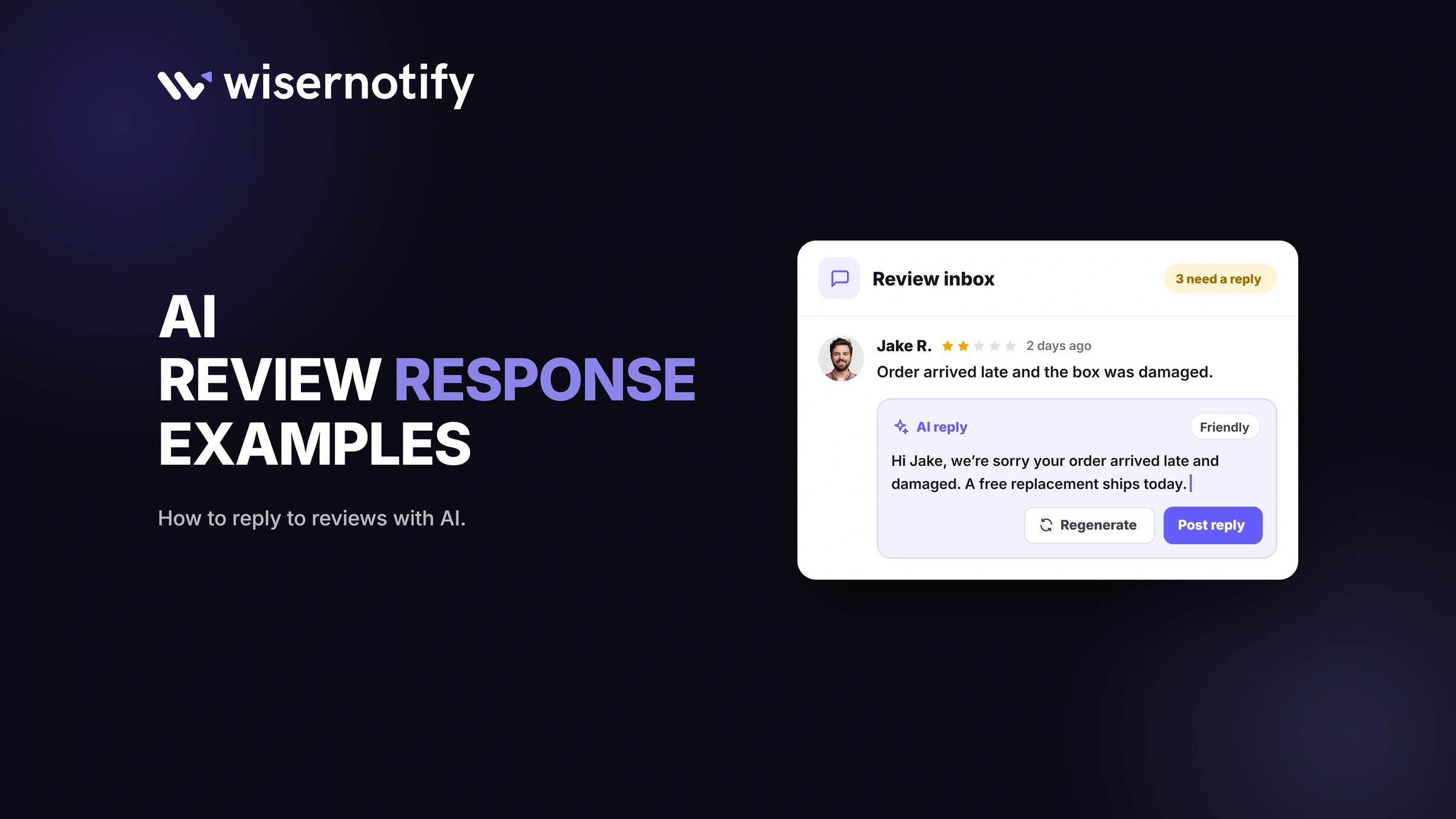
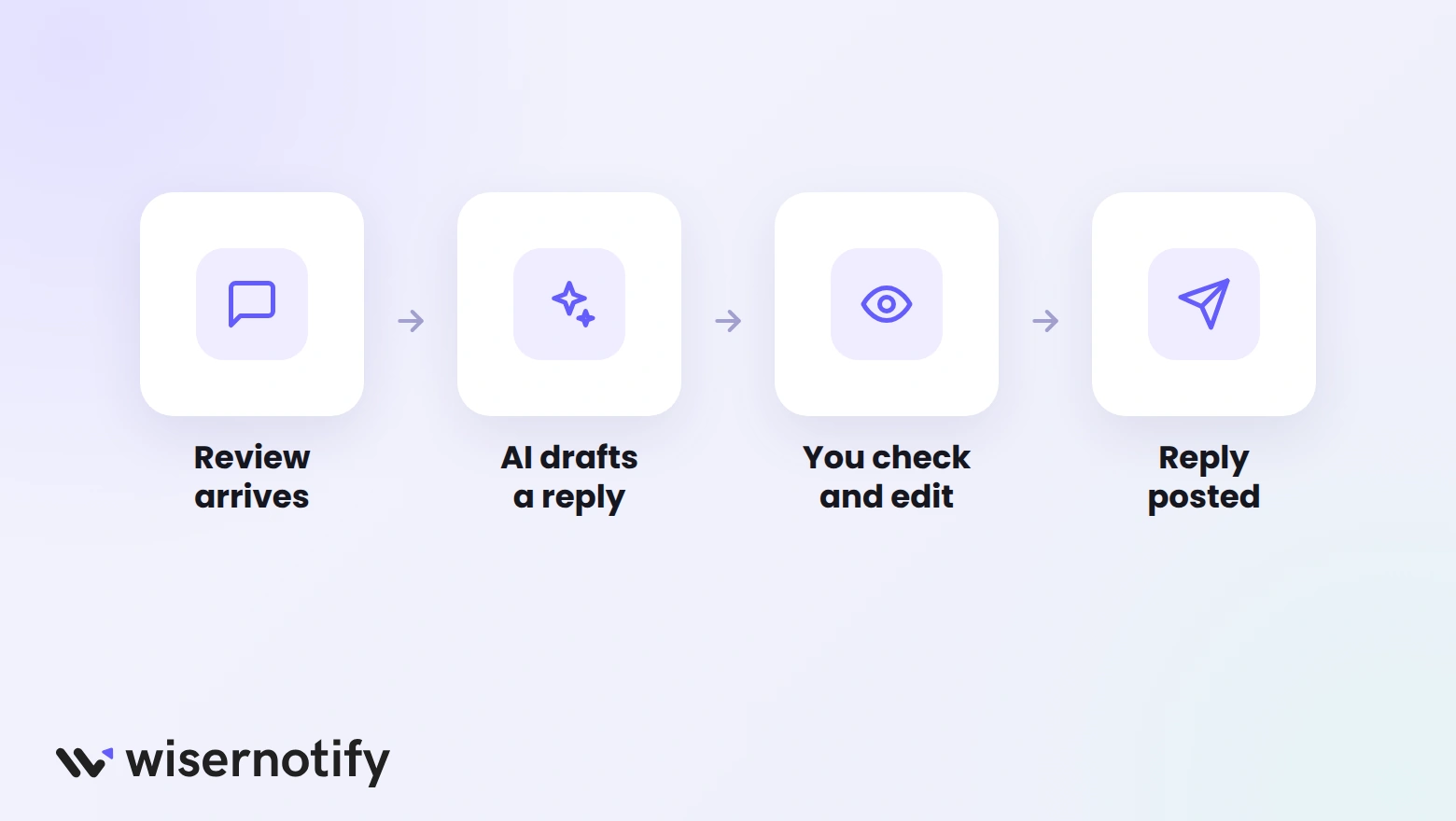
An AI review response is a reply to a customer review drafted by AI, then checked and posted by you. It lets you answer every review in minutes instead of hours, in a tone that fits your brand.
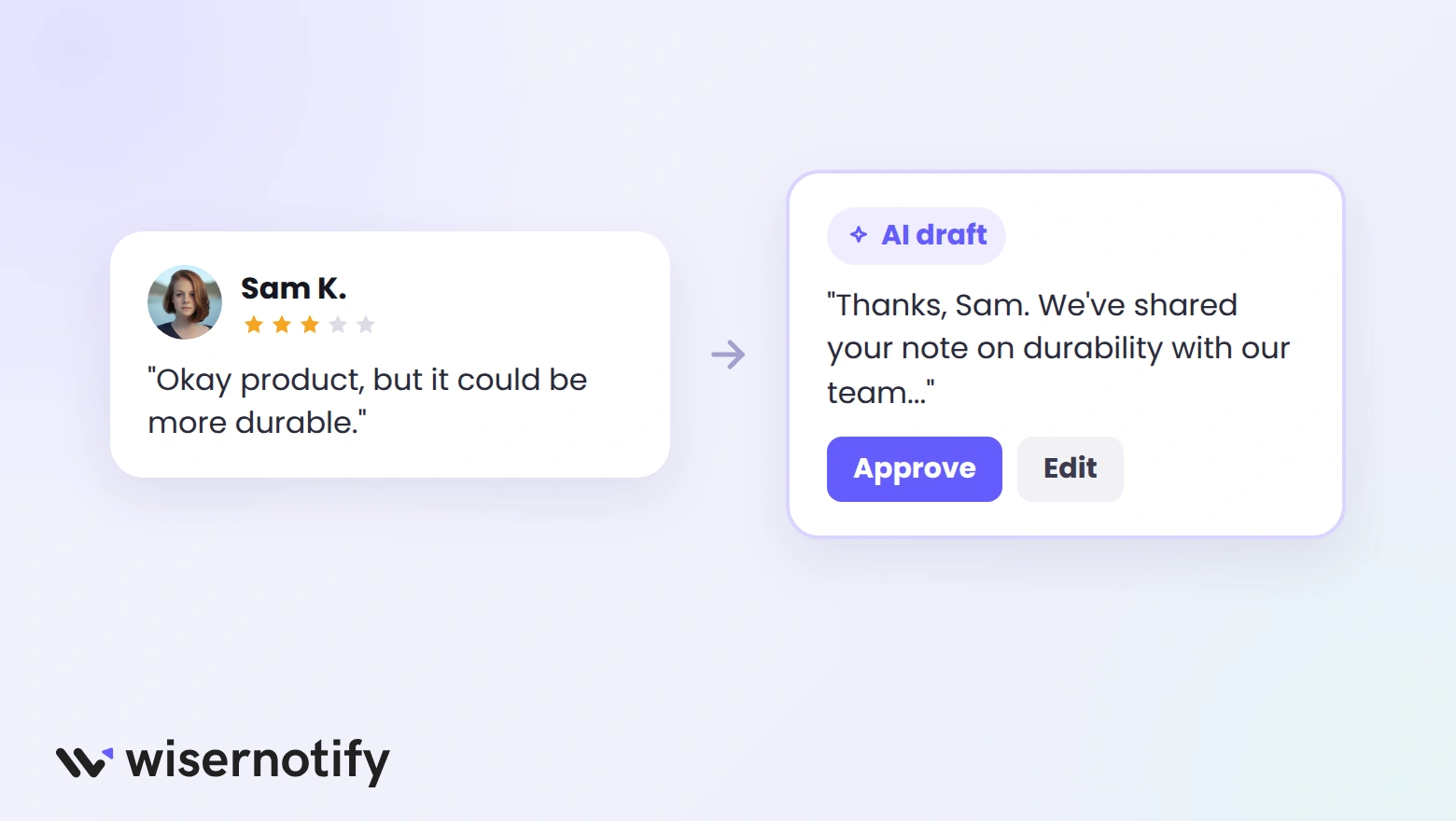
Here’s what a good AI-drafted reply looks like for a mixed review.
Review (3 stars): “The product is okay, but I feel it could be more durable.”
AI reply: “Hi Sam, thanks for the honest feedback. Durability matters to us, and we’ve shared your note with our product team. If anything wears out sooner than it should, reply here and we’ll make it right.”
Key takeaways
- AI is best at drafting replies. A person should still check anything below four stars.
- Set rules for each star rating so replies stay consistent.
- Good replies use the customer’s name and mention something specific from the review.
- Never offer refunds or freebies in public replies to win back a rating.
What Is an AI Review Response?
An AI review response tool reads a customer review, picks up its tone and main points, and drafts a reply.
You choose how much to automate. Some businesses post positive replies automatically and check the rest, while others approve every reply.
The goal is speed without losing the personal touch. Customers notice when a brand replies quickly, and future shoppers read those replies too. These online review statistics show how closely shoppers read reviews.
Why Reply to Reviews With AI?
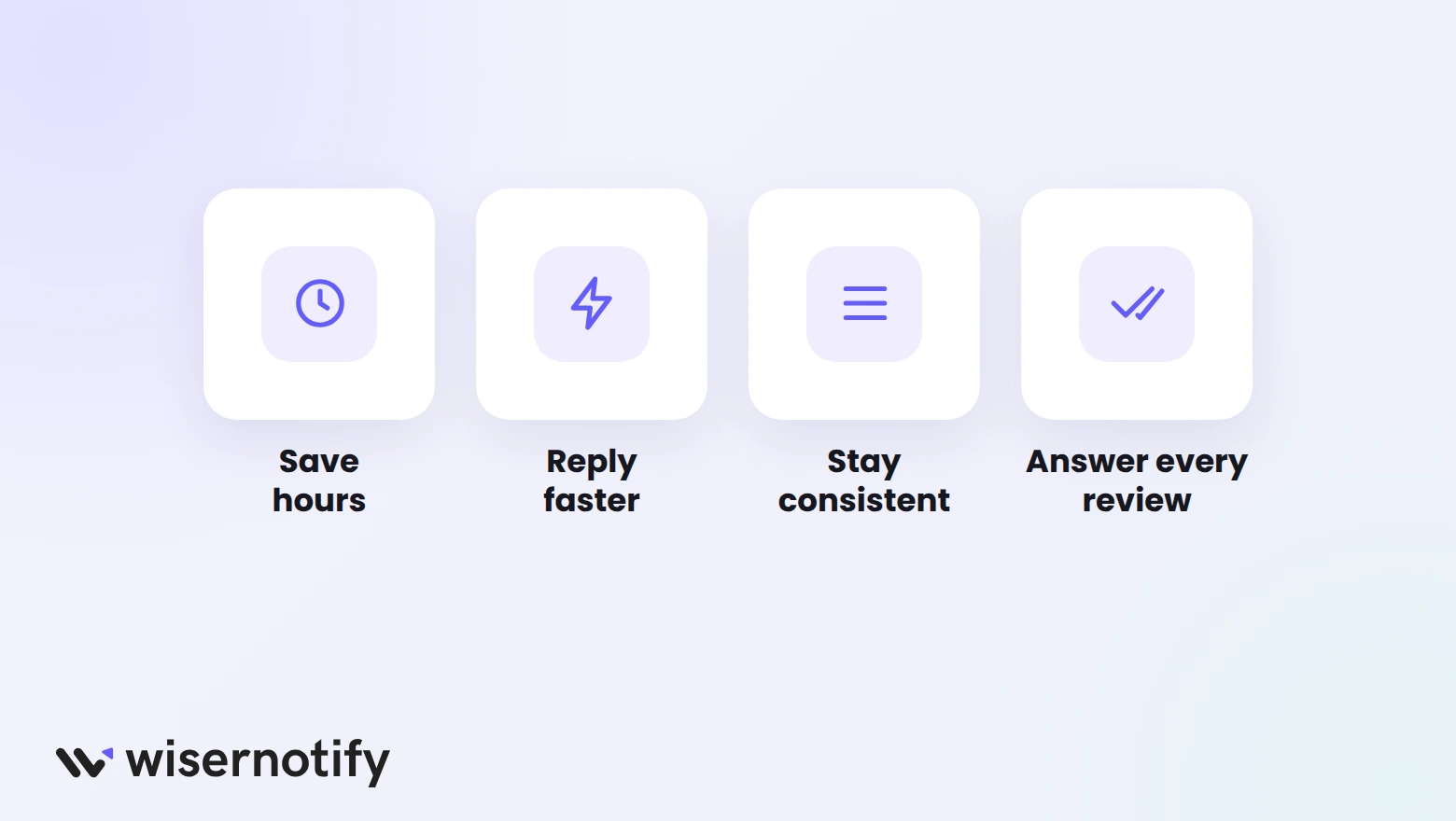
- Save hours each week: drafting replies by hand adds up fast once you get more than a few reviews a day.
- Reply faster: a draft is ready the moment a review comes in, so nothing sits unanswered.
- Stay consistent: every reply follows the same tone and rules, whoever on your team posts it.
- Answer every review: positive reviewers get thanked too, not just the unhappy ones.
Replying also closes the loop with customers. These customer feedback statistics show why that matters.
AI Review Response Examples
These example replies show what to aim for at each star rating. Use them as a starting point and adjust the details to your business.
5-Star Review
Review: “Fast shipping and the jacket fits perfectly. Already ordered a second color!”
Reply: “Thanks so much, Priya! We’re glad the fit was spot on, and great choice going for a second color. Enjoy both, and tag us when you wear them.”
Why it works: it mentions the fit and the second order, so it reads as a real reply, not a template.
4-Star Review
Review: “Great coffee, but the bag is hard to reseal.”
Reply: “Thanks, Leo! Happy you’re enjoying the coffee. You’re right about the bag, and resealable packaging is on our list. A clip works well in the meantime.”
Why it works: it agrees with the small complaint and gives a helpful tip instead of getting defensive.
2-Star Review
Review: “Order arrived three days late and nobody replied to my email.”
Reply: “Hi Dana, we’re sorry about the delay and the slow reply. That’s not the experience we want for you. Please email us at [email protected] with your order number, and we’ll sort it out today.”
Why it works: it apologizes once, names both problems, and moves the fix to a private channel.
1-Star Review
Review: “Product broke after one week. Waste of money.”
Reply: “Hi Marcus, we’re sorry it broke so quickly. That shouldn’t happen. Please contact us at [email protected] so we can look into it and help.”
Why it works: it stays calm and short, and doesn’t argue or promise anything in public.
For replies written for Google specifically, see these Google review response examples.
How to Reply to Reviews With AI
Step 1: Set Your Brand Voice
Decide how replies should sound, such as friendly, formal, or playful. Write down a few phrases you like and a few you never want to use.
Step 2: Set Rules for Each Rating
Choose which replies can post automatically and which need a check. Most businesses auto-post 4- and 5-star replies and review everything else.
Step 3: Connect Your Review Sources
Bring in reviews from your store and Google so the AI can draft replies for all of them in one place.
Step 4: Check and Personalize Drafts
Read each draft for lower ratings before it goes live. Add the customer’s name, fix any detail the AI got wrong, and make sure the next step is clear.
Step 5: Post and Track
Post the reply, then watch your response time and whether unhappy reviewers come back. Adjust your rules if replies start to sound repetitive.
Build trust & FOMO
Highlight real-time activities like reviews, sales & sign-ups.


Reply Rules for Each Star Rating
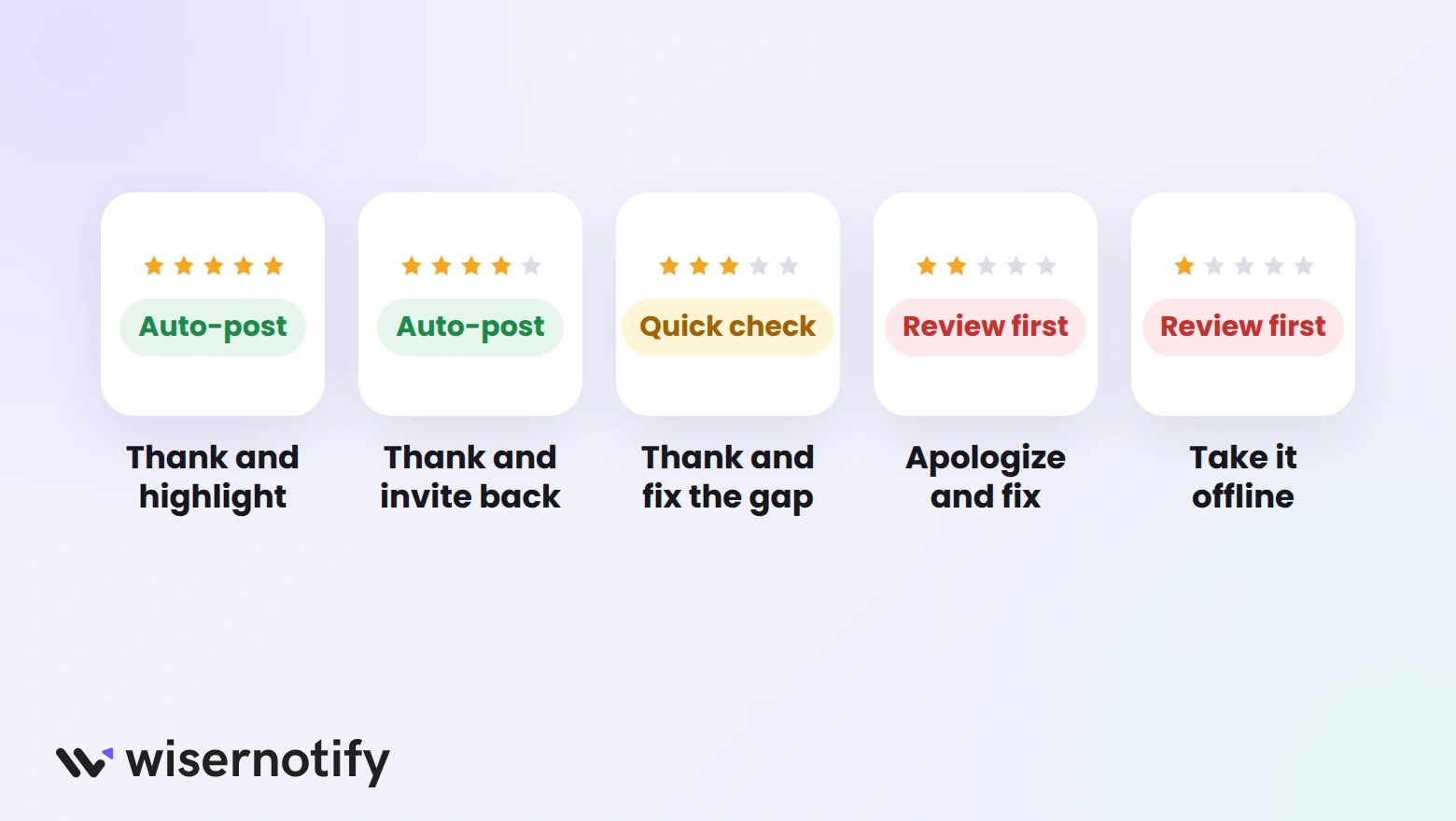
Clear rules keep AI replies consistent and safe. Here’s a simple setup most businesses can start with:
| Rating | Goal | What the reply should include | Posting |
|---|---|---|---|
| 5 stars | Thank and reinforce | Name, one specific detail, warm close | Auto-post |
| 4 stars | Thank and invite back | Thanks, nod to any small issue | Auto-post |
| 3 stars | Close the gap | Thanks, what you’ll improve, offer to help | Quick check |
| 2 stars | Recover the customer | Apology, the problem in their words, private contact | Review first |
| 1 star | Calm it down | Short apology, private contact, no arguing | Review first |
Best Practices for AI Review Replies
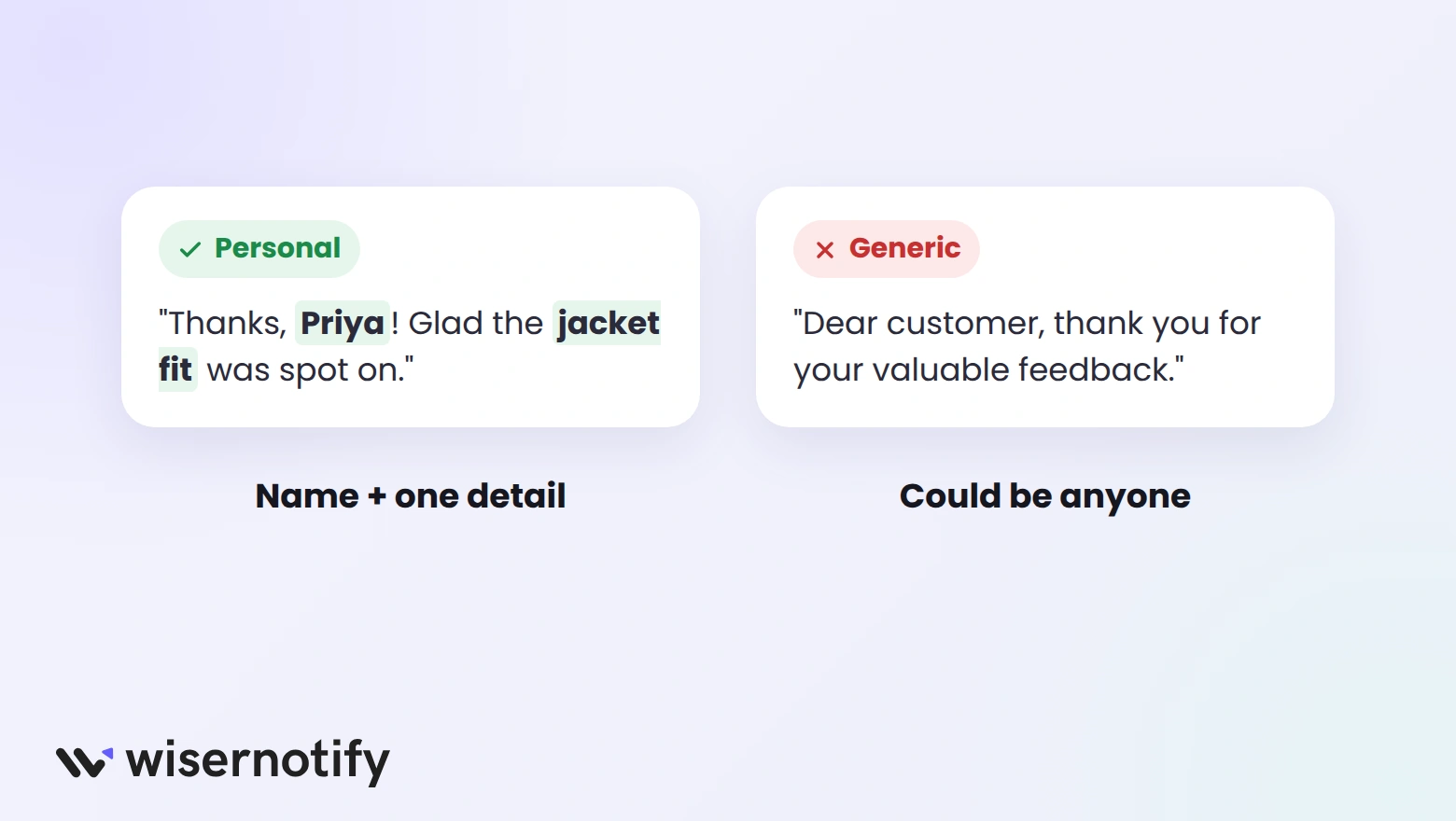
- Use the customer’s name: it’s the quickest way to make a reply feel personal.
- Mention one detail: reference the product, the issue, or something they praised.
- Keep it short: two to four sentences is enough for most replies.
- Vary your openings: if every reply starts with “Thank you for your feedback,” shoppers notice.
- Move problems offline: share an email or phone number instead of debating in public.
- Reply within a day or two: fast replies show you’re paying attention.
Mistakes to Avoid With AI Replies
- Auto-posting every reply: a wrong detail on a 1-star reply can make things worse.
- Offering refunds or freebies in public: it invites more complaints and can break review platform rules.
- Asking customers to change their rating: fix the problem, and let them decide.
- Ignoring what the reply promises: if you say “we’ll fix this,” make sure someone does.
How WiserReview Handles AI Replies
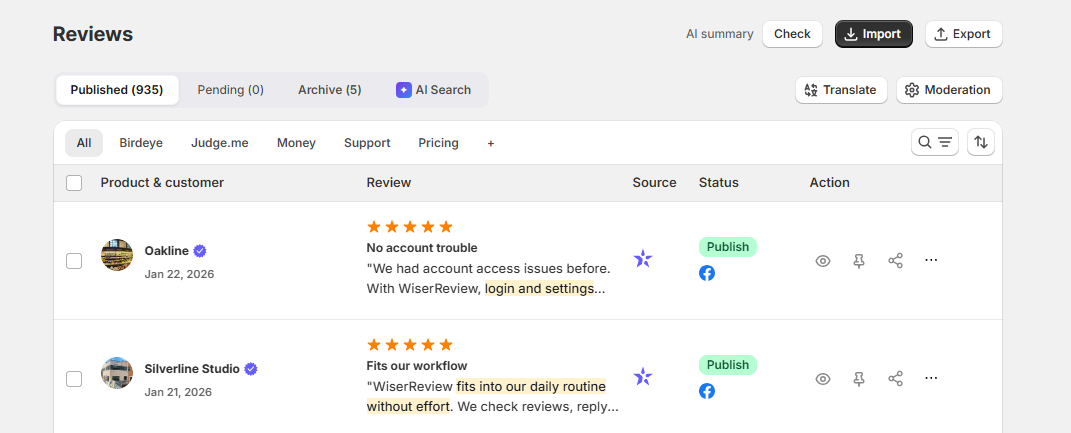
WiserReview drafts an AI reply for every review collected through your store, Google, and other channels. You can approve a draft as it is, edit it, or write your own.
- AI replies: drafts ready for every new review in your dashboard.
- AI summary and topic tags: see what customers mention most before you reply. More on that in our guide to review analysis.
- Translation: read and reply to reviews in other languages.
- Email notification: let the customer know when you’ve replied.
The AI tools come with the Pro + AI plan, from $23.25/month billed yearly, with a 7-day free trial.
What to Look for in an AI Review Reply Tool
- Drafts you can edit: not replies that post with no way to check them.
- Rules by rating: auto-post the good ones, hold the rest.
- Your brand voice: a way to set tone and phrases to use or avoid.
- All your review sources: store, Google, and other channels in one place.
- Languages: replies in the language the review was written in.

Boost Conversion Instantly
Add Social Proof & Urgency to your website
Wrap Up
AI makes it easy to reply to every review quickly. Let it draft, set clear rules for each rating, and keep a person in the loop for anything below four stars.
Customers will notice the fast, personal replies, and so will the shoppers reading them later.
Frequently Asked Questions
What is an AI review response?
It’s a reply to a customer review drafted by AI and checked by you before or after it posts.
Should AI replies post automatically?
Auto-posting works for 4- and 5-star reviews. Check replies to 3-star and lower reviews before they go live.
How do you make AI review replies sound personal?
Use the customer’s name, mention one detail from their review, and vary how each reply opens.
How fast should you reply to reviews?
Within a day or two is a good target, and AI drafts make that easy to hit.
Can AI reply to Google reviews?
Yes. Tools like WiserReview draft replies for Google reviews that you can edit and post.

Krunal Vaghasiya is a marketing tech expert who boosts e-commerce conversion rates with automated social proof and FOMO strategies. He loves to keep posting insightful posts on online marketing software, marketing automations, and improving conversion rates.




 Capterra